DWG VIEWER
Open your DWG drawing in the browser, without AutoCAD
View any DWG drawing straight in the portal. Pan and zoom, with no CAD software or AutoCAD licence needed by your client or contractor.
DWG IN THE BROWSER
Pan and zoom through the whole drawing
The DWG viewer opens your drawing straight in the portal and renders it in the browser. No install, no separate licence, just open and look. Because the viewer is self-hosted, your drawing stays inside your own environment.
- Pan and zoom on the complete drawing
- Works on the computer and on site, with pinch to zoom on your phone
- Self-hosted viewer, your drawing never leaves your environment
- Always the right version, linked to the project
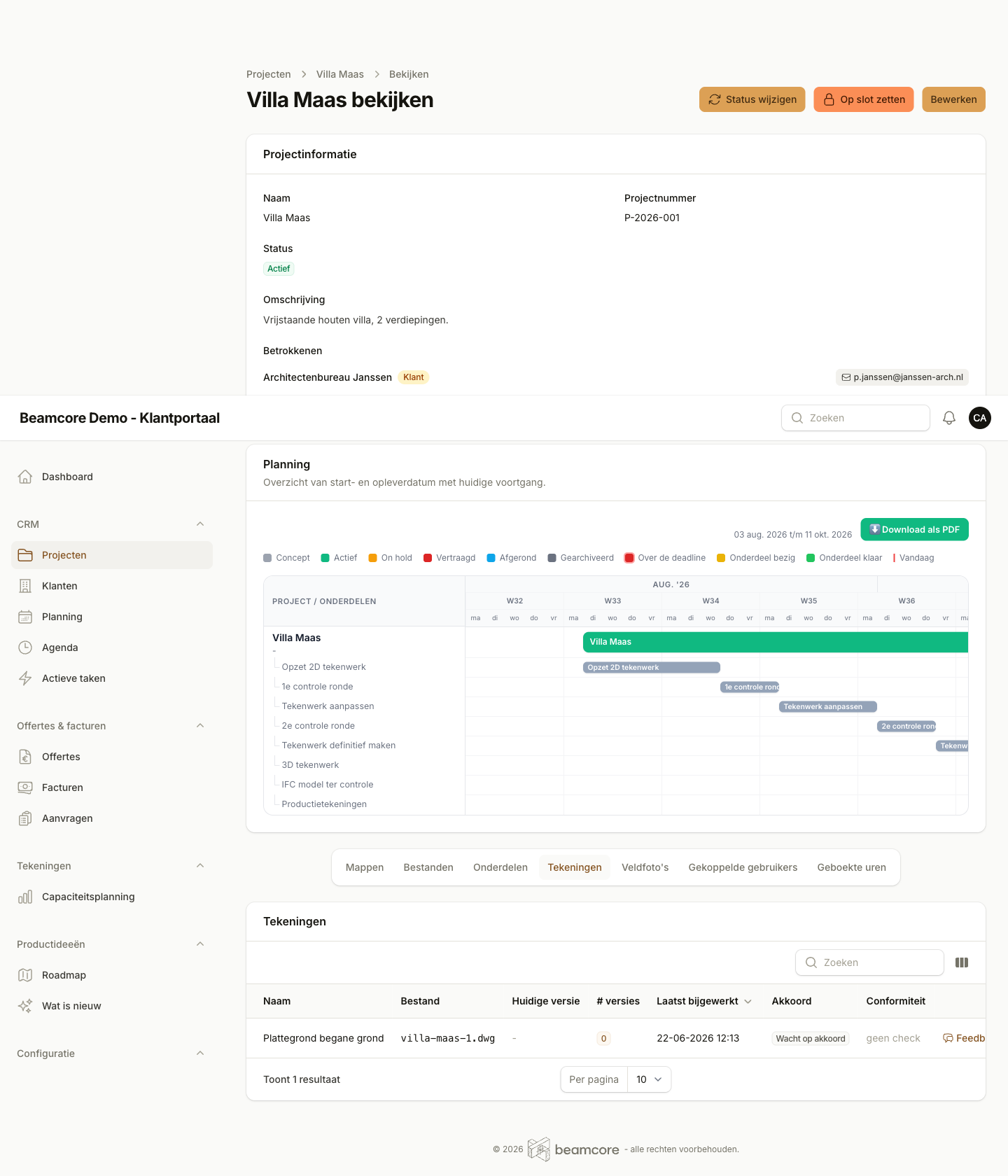
NO CAD LICENCE NEEDED
Everyone views the drawing, without software
Client, contractor and drafter open the same DWG in the browser, without AutoCAD or any other CAD install. Anyone who still wants the file locally downloads the original DWG with one click.
- View without CAD software or an AutoCAD licence
- The original DWG stays downloadable for anyone who wants to open it locally
- A clear message when a drawing cannot be read, instead of a blank screen
- The same view for everyone who belongs to the project
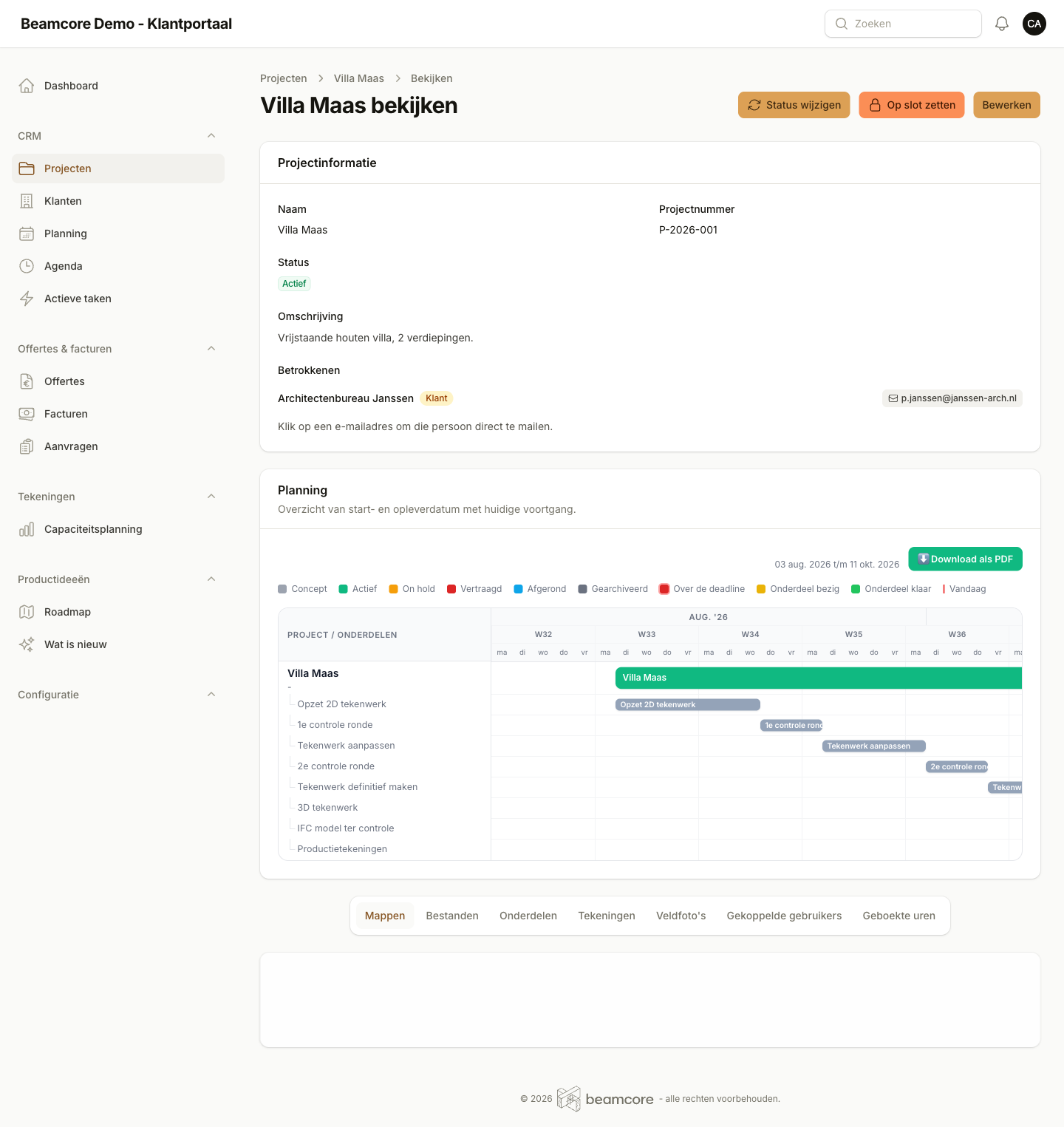
TOGETHER ON THE SAME DRAWING
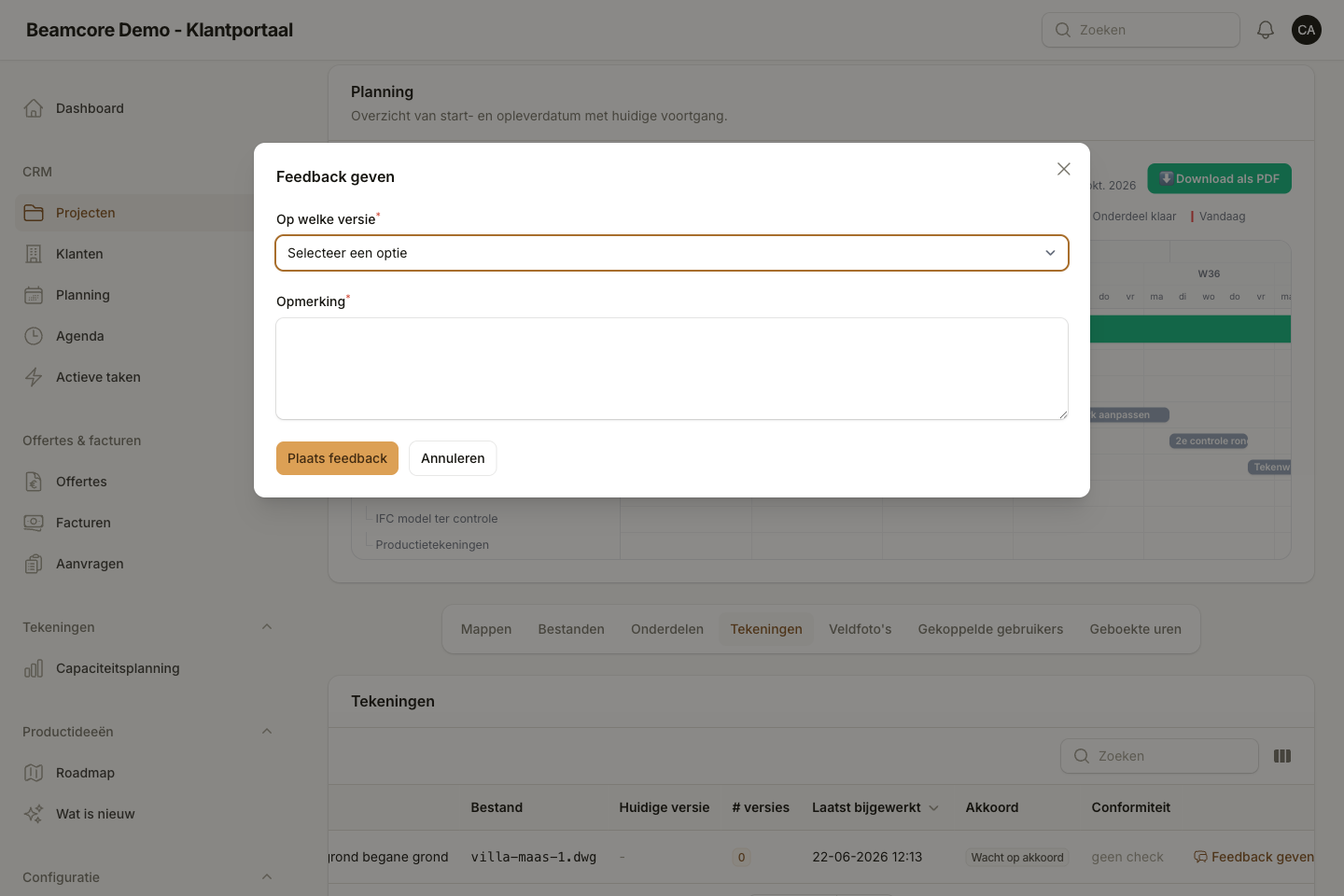
Feedback and versions, on your DWG too
The DWG drawing belongs to the same project as your IFC model and documents. Feedback, versions and approval work the same way, so everyone works on the current state.
- Drawing, model and documents together per project
- Immutable versions, never any doubt about the right state
- Feedback in context, answered directly by your drafters
- Notifications when a new drawing or version arrives
Frequently asked questions about the DWG viewer
See the DWG viewer in action
Discover in a personal demo how you bring your drawings, model and feedback together in a portal with your own branding.