DWG VIEWER
Open your DWG drawing in the browser, without AutoCAD
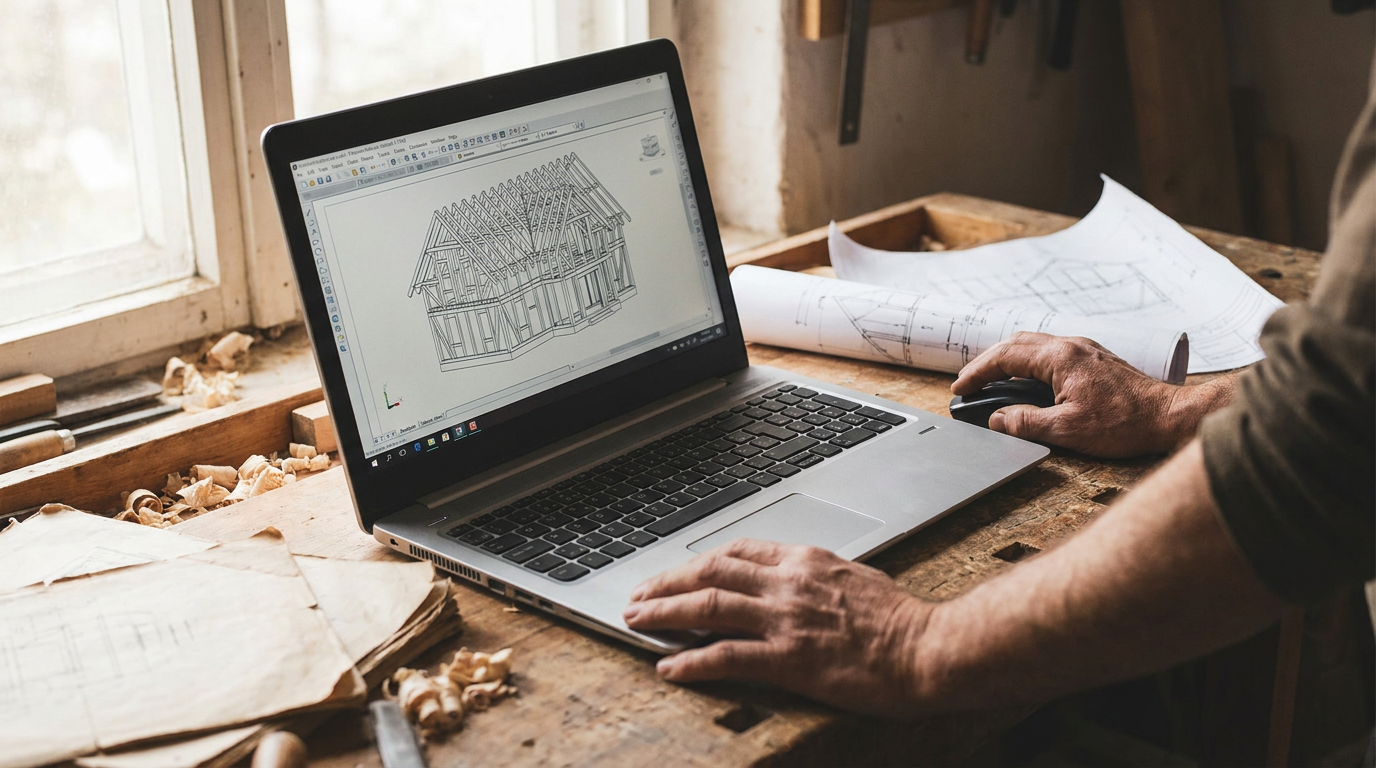
View any DWG drawing straight in the portal. Switch layers on and off, measure distances and areas and put your comments on the drawing, with no CAD software or AutoCAD licence needed by your client or contractor.
DWG IN THE BROWSER
Model space and every layout, right in the browser
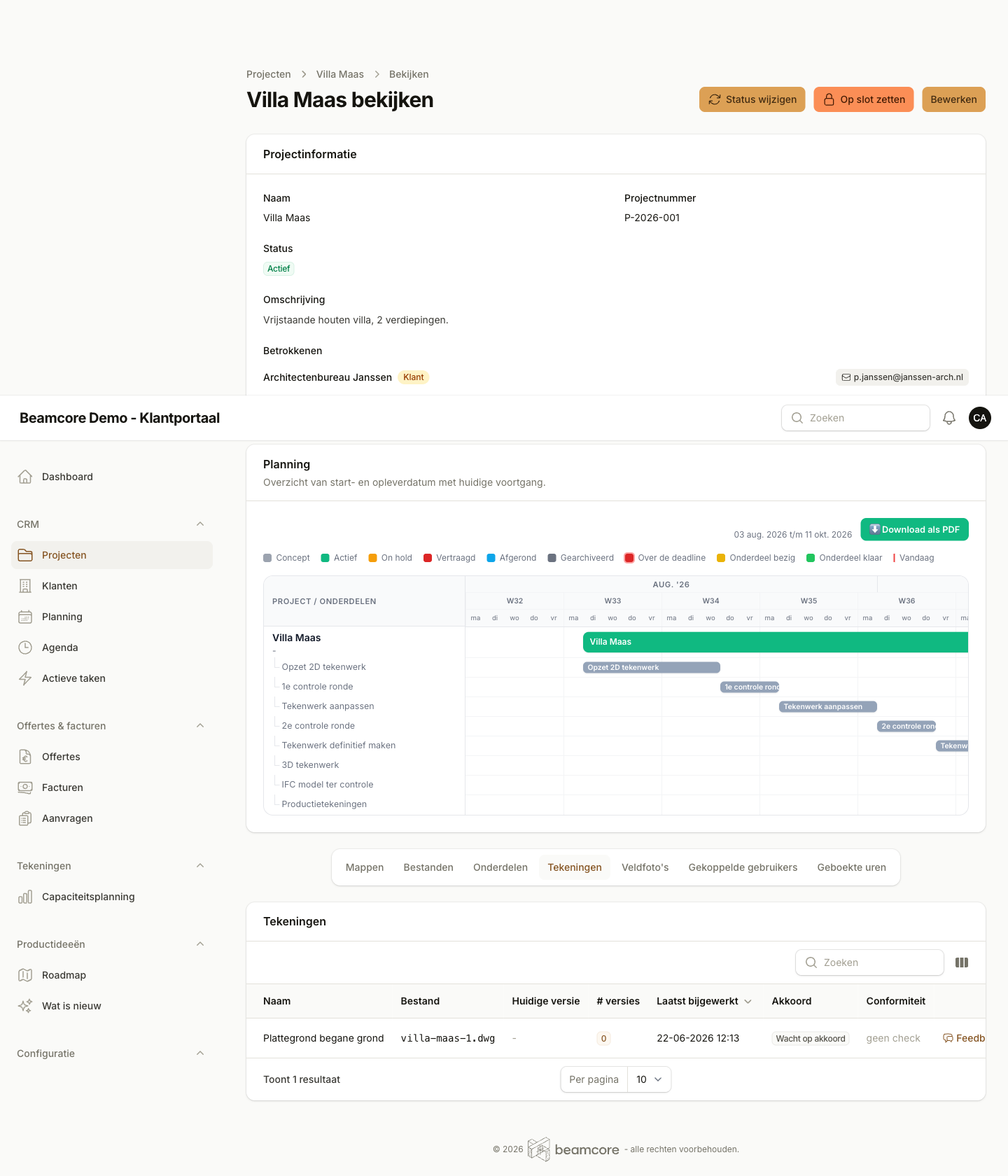
The DWG viewer opens your drawing straight in the portal and renders it in the browser. No install, no plugin and no separate licence. You switch between model space and every layout in the file. The original DWG always stays as it is.
- Model space and all layouts, with a thumbnail per view
- Pan, zoom to a window or selection and fit to the screen
- Works on the computer and on site, with pinch to zoom on your phone and in the app
- Bookmarks for places you often return to
- Download the original DWG or save the current view as an image
LAYERS AND MEASURING
Layers on and off, and measure right on the line
Switch layers on or off one by one, search a layer by name or show only the layer you need. The viewer remembers your choice for next time. When measuring, the cursor snaps to endpoints, midpoints and intersections, so you measure right on the line.
- Layers on and off, show only this layer and back to the state saved in the file
- Measure distance, running length, area and angle, in mm, cm or m
- Snap to endpoint, midpoint, centre, intersection, perpendicular and nearest point
- Click an object for its layer, colour, linetype and dimensions, or work with commands like in AutoCAD
COMMENTS ON THE DRAWING
Your comment exactly where it matters
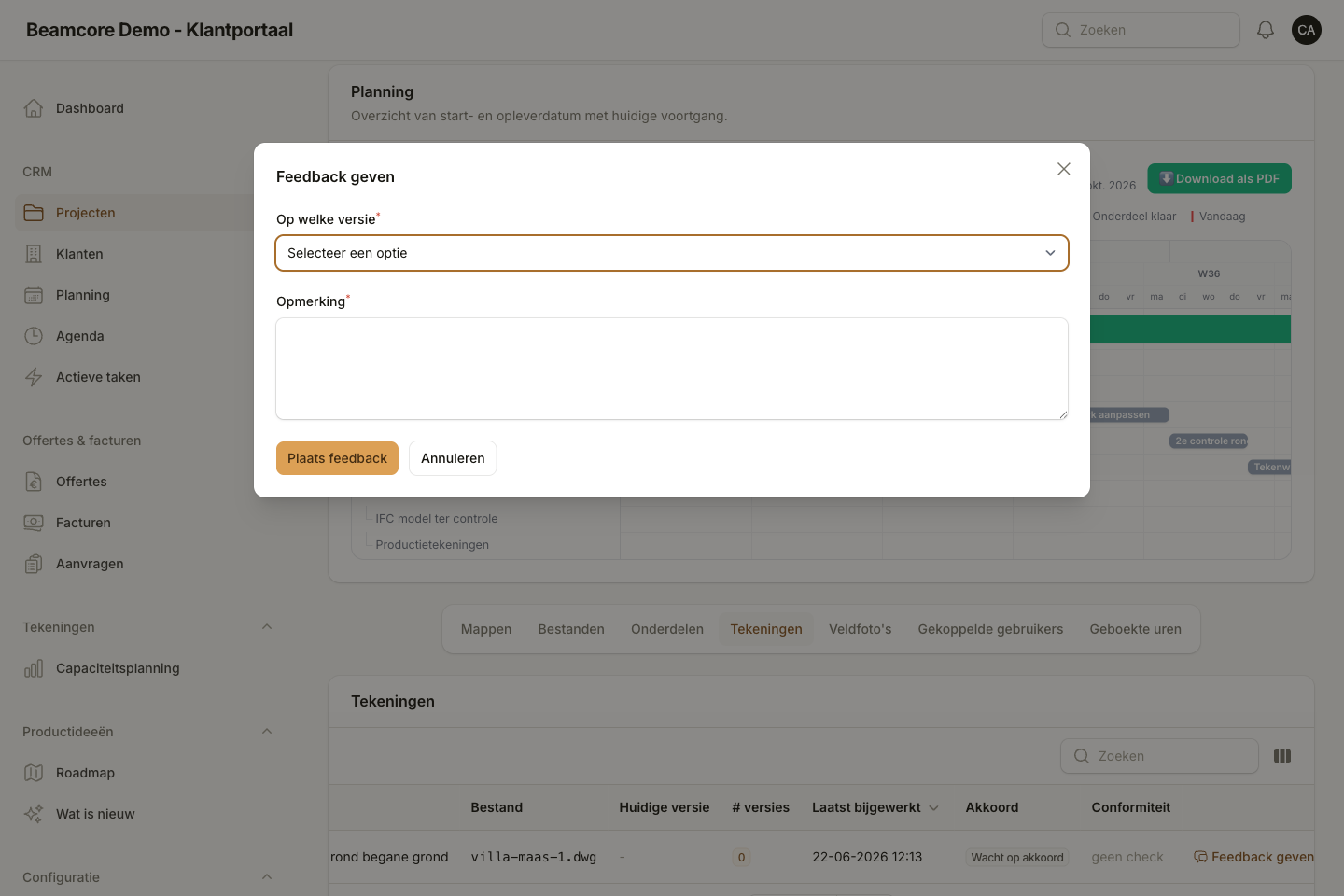
Pin a comment on a point, highlight an area or draw a rectangle, circle, line or arrow. Every comment gets a number and a status, so you see what is still open and what is done. In the project files you send your comments to the project in one go, and everyone can reply.
- Text comment, area highlight and shapes such as rectangle, circle, line and arrow
- Numbered list with a status: open, in progress or resolved
- First as a draft, then in one message to the project members
- Comments belong to the current version, with a clear label on another version
Frequently asked questions about the DWG viewer
See the DWG viewer in action
Discover in a personal demo how you bring your drawings, model and feedback together in a portal with your own logo.