
BEAMCORE ACADEMY

New people productive fast, with short courses and a certificate

In the Beamcore Academy you and your employees learn Beamcore in short courses per topic. Whoever completes a course earns a certificate. So a new work planner, scheduler or production worker gets up to speed faster, without a colleague having to sit next to them all the time.

SHORT COURSES

Learn in short steps, at your own pace

Each course covers one topic in short lessons, with the screens as you see them in Beamcore. You follow a lesson when it suits you and later continue where you left off.

  • A separate course per topic, to follow on its own
  • Explained with the real screens
  • For new employees and for anyone who wants to relearn a part

TOPICS

From planning to invoice

The courses follow the work in a timber frame company, from the first planning to the last invoice.
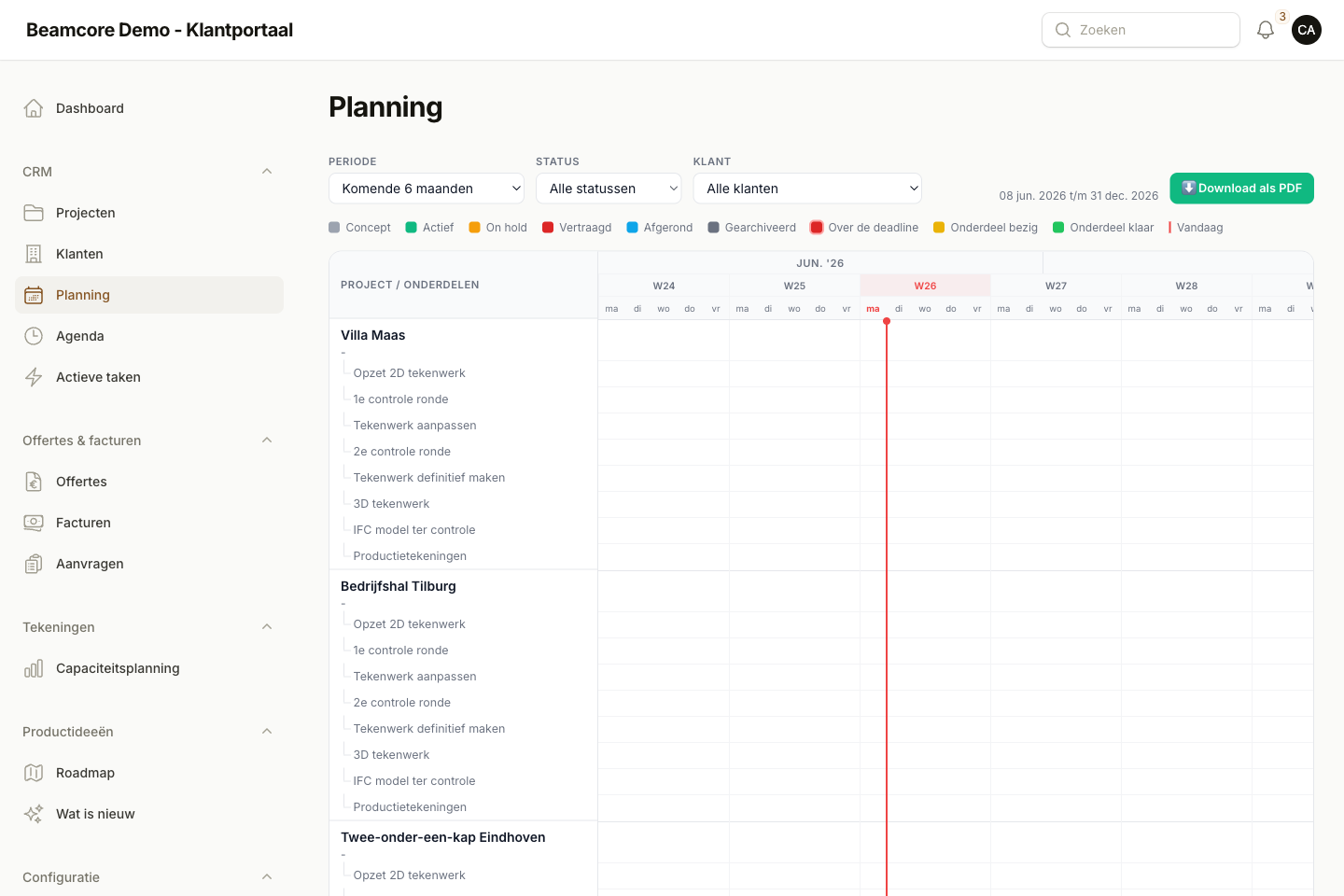
  • Planning: scheduling projects, phases and capacity
  • Production: from IFC model to production drawing and production planning per table
  • Loading and transport: dividing elements over racks and trucks and loading with scanning
  • Stock: importing the timber list, reserving and ordering
  • Invoicing: quotes, invoices and the link with your accounting

CERTIFICATE

A certificate as proof

Whoever completes a course earns a certificate in their name. So you see at a glance who masters which part of Beamcore and who could still learn more.
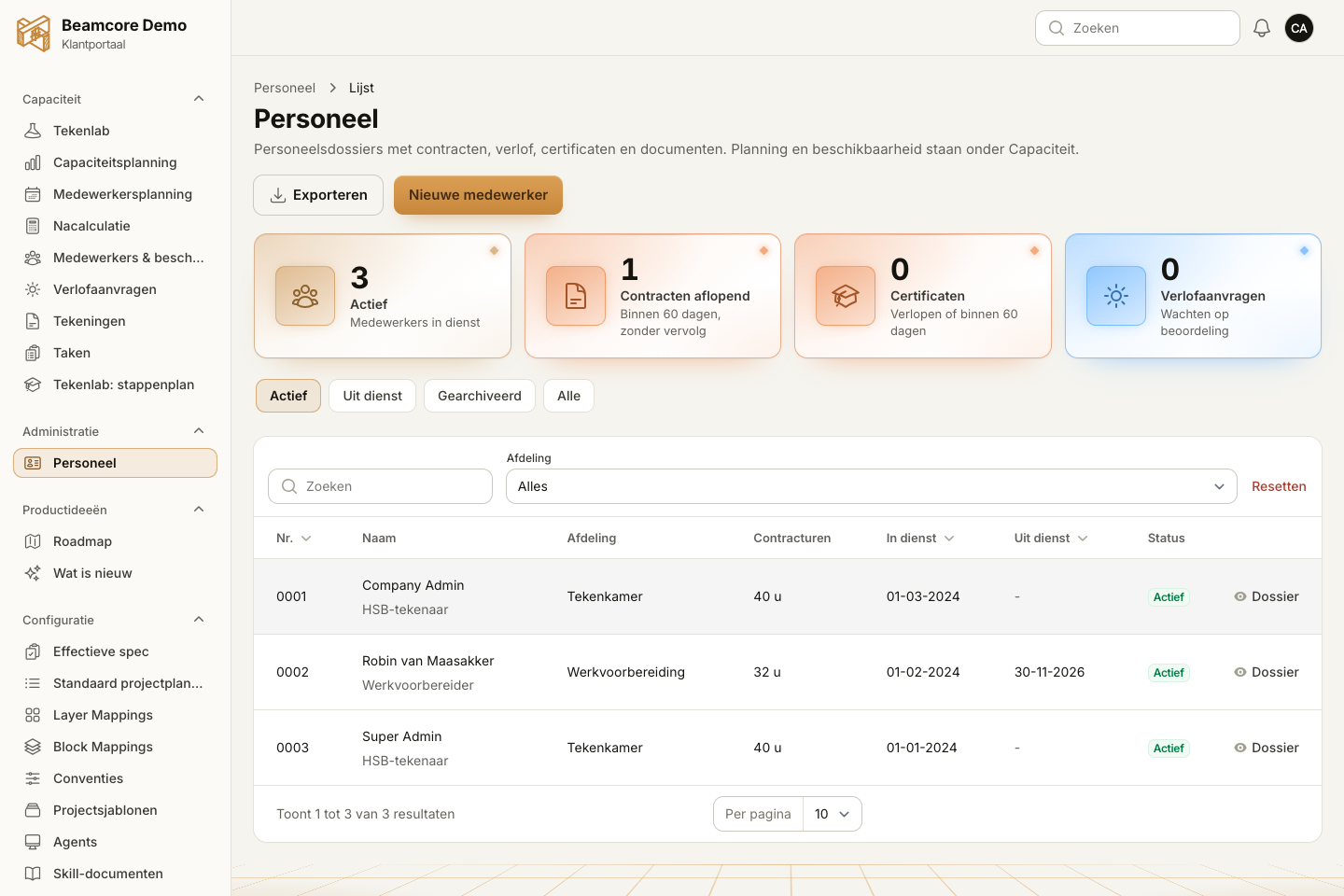
  • One certificate per completed course
  • Useful for onboarding and for dividing tasks

DRAWING LAB

Beamcore learns how you draw

The Drawing Lab (Tekenlab) is already part of the Academy. Per project you upload the architect's drawing and your finished 2D drawing. The AI interprets the layers of the drawing, asks questions about your way of working and makes a proposal for the construction, such as stud sizes, roof pitch and details.

  • A six-step guide, from preparation to validated case
  • You check what the lab recognised and validate what is right
  • You answer the lab's questions in Beamcore itself

WALL ASSEMBLIES

Your own wall assemblies on record

The wall assemblies are in the Academy too. Per assembly you record a short code, the name, interior or exterior wall, load-bearing or not, the total thickness and the layers. With the layer name from your drawing software, the Drawing Lab recognises which assembly a drawn wall has.
  • One list with your company's assemblies
  • Can be linked to a building system
  • New employees see straight away which assemblies you work with

WHY IT WORKS

Less onboarding time, more independence

01

Productive fast

A new employee learns the part they need, in short lessons.

02

Less showing

Experienced colleagues don't have to explain every step again.

03

Certificate in their name

You see who masters which part.

04

Your way of working

With the Drawing Lab and wall assemblies, Beamcore also learns how your company draws and builds.

Frequently asked questions

For everyone who works with Beamcore: work planners, schedulers, production, transport and administration. New employees in particular benefit from it.
Planning, production, loading and transport, stock and invoicing. The Drawing Lab and the wall assemblies are also part of the Academy.
Whoever completes a course earns a certificate in their name for that topic.
The Drawing Lab and the wall assemblies are already in Beamcore, under the Beamcore Academy menu. The courses become available topic by topic. In a demo we show what is ready now.

Get new people started faster?

Book a demo and see how the Beamcore Academy onboards your team.