01
From your own data
Invoices, quotes, purchasing, planning and post-calculation are already in Beamcore. You never enter anything twice.
FINANCIAL CONTROL AND SALES
In a timber frame company, money is tied up in running projects, quotes and orders. Beamcore works with what is already in the platform: invoices, instalments, quotes, purchasing, planning and post-calculation. That way you see in time where the money is going, whether a quote earns enough and which orders are coming.
CASH FLOW FORECAST
The Cash flow forecast lists the expected balance per week for 26 weeks, with tiles, a chart and a table. Click a week to see which items are in it. If a week drops below zero, a warning appears at the top. The forecast only reads: nothing changes in your invoices or orders. It is included in every plan, without an add-on.
PROGRESS INVOICING
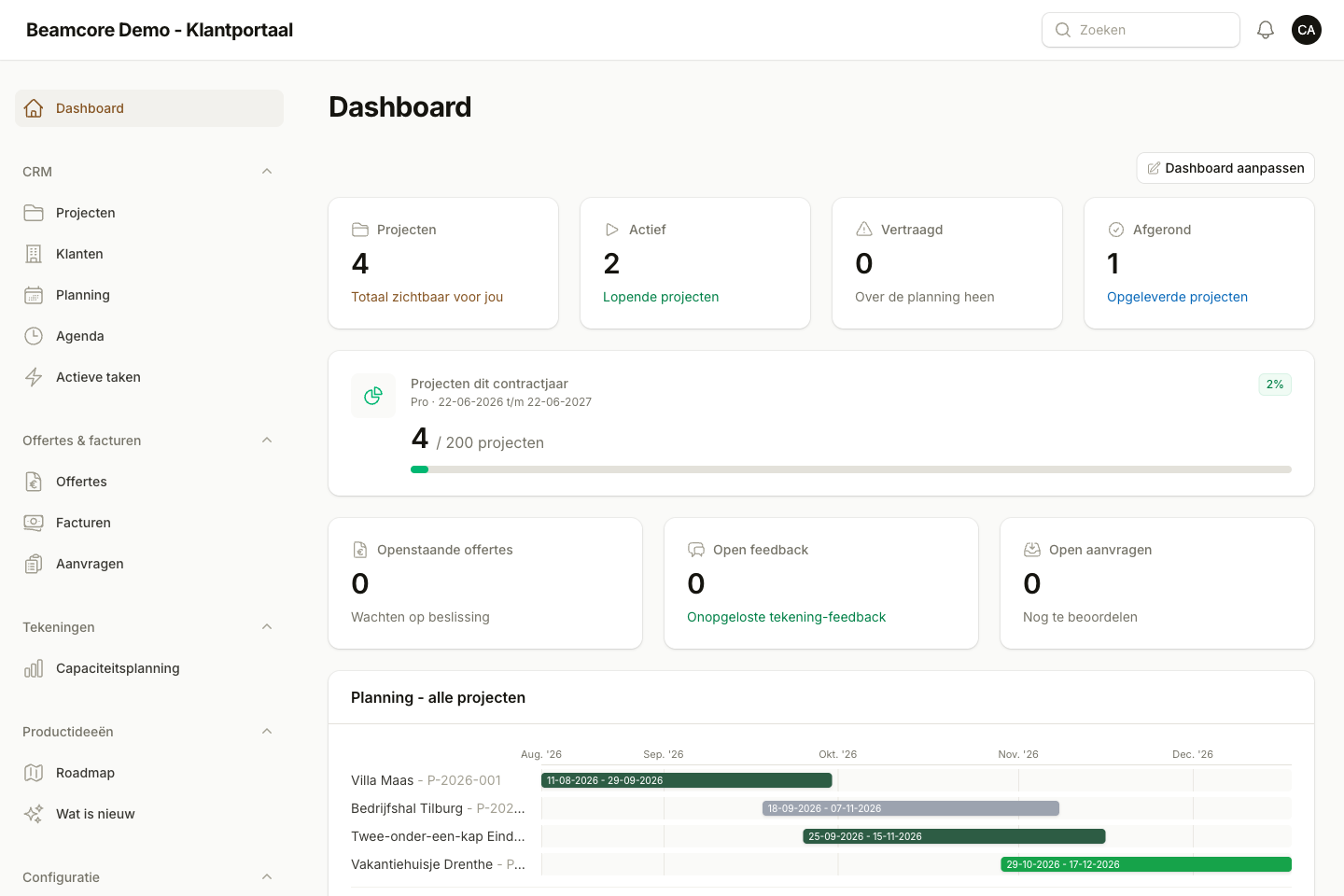
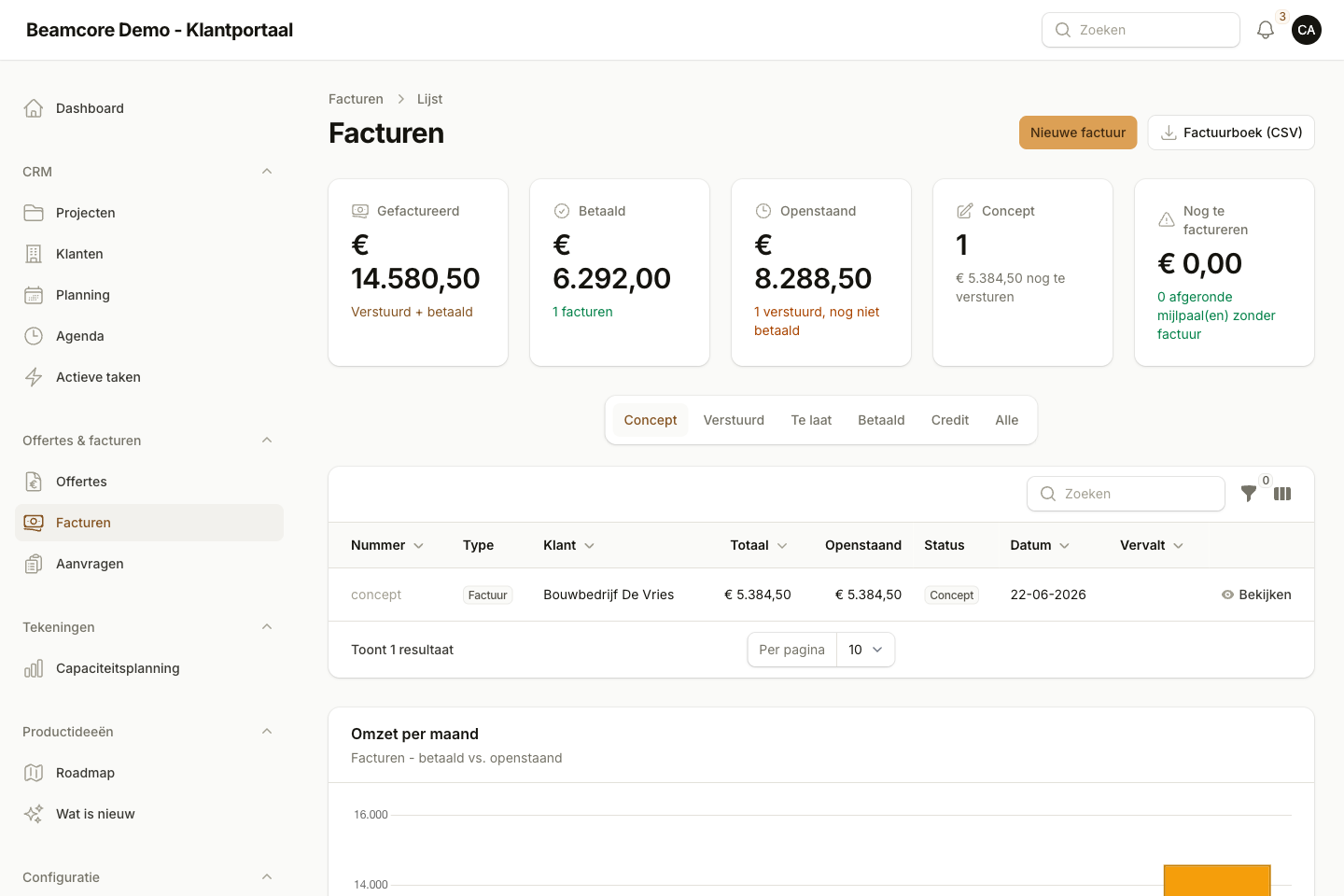
For each project you set up an instalment schedule. Each instalment has a description, an amount or a percentage of the contract value, and a moment at which it is invoiced. When that moment is reached, Beamcore creates a draft invoice and you get a notification. You send it yourself. Progress invoicing is part of the Quotes and Invoicing add-on (59 euros per month).
MARGIN CHECK
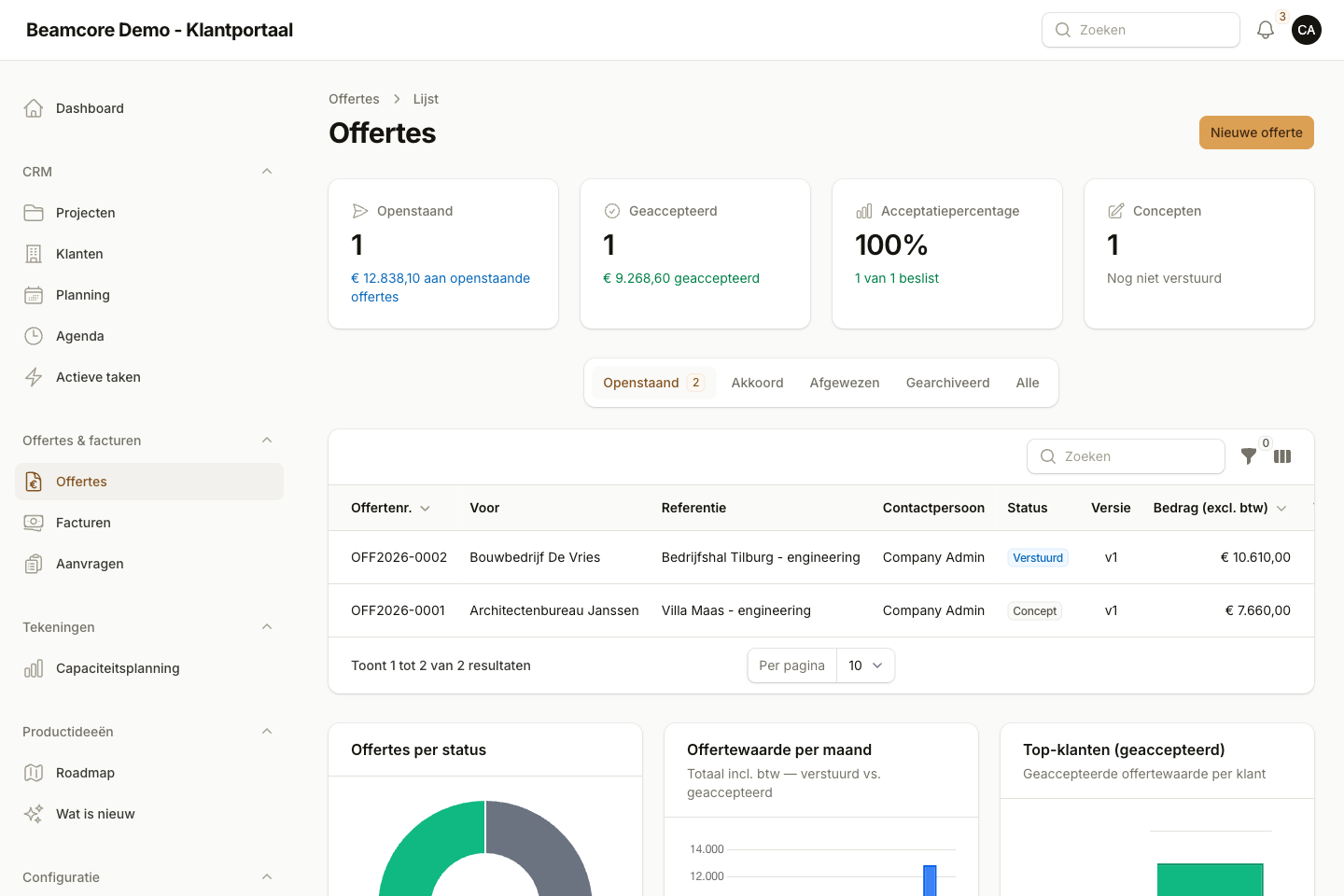
Every quote has a margin check: your quote next to the post-calculation of your own completed projects. Beamcore calculates the expected costs with the median cost per m² and warns you when the expected margin falls below your threshold. The customer never sees this. With the Project Finance and Post-calculation add-on (99 euros per month) you also see budget against actual per project.
ESTIMATE FROM DRAWING
Choose a customer and upload a PDF floor plan or drawing. The AI counts the metres of external and internal wall and the m² of floor and roof. An employee checks the items, adjusts them where needed and turns them into a draft quote. You set your prices per unit once. This is part of the Quotes and Invoicing add-on.

DELIVERY PROMISE
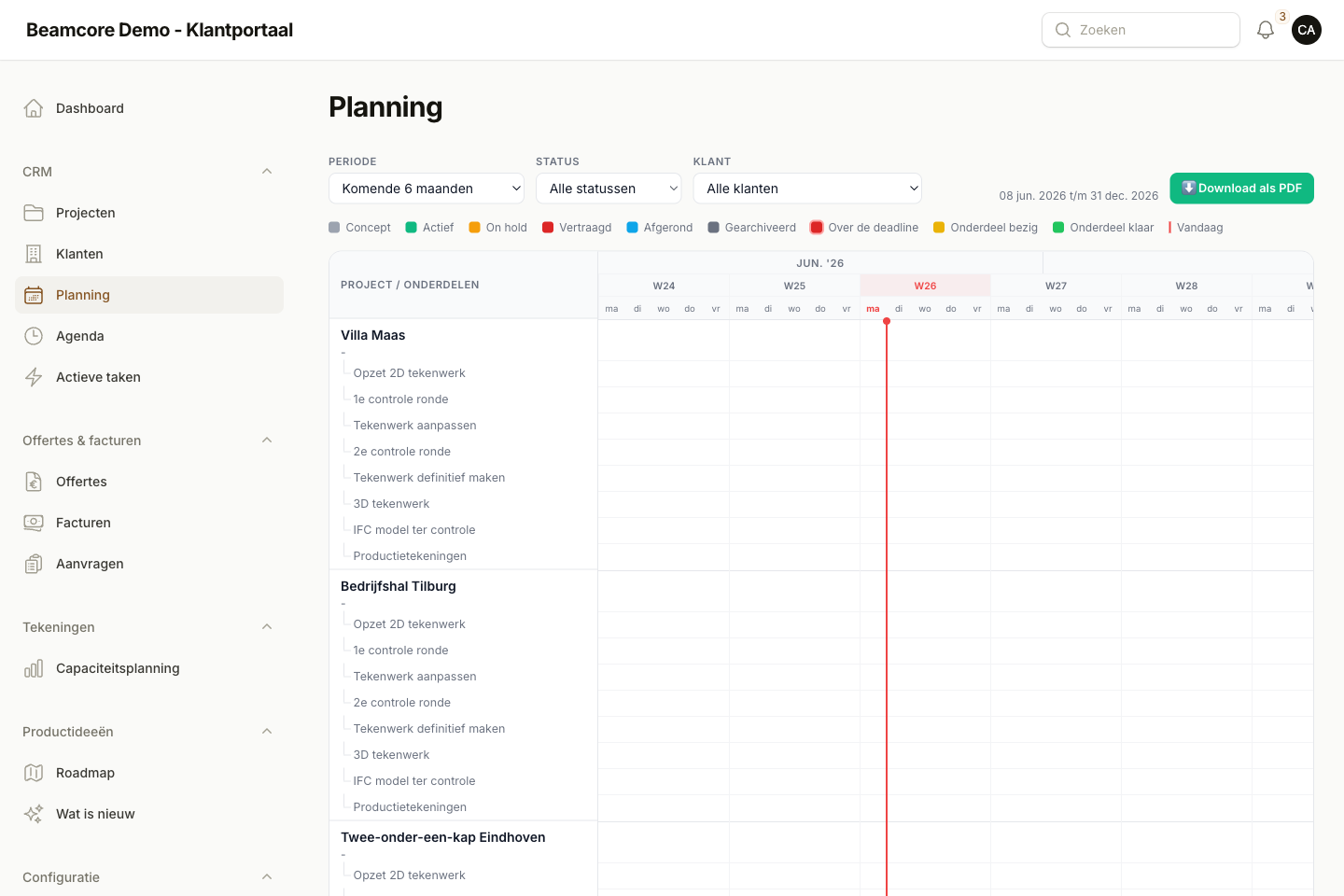
On a quote or a project request you click Calculate delivery time. You enter the area, the number of elements and the type, and Beamcore immediately shows the earliest production week and delivery week. It also shows why: which weeks are already full and how busy each week is. Nothing is planned. This works with the Production add-on (99 euros per month per production line).
PURCHASE INVOICES AND PEPPOL
A purchase invoice is compared with the order and with what was received according to the delivery notes: the three-way match. You see differences in quantity, price or amount immediately, and then approve or reject the invoice. If a supplier sends via Peppol, the invoice arrives automatically as an open purchase invoice to check. Purchase invoices are part of the Timber Stock add-on (139 euros per month).
SALES PIPELINE
The sales pipeline shows your opportunities as a board with a column per stage: from lead to won or lost. Drag an opportunity to the next stage and add follow-up tasks with a date and an employee. The overview calculates the weighted pipeline value: the value of each opportunity times the chance that you win it. The pipeline is included in every plan, without an add-on.
WHAT-IF
Taking on an extra project, a table breaking down, running an extra shift or a delivery coming later? On the What-if page you choose a scenario and see the effect on your production capacity per week, your timber from stock and your expected income per month. Nothing is saved or planned. This works with the Production add-on.
ANONYMOUS BENCHMARK
The benchmark puts your own key figures next to the median and the middle range of comparable companies, grouped by number of employees. Taking part is off by default and you switch it on yourself. Companies that do not take part only see their own figures. The benchmark is included in every plan, without an add-on.

WHY IT WORKS
Invoices, quotes, purchasing, planning and post-calculation are already in Beamcore. You never enter anything twice.
A week below zero, a margin that is too low or a full production week shows up before it becomes a problem.
Draft invoices, draft quotes and scenarios: Beamcore suggests, you send and choose.
If there is too little data, Beamcore says so. No cost price or estimate is invented.
Book a demo and see how Beamcore takes your cash flow, margins and sales opportunities from your own projects.