PROJECT FINANCE & COST REVIEW
Know what each project costs and what it earns
Budget, costs, variations and hours come together in one cost review: budget against actual, per cost category, per element and per assembly. You see during the project whether it is on track, not only at the final account. Add-on for 99 euro per month.
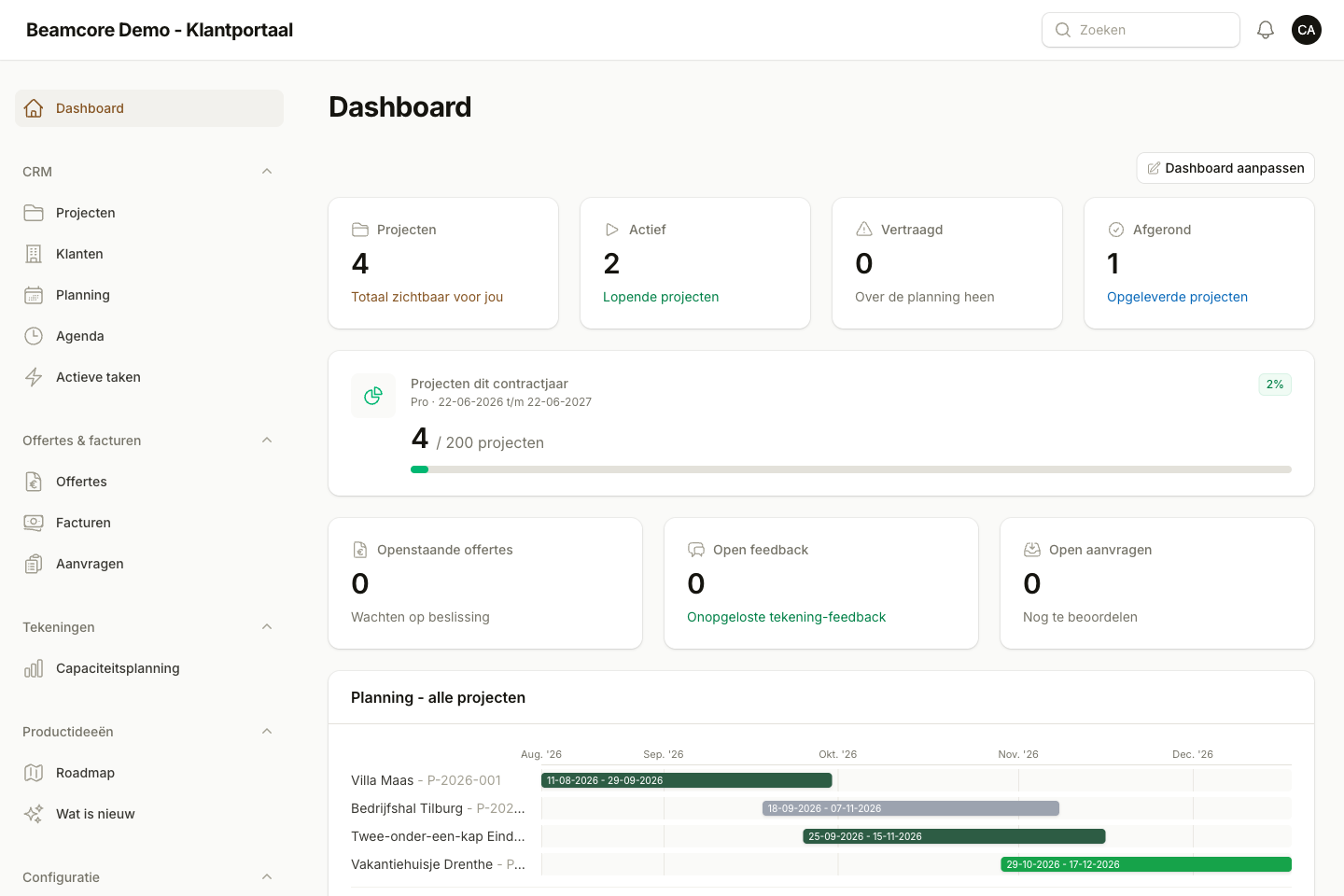
FINANCIAL DASHBOARD
All projects in one overview, in green, orange or red
The dashboard puts the contract value from accepted quotes next to what has been invoiced and received, the budgeted and actual costs and the expected result per project. Every project gets a financial status with the reason shown.
- Invoiced revenue minus credit notes, still to invoice and payments received
- Actual costs from cost entries, issued material and hours at cost rate
- Running projects do not show the costs so far as profit
- Budget warning threshold (90% by default), default profit margin and minimum margin per company
- A tile for budget overruns and a Finance tab on every project
BUDGETS
Budgets with versions, locked once approved
Create a budget per project with fixed cost categories: engineering, materials, production, transport, assembly and general project costs. Every line has a quantity, unit, cost price, total and note.
- Versions, with at most one draft at a time
- Approving locks the version, so nobody changes the agreed budget
- Copy from another project
- Import from Excel or CSV and export to Excel and PDF
COSTS AND VARIATIONS
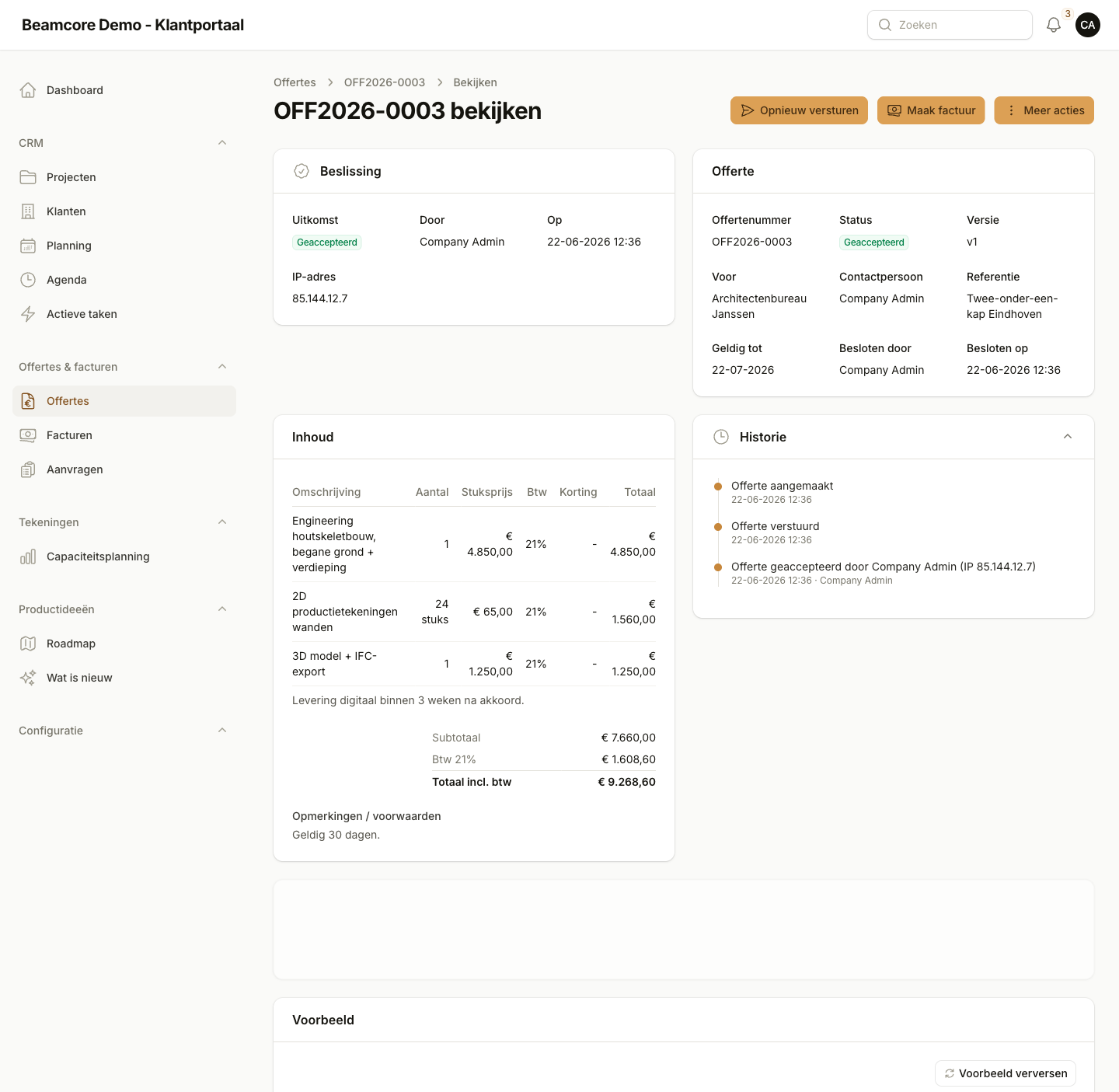
Every cost in the right place, nothing counted twice
Record costs per project and per cost category, excluding VAT. A credit note or return is entered as a negative amount. Cost entries are never deleted but cancelled with a reason, and an invoice reference counts only once per project.
- Variations as separate entries (MW-01) with revenue and expected costs
- Approve or reject with a reason; approved revenue counts in the contract value, approved costs in the budget
- Open entries do not count and show a warning
- Link hours on a project part to a cost category
- Forecast corrections: adjust the costs still to come, always with a note
COST REVIEW
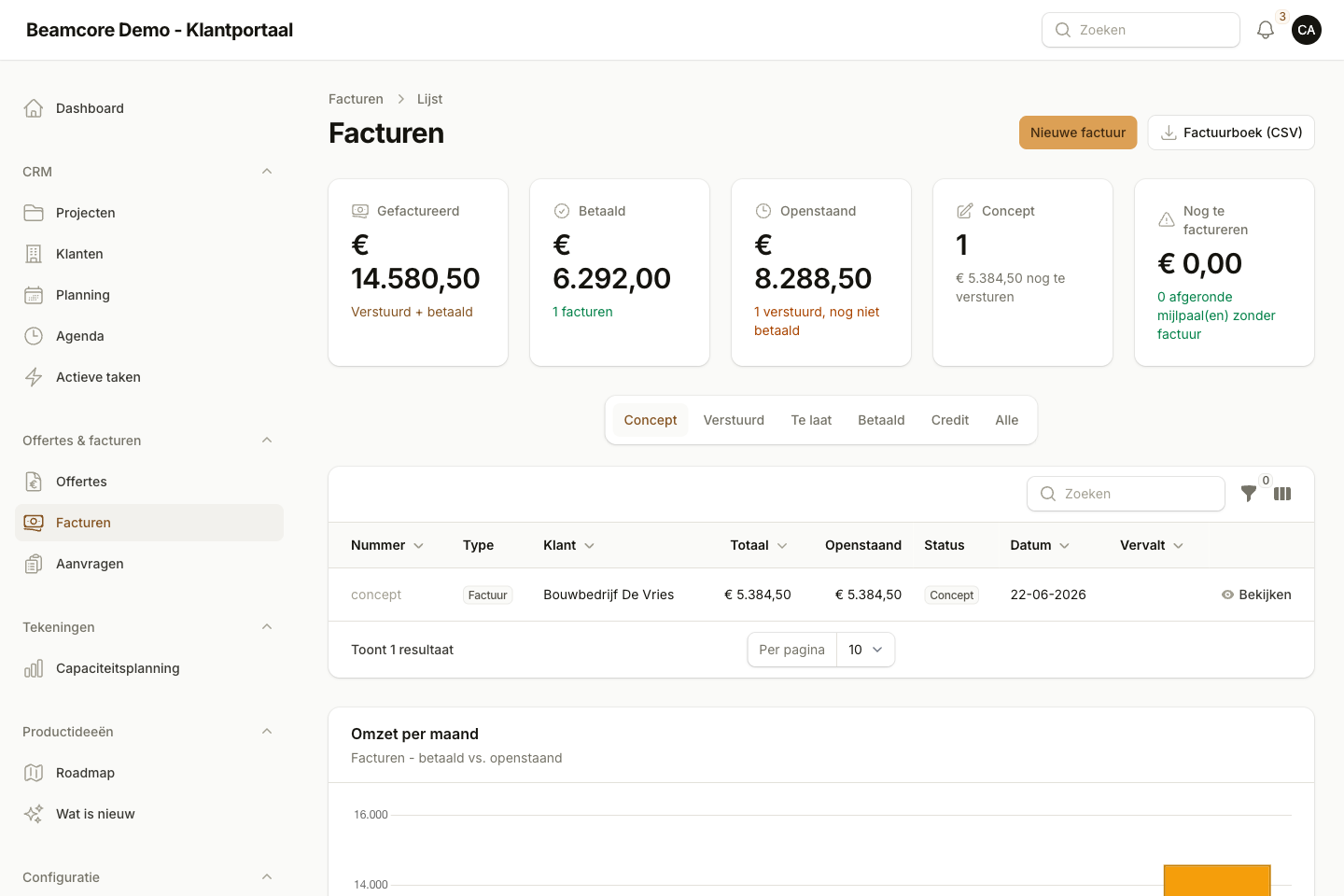
Budget against actual, down to the element
The cost review puts the budget next to the actual costs per main category: cost entries, issued material and labour. With internal rates for production, machine hours and a general overhead, Beamcore also calculates the production costs per element.
- Production costs automatically from the times at the production tables, if you switch it on
- Transport costs automatically from loaded transports, per trip and per rack
- Cost review per assembly: assembly time with team size, budgeted costs and the difference
- Amounts based on wages and rates are only visible with the right permission
- No rate, no amount: Beamcore does not make up numbers
- Export to Excel and PDF, with the same figures as the screen
REPORTS
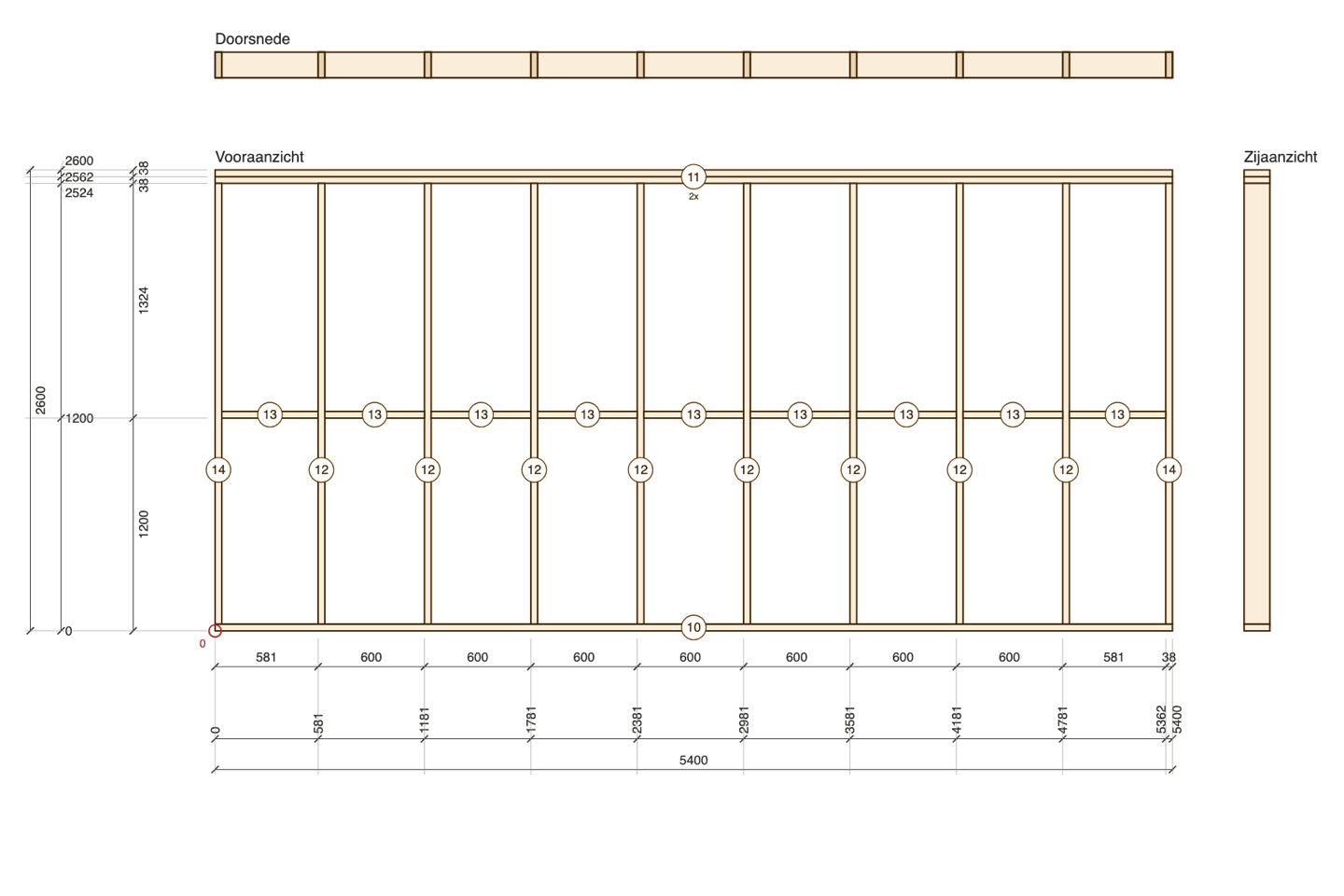
Reports per project, client and period
Filter by project status, client and period and export to Excel or PDF.
- Project results and budget against actual
- Profit margins per project and results per client
- Financial deviations
- Labour costs, material costs and transport and assembly costs
- Production costs per element
Frequently asked questions
See your project result before the project is finished?
Book a demo and see how budget, costs and cost review come together in Beamcore.