CLIENT RECORDS
Everything about your client in one place
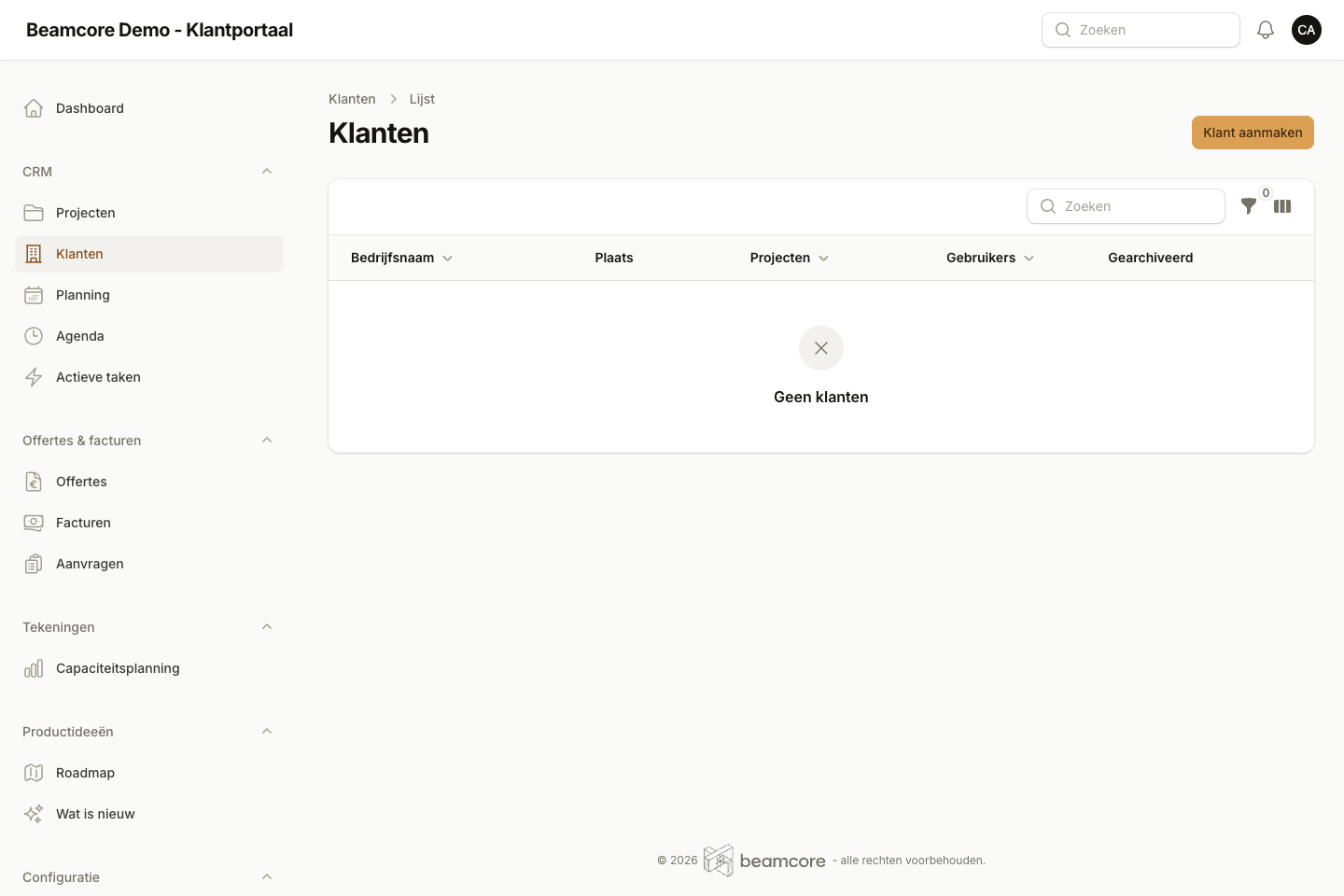
Contacts, projects, quotes, invoices, documents and every contact moment are in the client record. With branches, delivery addresses and price agreements, and you fetch the company details from the Dutch Chamber of Commerce (KVK). In every plan.
THE RECORD
One overview instead of ten folders
At the top, tiles show how the client is doing, with tabs below for contacts, projects, quotes, invoices, documents and activities. The Attention block names what needs follow-up now: a late invoice, a document that expires within 30 days or a follow-up action that is overdue.
- Contacts with job title and phone, also without a portal login
- Documents such as contracts and insurance, with versions and an expiry date
- Payment term, invoice email, separate billing address and IBAN per client
- A logo per client in the lists
CONTACT MOMENTS AND FOLLOW-UP
Never forget anything after a phone call
Record every call, visit or email with a short report. If something needs to happen next, set a date and a colleague. They get a notification when it is assigned and on the day itself, and the action stays in My actions until it is done.
- Recent events on a timeline: contact moments, projects, documents, quotes and invoices
- Follow-up actions only go to your own employees
- Completed by whoever recorded it or by the colleague it is assigned to
Also in the record
Branches
Record a branch or subsidiary under the parent company. Each branch keeps its own details, contacts and projects.
Delivery addresses
Several delivery addresses per client, with an on-site contact, opening hours and unloading instructions. A new project suggests the default address.
Details from the KVK
Search a company by name or KVK number and copy its name and address. The VAT number is not in the trade register, so you enter it yourself.
Price agreements
Your own hourly rate, a fixed discount or a price per article, with a validity period. One button applies them to a quote or invoice; a price you type yourself never changes silently.
Reverse-charge VAT
Switch on reverse charge for the client and quotes and invoices go to 0% with the note "VAT reverse-charged", on the e-invoice (UBL) as well.
Client messages
A tab with all conversations about this client's projects, showing what is still open.
Frequently asked questions
All your clients in one clear record?
Book a demo and see a client record with projects, contact moments and follow-up actions.