CLIENT PORTAL
Clients give feedback right where the work happens
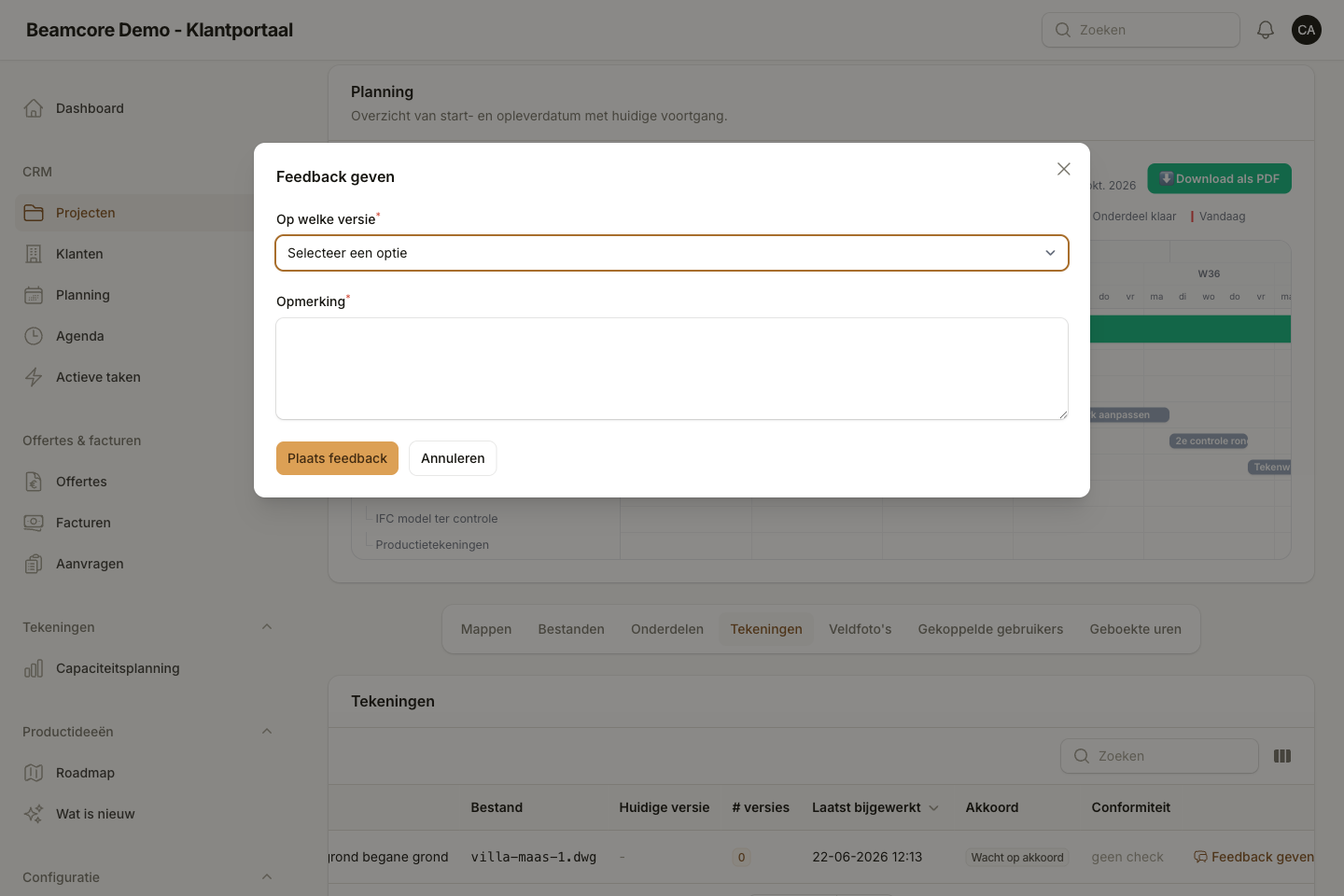
No WeTransfer links, no email threads full of screenshots. Clients and contractors open the portal, see the latest version of the drawing, and place numbered annotation pins directly on the PDF.
PDF ANNOTATIONS
Numbered pins, reply threads, resolvable
Every annotation automatically gets a sequence number. Clients and drafters reply in the same thread. Annotations are marked as resolved, including who resolved it and when. Reopening is also possible if a comment turns out to need more work after all.
- Free-form shapes on any page of the PDF
- Automatic sequence number, even across versions
- Thread replies from everyone involved
- Resolved/reopened with name and timestamp
- Real-time updates via WebSockets
CARRY ANNOTATIONS OVER
Open annotations stay visible in version 2
When you upload a new version, you choose which still-open annotations to carry over. They are recreated on the new version with a reference to the original. The client does not have to fill in anything again.
- Select per annotation whether you carry it over
- Only open annotations are eligible
- The original annotation is kept as a reference
- The sequence number keeps running, no confusion about the numbering
ACCESS AND ROLES
Client, contractor and drafter on the same project
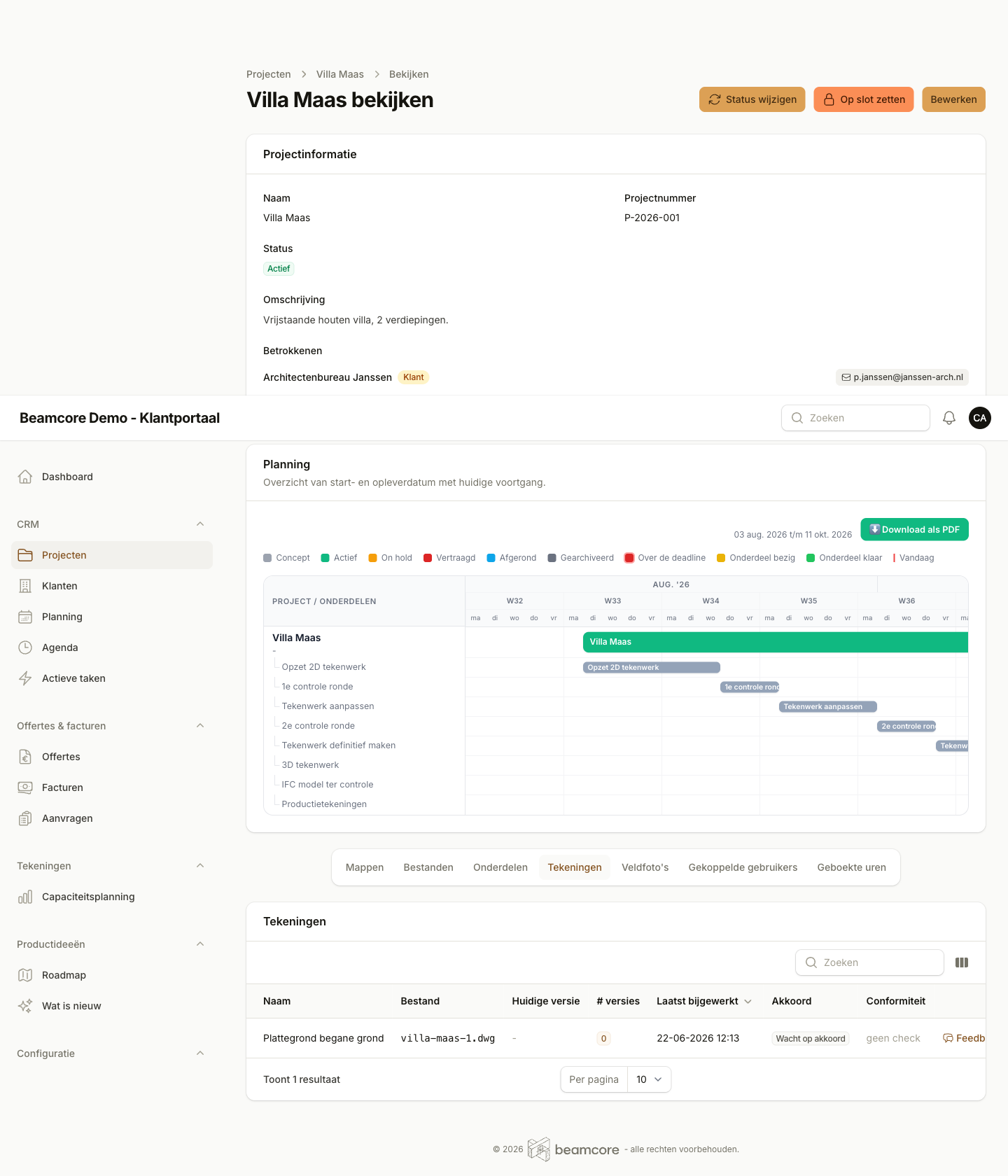
You invite users per project. Clients and contractors get a portal role, drafters get an internal role. Folders are role-based: you can hide a folder for "Contract documents" from the contractor. Invitations work via email, even without an existing account.
- Invitation via email, also for new accounts
- Role-based folder exclusions per project
- Multiple clients and contractors per project
- Revoke access with a single click

VERSIONS AND FOLDERS
Immutable versions, organised in project folders
Every file and every drawing has a version history. Older versions are always retrievable, nobody accidentally overwrites the original. Files live in folders per project phase. Default folders ("Basic data", "Other") are created automatically for every new project.
- Version number and uploading user recorded
- Rename or add folders per project
- Default folders configurable per company
- ZIP export per folder or for the whole project

SHARING WITHOUT LOGIN
Project status publicly shareable via a link
For stakeholders who do not have a portal account, you create a share token. The recipient opens a read-only status page without logging in. Tokens can be given an expiry date and can always be revoked.
- Create and label a token per project
- Optional expiry time
- Revoking takes effect immediately
- View counter and last visit date visible