WKB & QUALITY ASSURANCE
A quality file per timber frame element
Record per element what has been checked, with measurements and photos, and what has been repaired. Beamcore turns that into a file per project that you share as a PDF and ZIP with the contractor, client or quality assurer. Beamcore supports assurance under the Dutch Quality Assurance Act (Wkb), but does not replace the independent quality assurer. Part of the Production add-on for 75 euro per month.
CHECKLISTS AND INSPECTIONS
Check per element, phase by phase
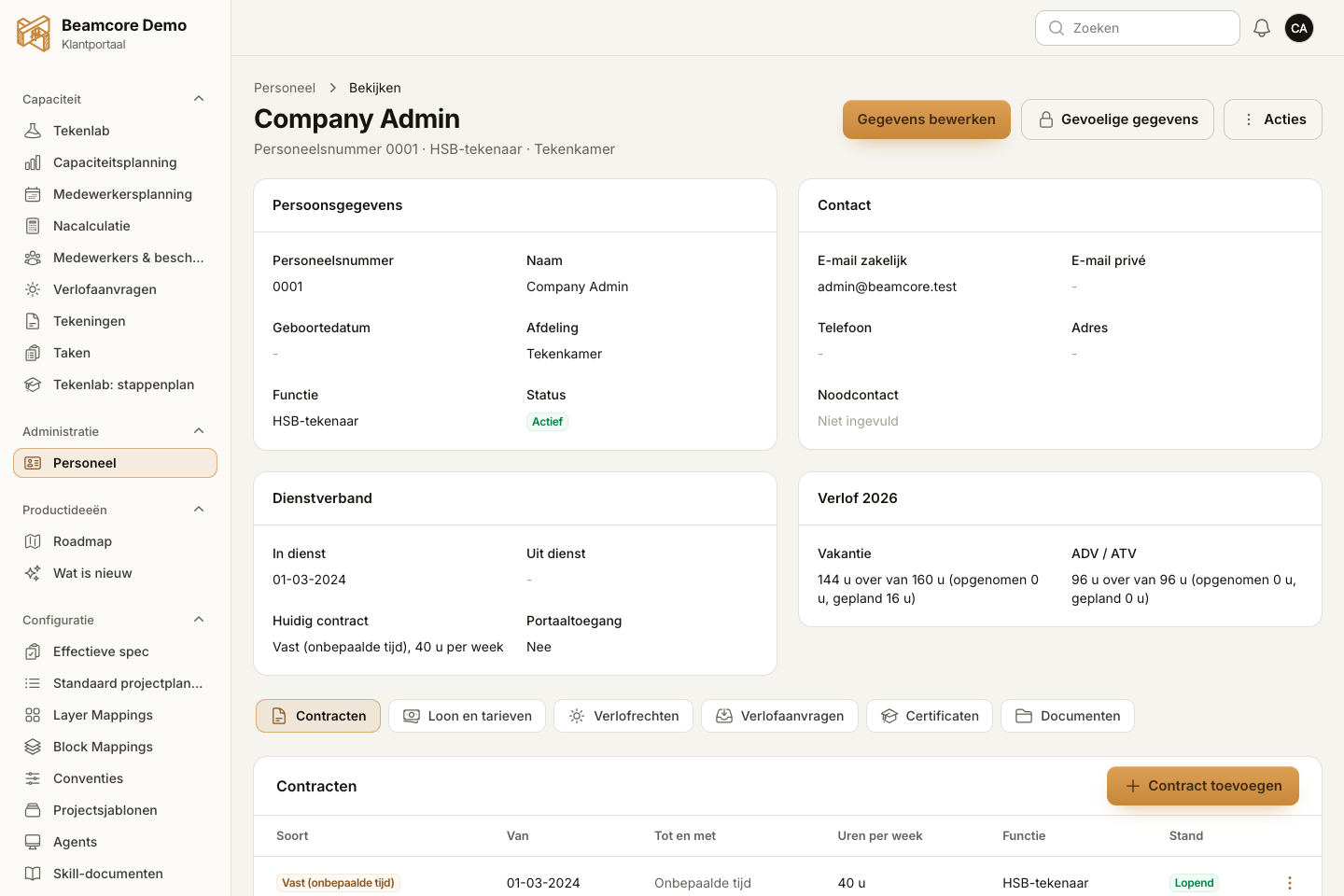
Create checklists per element type, or take over the example lists for exterior wall, interior wall, floor and roof. On the shop floor you approve or reject each point, or mark it not applicable, with big buttons and the camera of your phone or tablet. A point in a later phase is only possible once the required points before it are done.
- Measurement with tolerance and a required photo where needed
- Rejecting always asks for an explanation
- Release internally when everything is done, or block the element
- Every answer is kept: a correction is a new line
- Production phases that match how you work: rename, reorder, switch off or add your own
DEVIATIONS AND REPAIR
From deviation to approved re-inspection
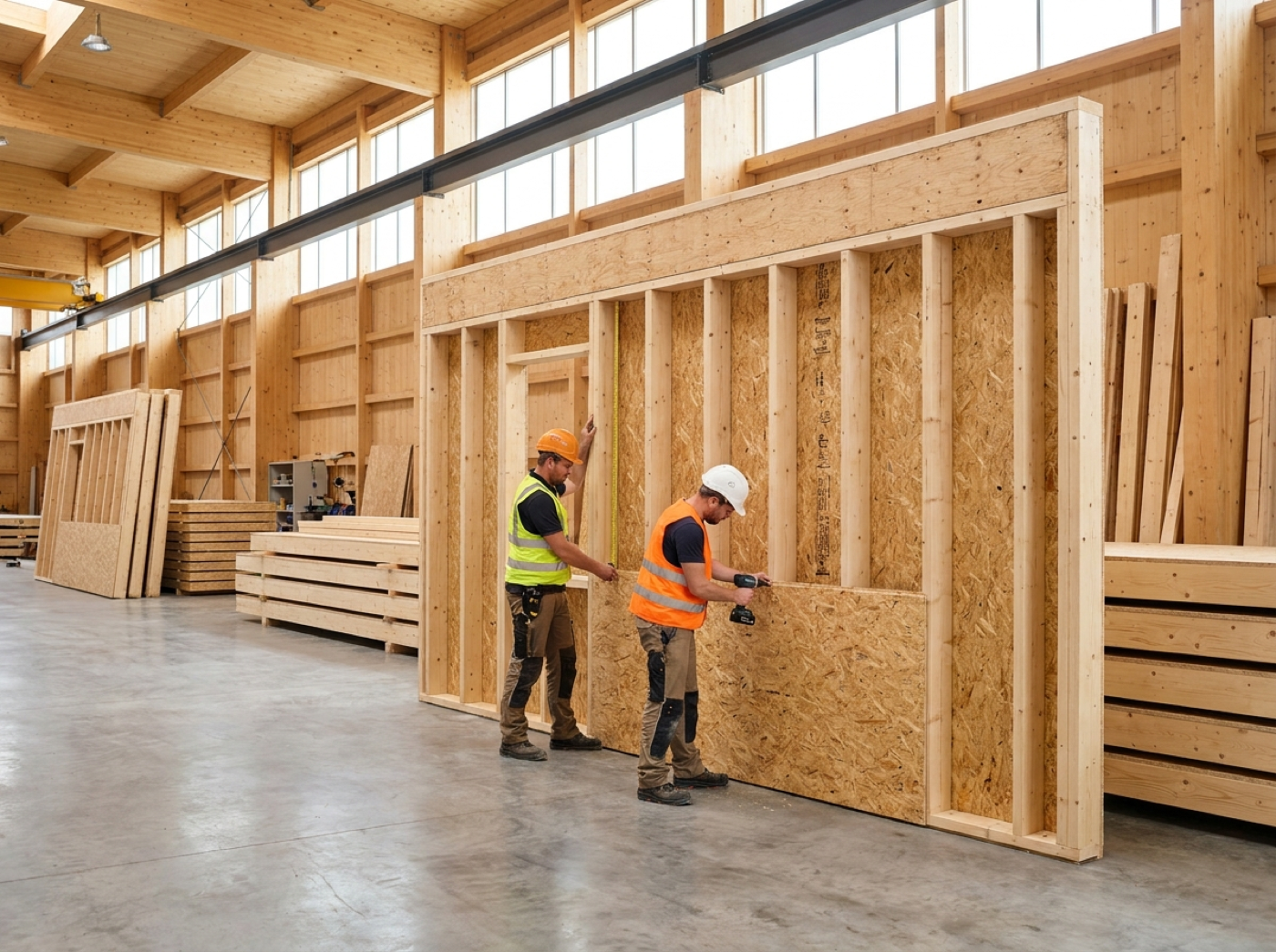
A rejected point becomes a deviation with its own number, a severity and a person responsible. Record the repair with photos and request a re-inspection. A deviation only closes after an approved re-inspection, and an element with an open deviation cannot be released.
- Severity minor, serious or critical, with a repair deadline
- Block the element straight away when critical
- Photos of the deviation, the repair and the re-inspection
- Markings on the photo: arrow, line, box, circle, freehand line and text, while the original photo is kept
- Overview of open, critical and overdue
RISKS AND ASSURANCE PLAN
The measures from the assurance plan on the shop floor
Keep every version of the assurance plan with the project and turn its risks into measures: with the requirement from the Dutch Building Decree (Bbl), the evidence needed, the inspection moment and the elements it applies to. Link a risk to checklist points and you see it again with the element. After a new version of the plan you see which measures are new, changed or not yet confirmed.
- Risks numbered per project, with level and status
- Linked to points in the checklists
- Full history of every change
- Beamcore does not adopt the assurance plan; the quality assurer does

FILE, EXPORT AND QR CODE
The project file in one click
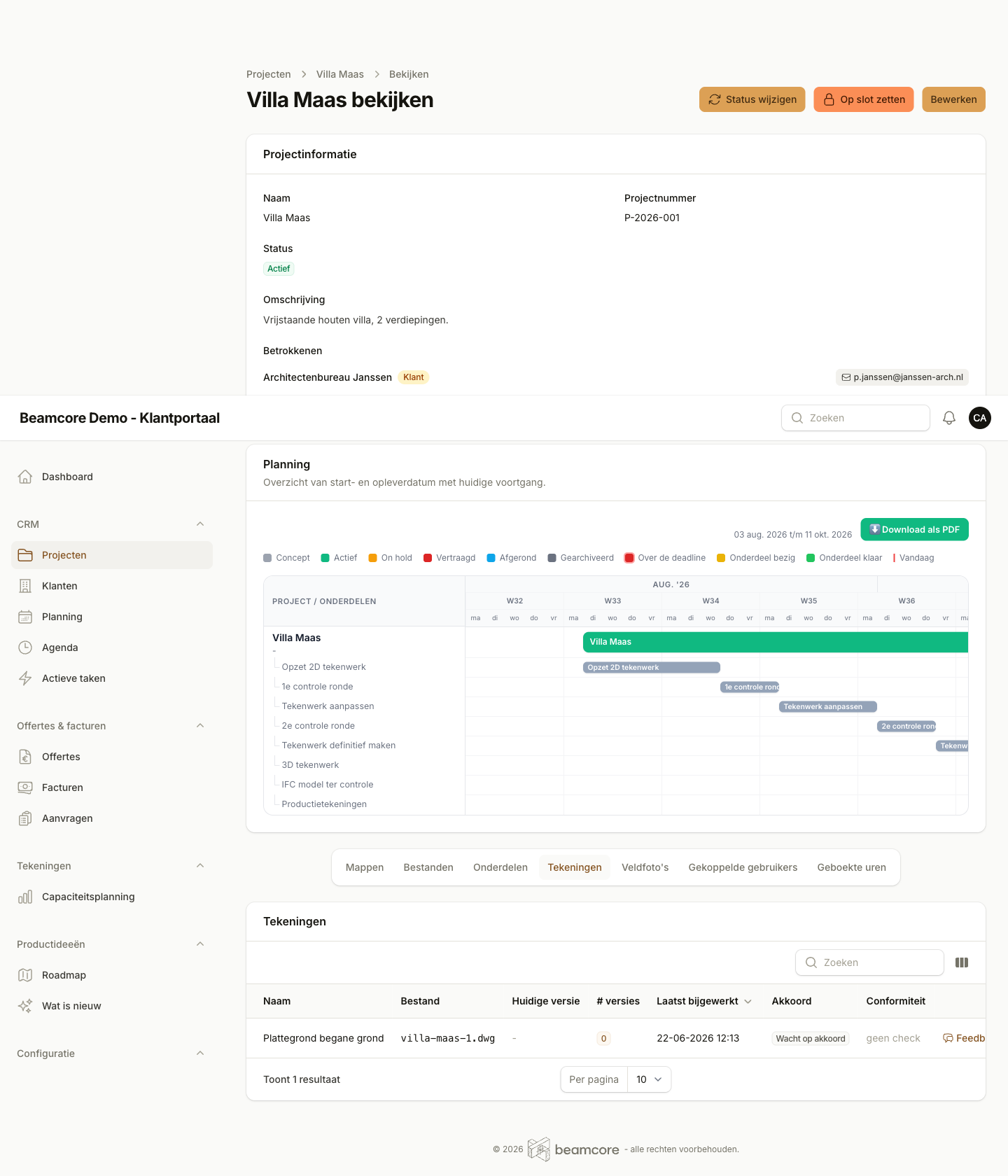
Per project you see whether the file is complete: red where something is missing, orange where a check was done on an older revision. Export it as a PDF and as a ZIP with all photos, the production drawings and the assurance plan, with a profile for internal use, contractor, client or quality assurer. Print QR labels for the elements: scanning opens the quality file straight away.
- File check per element
- PDF and ZIP per export profile
- QR labels per element, three by eight on an A4
- Linked to production planning: finishing with open points asks for confirmation
MATERIALS AND CERTIFICATES
The right documents with every element
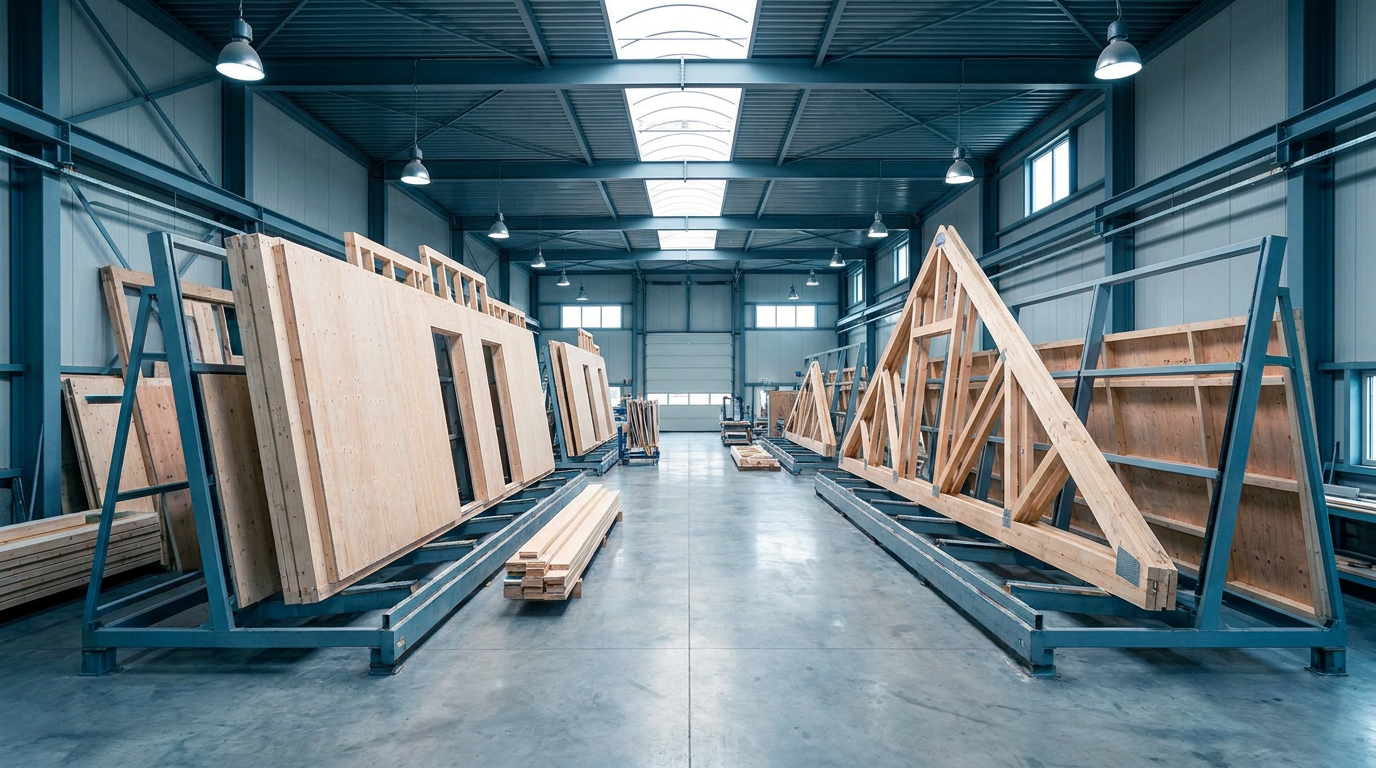
Record your materials once in a library, with certificates, declarations of performance, product data sheets and batches. Per project, link materials to an element type, a group or individual element numbers, with the documents required there. If a document is missing or has expired, you see it straight away in the file check.
- Certificates, declarations of performance and product data sheets per material
- Record batches per material
- Missing or expired documents flagged for attention
- Included in the element file, the PDF and the ZIP
THE QUALITY ASSURER LOOKS ALONG
A login of their own for the quality assurer
Give the independent quality assurer a login of their own. The assurer only sees the linked projects and can view the quality file and the evidence, but cannot change anything. Comments, requests for extra evidence and assessments are recorded by the assurer in Beamcore; you reply and supply additional evidence, all in one place.
- Read-only access to the linked projects
- Evidence requests and comments with your reply alongside
- The assurer's assessments are kept unchanged and are separate from your own release
- A chapter of its own in the file PDF and a folder of its own in the ZIP
NOTIFICATIONS AND REVISIONS
Know in time what needs attention
Beamcore lets you know when a checklist point is rejected, a deviation is assigned to you, the quality assurer asks for something or a new drawing revision calls for a re-inspection. By email, in the portal and as a push notification in the app. Every working day at half past seven you get an overview of what is still open.
- After a new revision you see per checklist point whether it needs to be checked again
- Daily overview of open inspections, missing photos, waiting for release and overdue repair deadlines
- Missing documents and open evidence requests in the same overview
- Switch off the notifications you do not want yourself
Frequently asked questions
Your quality file in order without loose lists?
Book a demo and see how an element goes from inspection to release and file.