PDF VIEWER
Comments, measurements and versions, right on your PDF
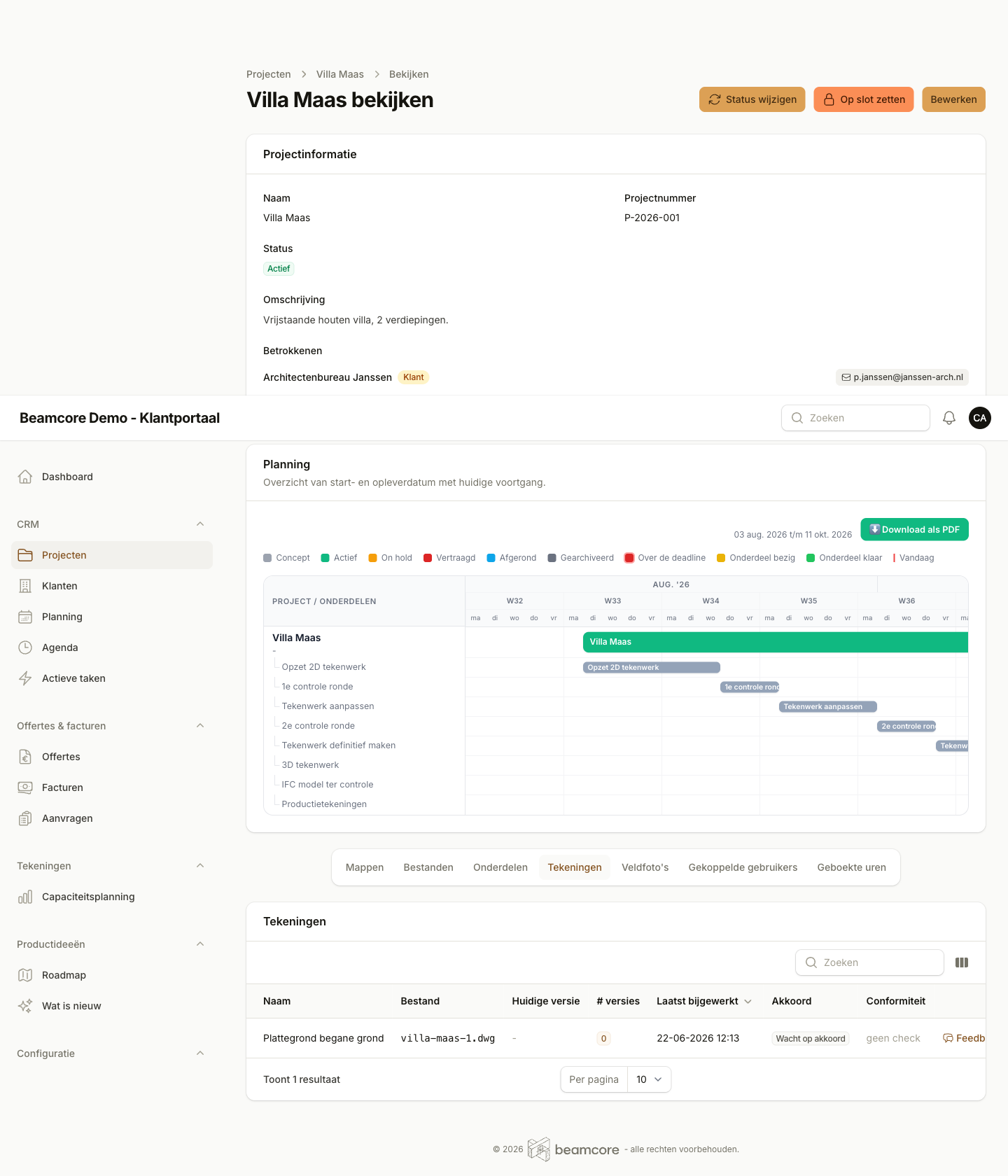
Open any PDF drawing in the portal, put your comments exactly where they matter, measure to scale and see at a glance what changed between two versions.
COMMENTS ON THE DRAWING
Point at what you mean, instead of explaining it
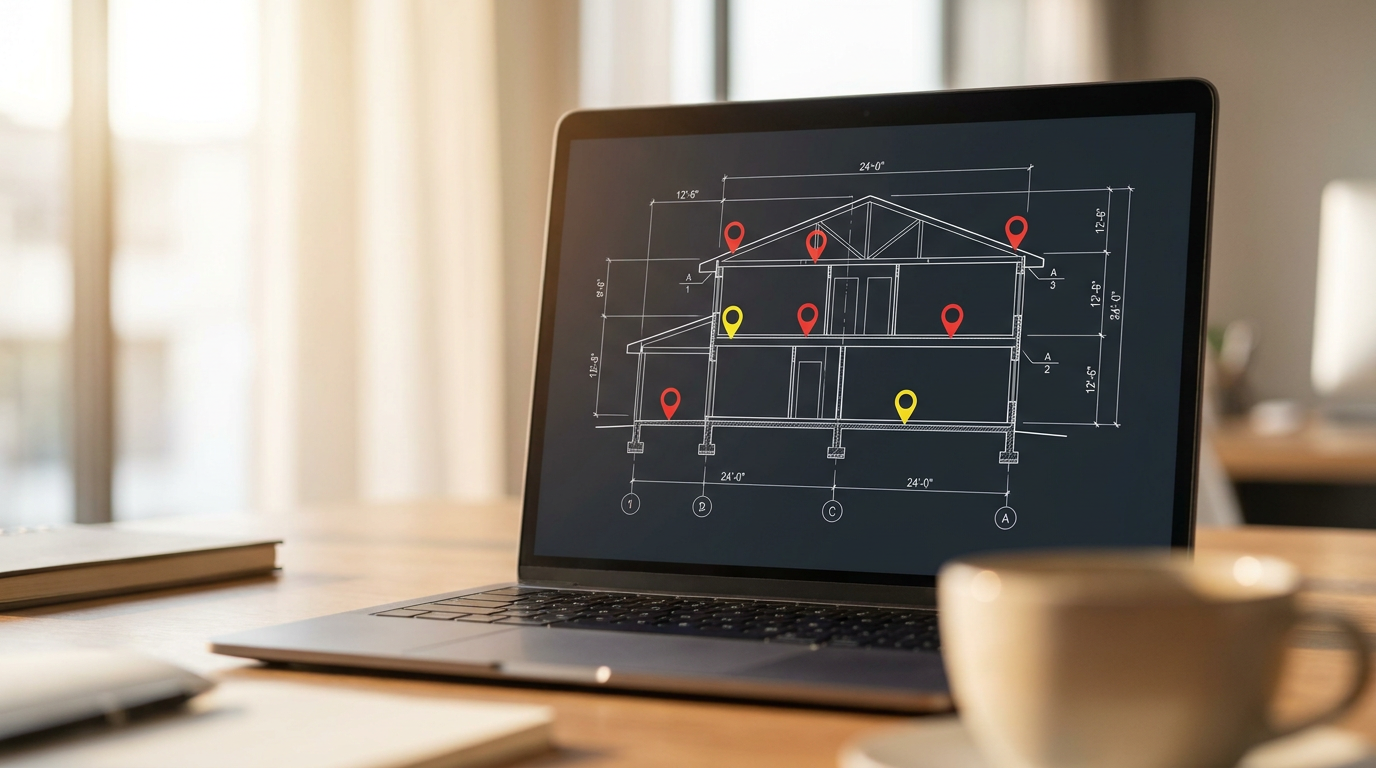
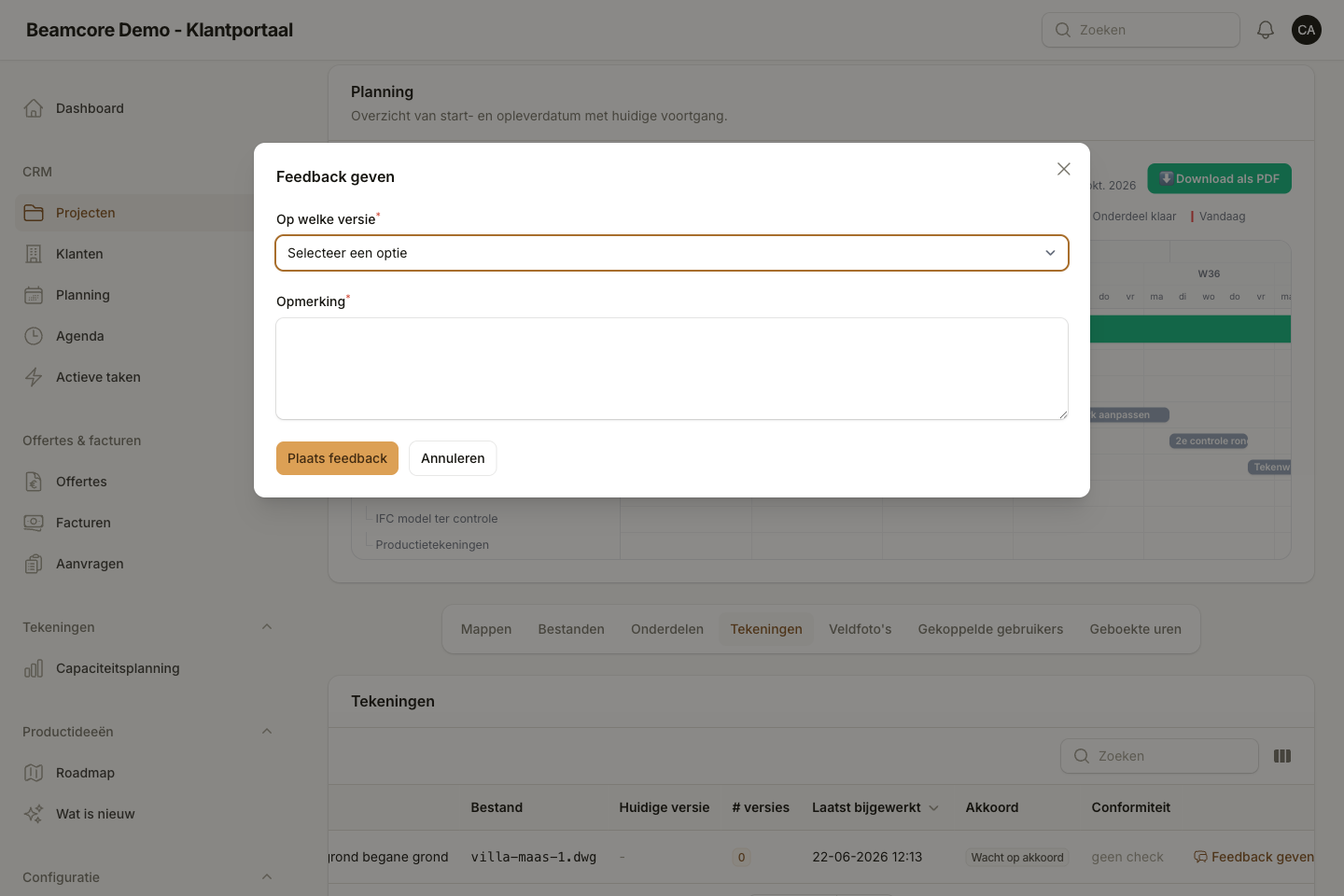
Pin a comment on a point, draw freehand, place an arrow or text box, or highlight a piece of text or an area. New comments stay a draft at first. When you are done you send them in one go, and the project members get one email and a notification in the app.
- Comment, freehand, arrow, line, text box, highlight and shapes, in your own colour
- Reply to each other's comments, with the status open, in progress or resolved
- Changes appear straight away for others who have the drawing open
- The author is told as soon as their comment is resolved
MEASURE TO SCALE
Measure a dimension on the drawing, at the right scale
Choose the paper scale, from 1:1 to 1:1000, or point at a known dimension and the viewer works out the rest. The scale is remembered per file. Measuring is meant for a quick check and does not replace checked dimensions.
- Choose a scale or set it yourself with a known dimension
- Measure distances in mm, cm or m
- Rotate pages, search the document and thumbnails per page
- Dark view and a focus mode without side panels
COMPARE VERSIONS
See straight away what changed
When a file has more than one version, you compare two versions side by side or let the differences per page light up. Nobody has to lay two drawings next to each other anymore to find a change.
- Side by side, with zoom and scroll in sync
- Differences per page made visible
- Choose which two versions you compare, and swap them
- Download the PDF with all comments in it and a list of the comments
Frequently asked questions about the PDF viewer
See the PDF viewer in action
Discover in a personal demo how your client responds right on the drawing and how you see what changed without searching.