01
One source
Drawing and lists come from the same IFC model, so they never drift apart.
PRODUCTION
Upload the IFC model from your drawing software and Beamcore splits it into elements with their beams and sheets. Per element you get a 3D view, a beam and sheet list and automatic production drawings per zone with dimensions. Work preparation releases elements, the factory works through them step by step. For joinery workshops and prefab builders who want to go from model to shop floor without redrawing everything. Available as a 75 euro per month add-on on top of your subscription, including production planning and Wkb & quality assurance.
IMPORT THE IFC MODEL
Upload the IFC model in the Productie (Production) tab of your project; tested with exports from hsbCAD. Beamcore reads the model on the server into elements such as walls, floors and roofs, with their parts and zones. Every new version of the file becomes a new revision, so you can always look back.
3D AND LISTS
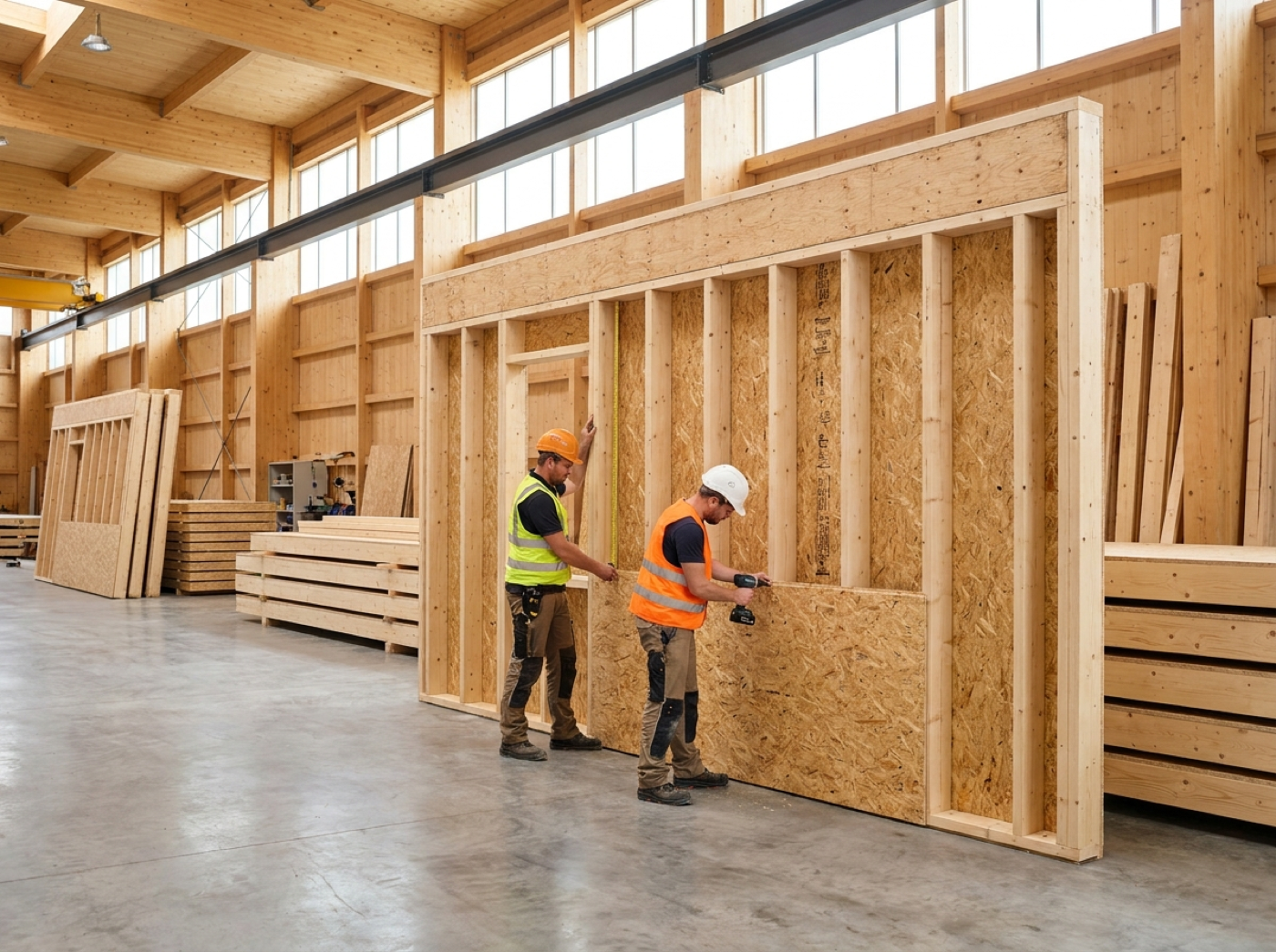
Open an element and you see it in 3D, with the beam list and the sheet list next to it. Switch zones on and off to see only the framing, for example. List and model work together, so you quickly find what you are looking for.
PRODUCTION DRAWING
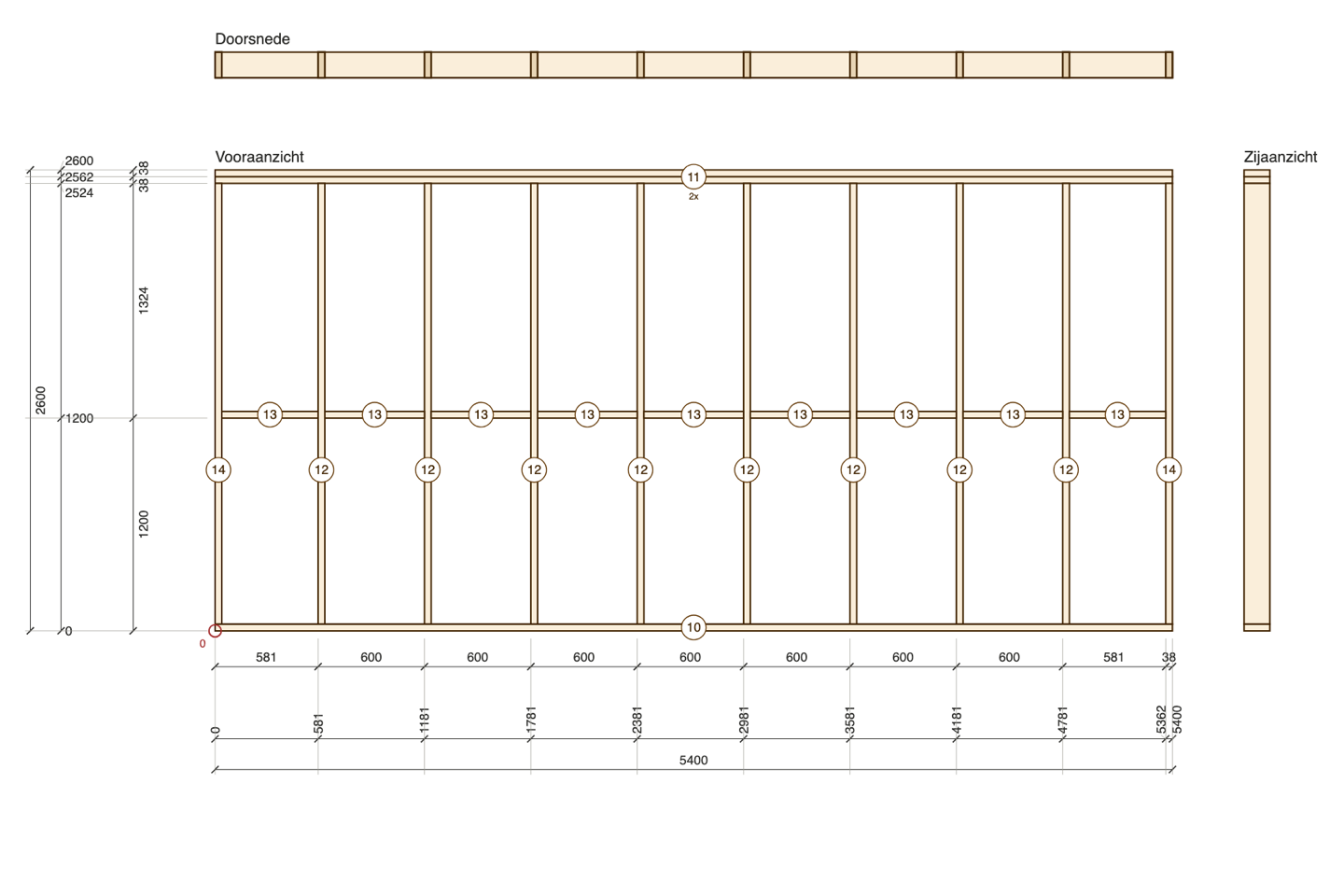
For every element Beamcore makes a production drawing of the framing: front view, a section above the wall and a side view. Dimensions run from a datum at the bottom left, with running and intermediate dimensions to the side of the studs and rails, never to the centre line. Because the shape comes from the 3D model, sloping rails, angled stud ends and corners at gables and roofs are right as well.
WORK PREPARATION AND FACTORY
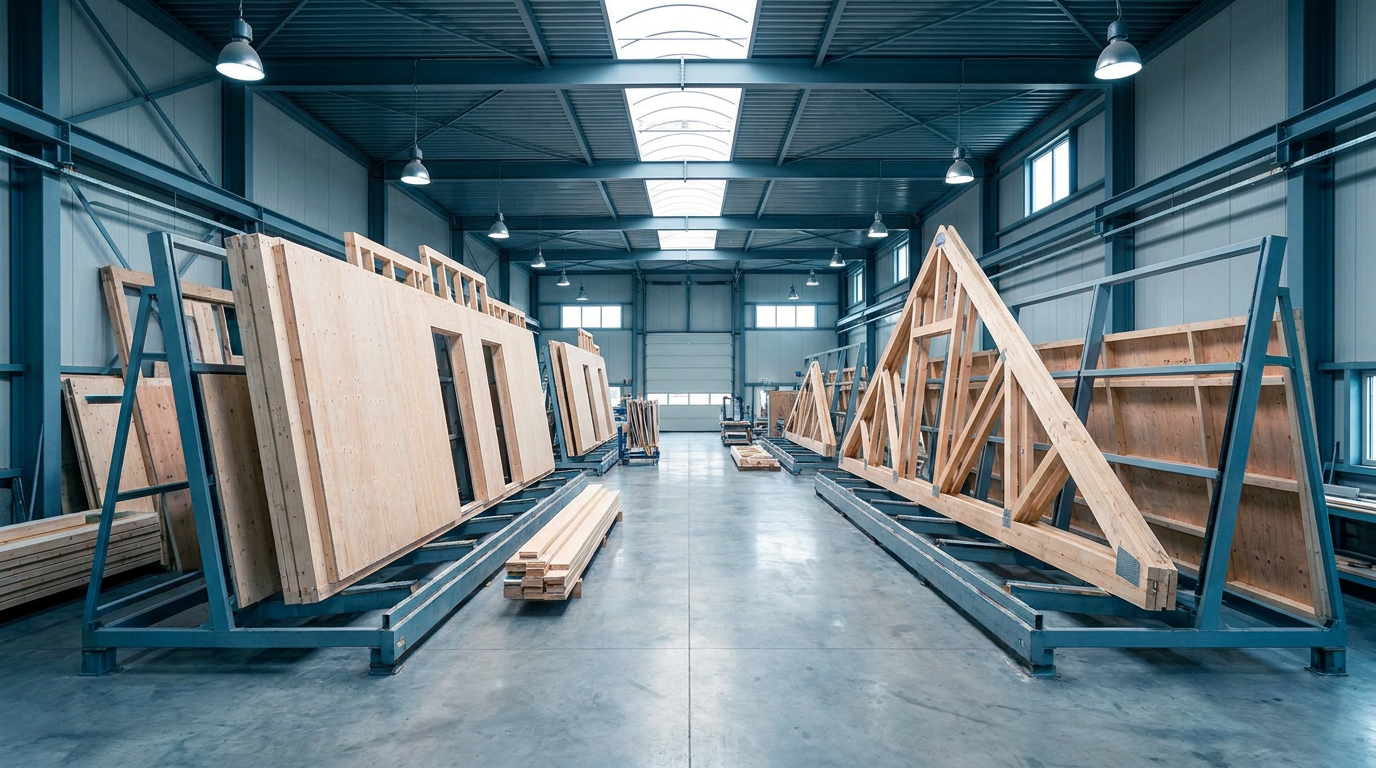
Work preparation checks every element in the Productie (Production) tab and releases it for production, one by one or all at once. The factory works in its own view: per element the zones as steps, with 3D and the production drawing side by side. When a new version of the model arrives, the factory only sees it after it has been released again.
WHY IT WORKS
Drawing and lists come from the same IFC model, so they never drift apart.
Every new version of the model is a new revision with its own history.
A vector PDF on A3 with dimensions, position numbers and beam list.
Admin, drafter and planner can view it, the workshop only sees what has been released; client and contractor see nothing.
Book a demo and see how an IFC model turns into elements, lists and dimensioned drawings in a few minutes.