PRODUCT TOUR
See Beamcore module by module, without an appointment
Walk through the parts of Beamcore in a few steps. For each module you see what you do and what it looks like. Want to see it live with your own projects afterwards? Book a demo.
QUOTES AND INVOICES
From quote to invoice
Build a quote with lines, discount and instalments, let the client sign online and turn it into an invoice with one click.


DRAWINGS
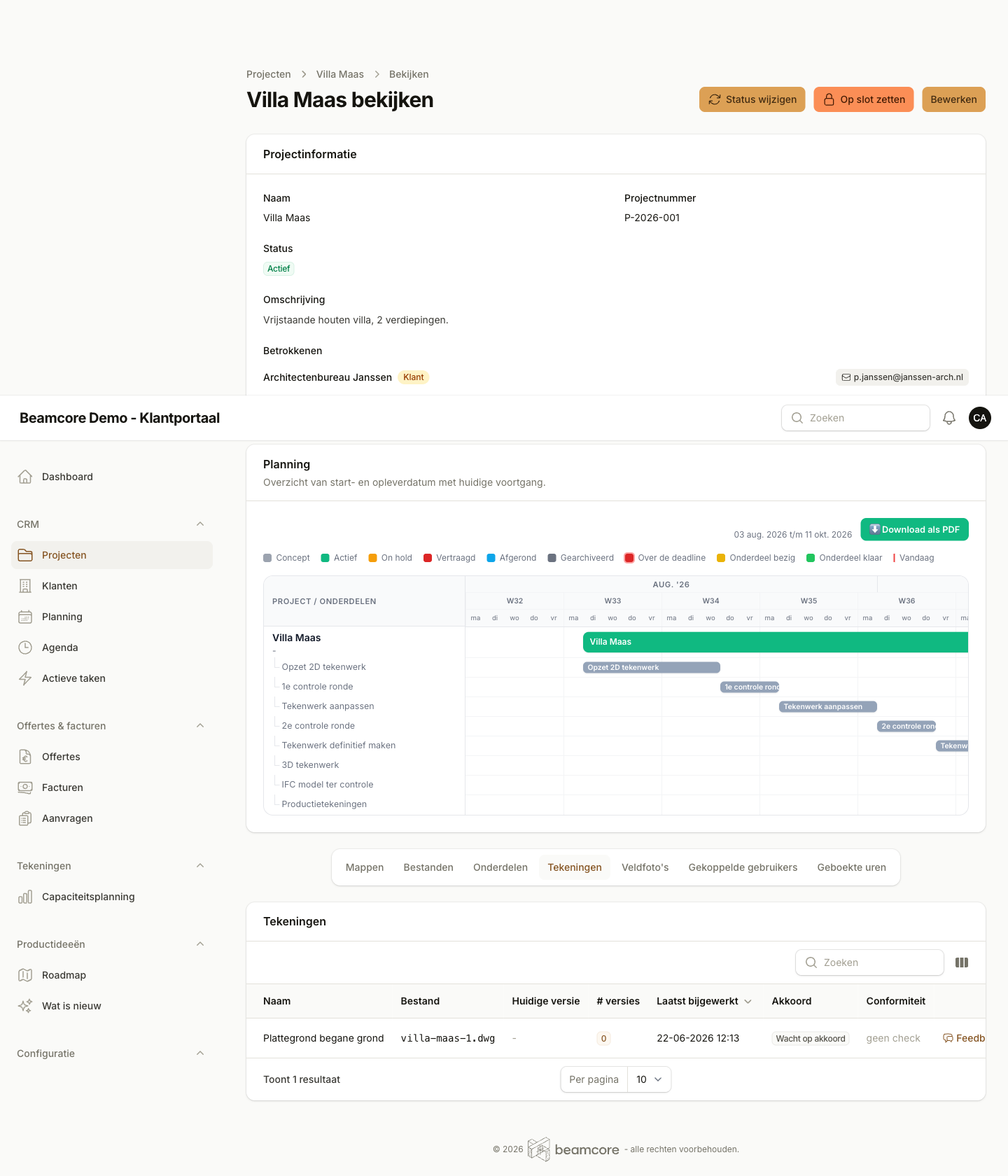
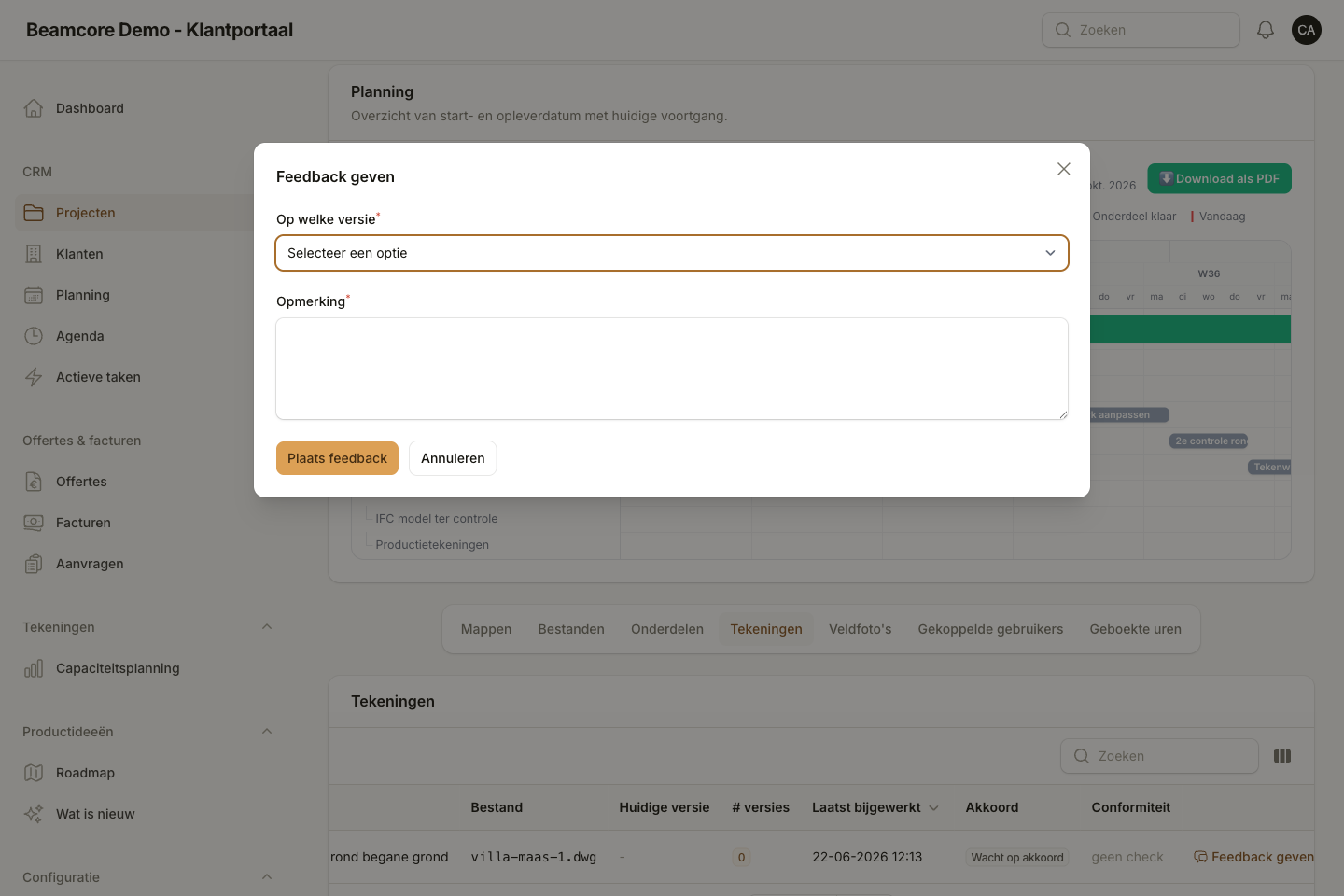
Share drawings and get them approved
Every drawing has versions. Client and contractor comment on the drawing itself, and you see exactly which version was approved.

PRODUCTION
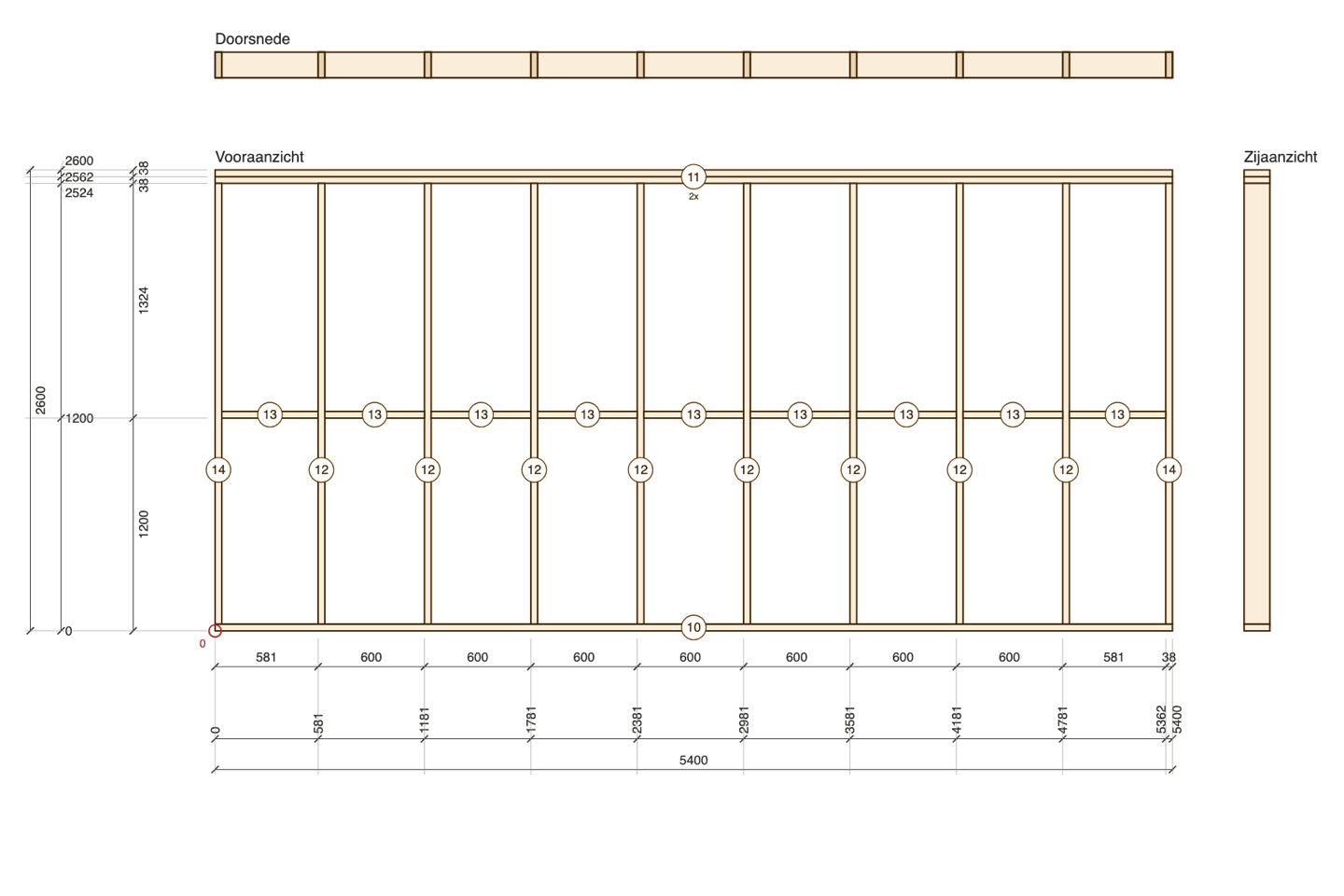
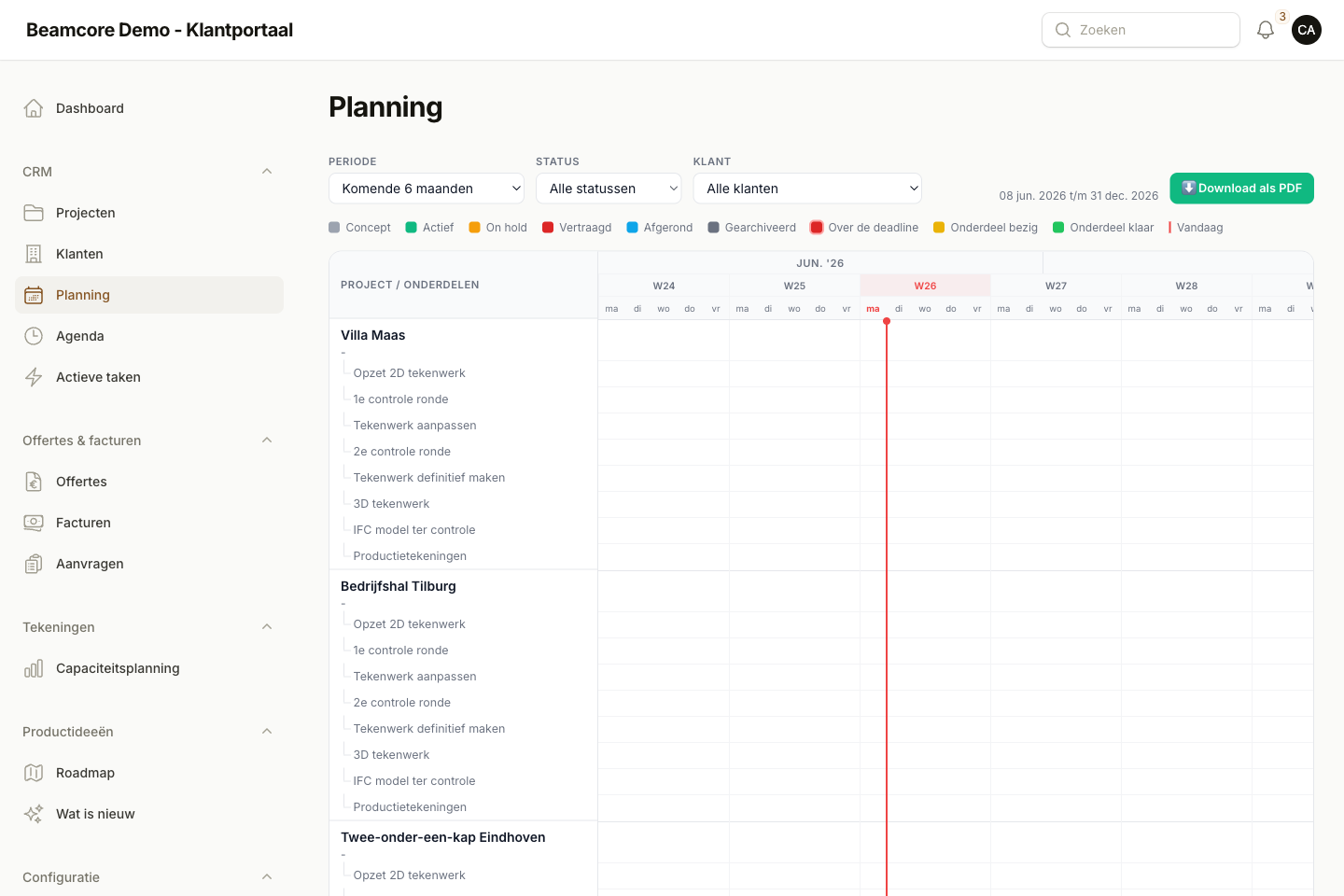
From IFC model to the shop floor
Import the IFC model from your drawing software. Beamcore makes a production drawing, lists and a schedule per table for every element.
STOCK
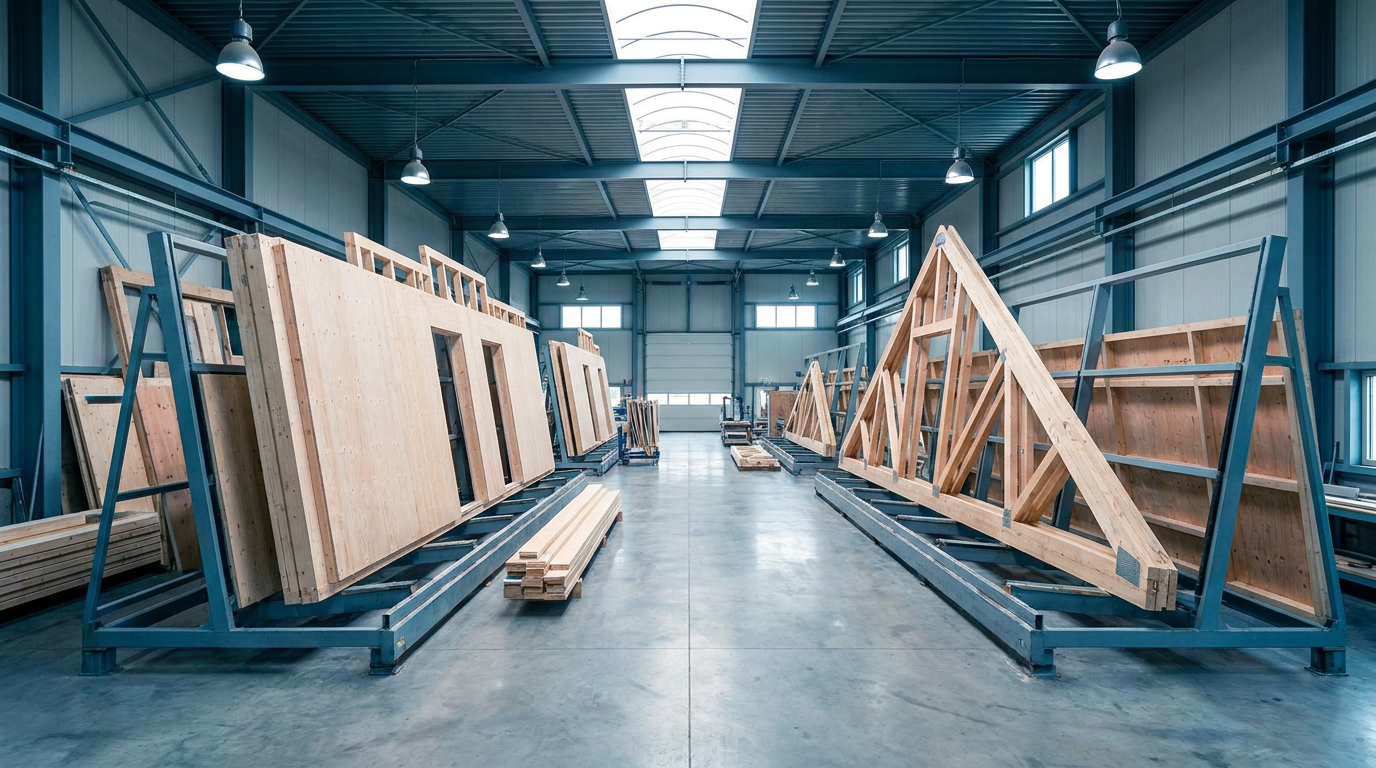
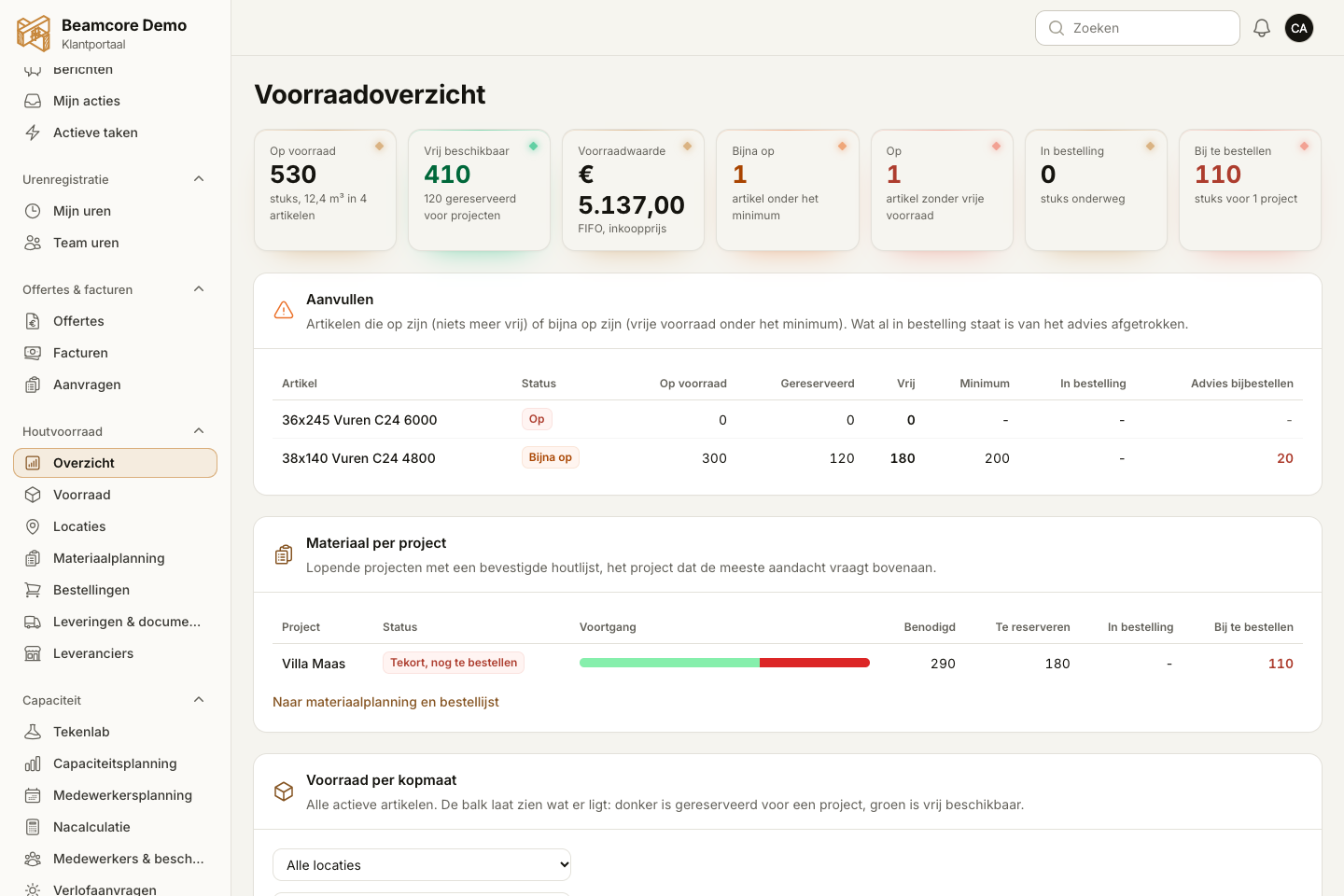
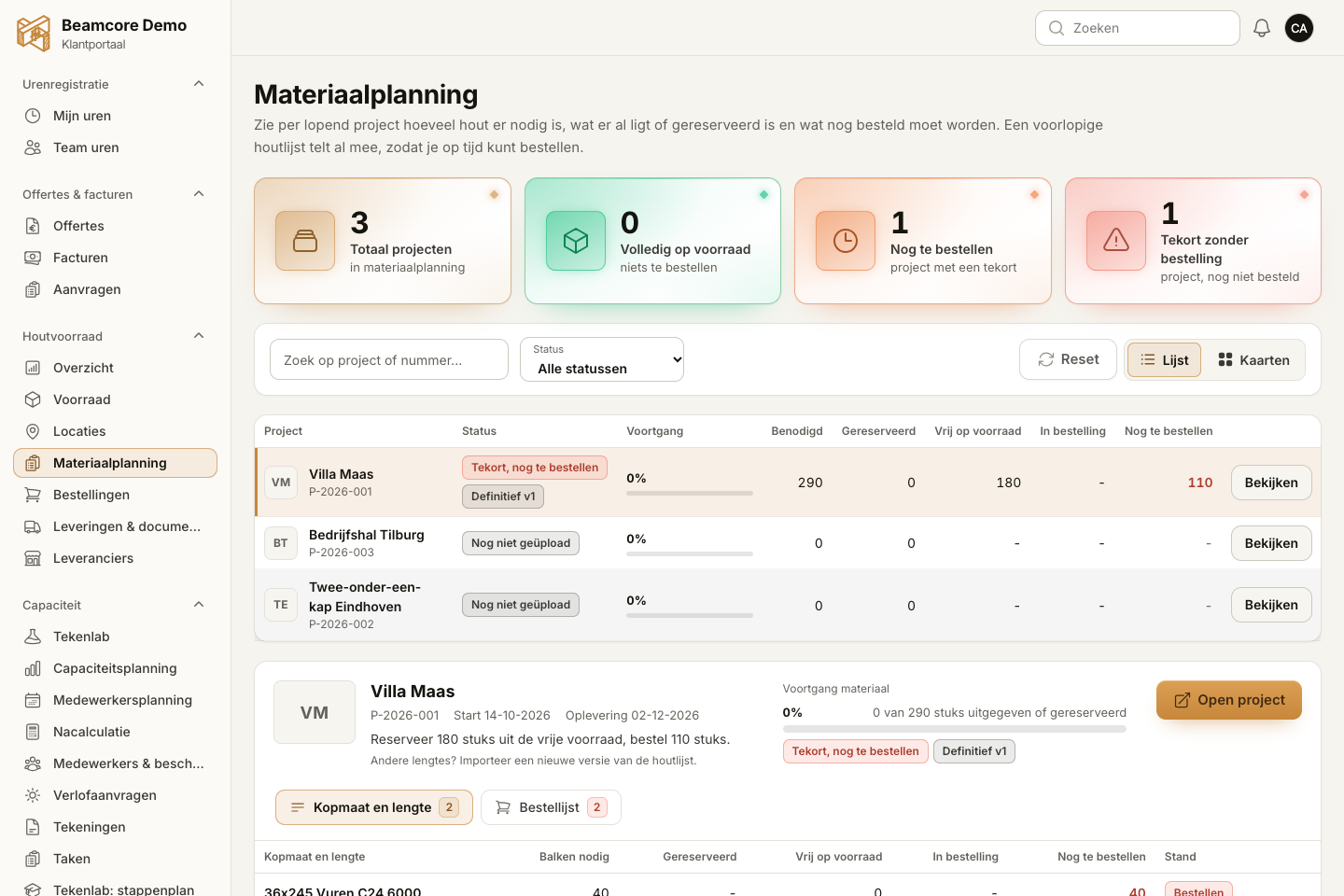
Manage timber and sheet material
Import the timber list, reserve what is in stock and see straight away what needs ordering.

TRANSPORT
Loading and delivery
Plan which element goes on which rack and truck, and tick off what is on board while loading.

ASSEMBLY
Assembly on site
The assembly crew sees per step which elements go up, in which order, with a top view and 3D.

QUALITY
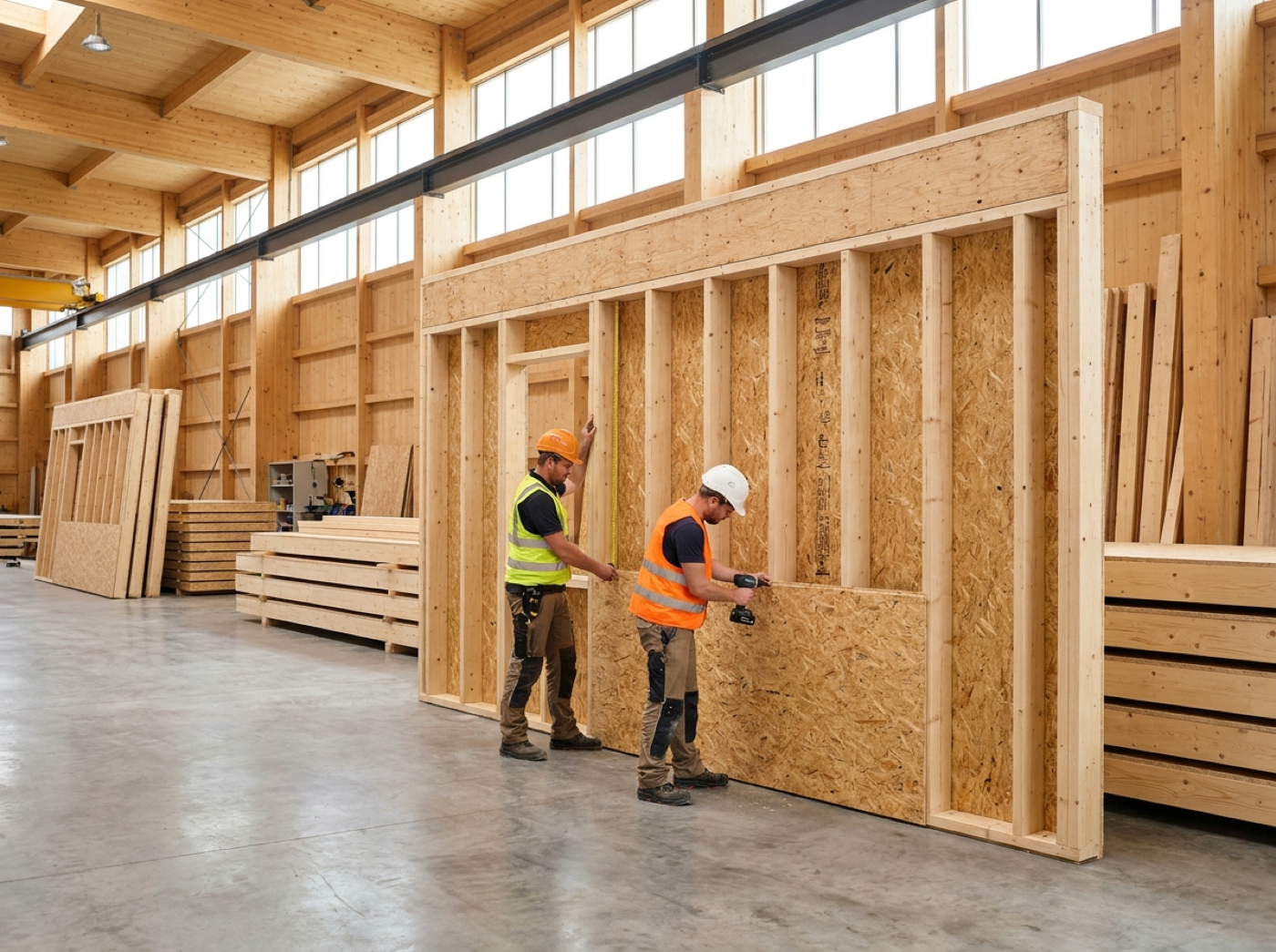
Quality file per element
Check every element with a fixed list, record photos and measurements and export the file per project.

Know a company that could use Beamcore?
Clients recommend Beamcore via Recommend in Beamcore. The recipient gets a link to the brochure, and you get credit on your subscription once the new company pays. Want the brochure yourself? Request it.
Want to see this with your own projects?
Book a 30-minute demo. We show the modules that matter to you.