
SUSTAINABILITY AND COMPLIANCE

Prove sustainability and compliance with the data you already have

Clients, tenders, quality assurers and auditors ask for more and more evidence. That evidence is already in Beamcore: the timber list, the IFC model, the inspections, the certificates. With these features you turn it into a CO2 overview, a material passport, a building physics check, a dossier for the building authority and an audit binder, without gathering everything again.

CO2 AND MPG

CO2 and MPG overview per project

On the Sustainability tab of a project, Beamcore calculates the volume, mass, stored biogenic CO2 and shadow costs per material type from the timber and sheet list. You download the overview as a PDF for a tender.
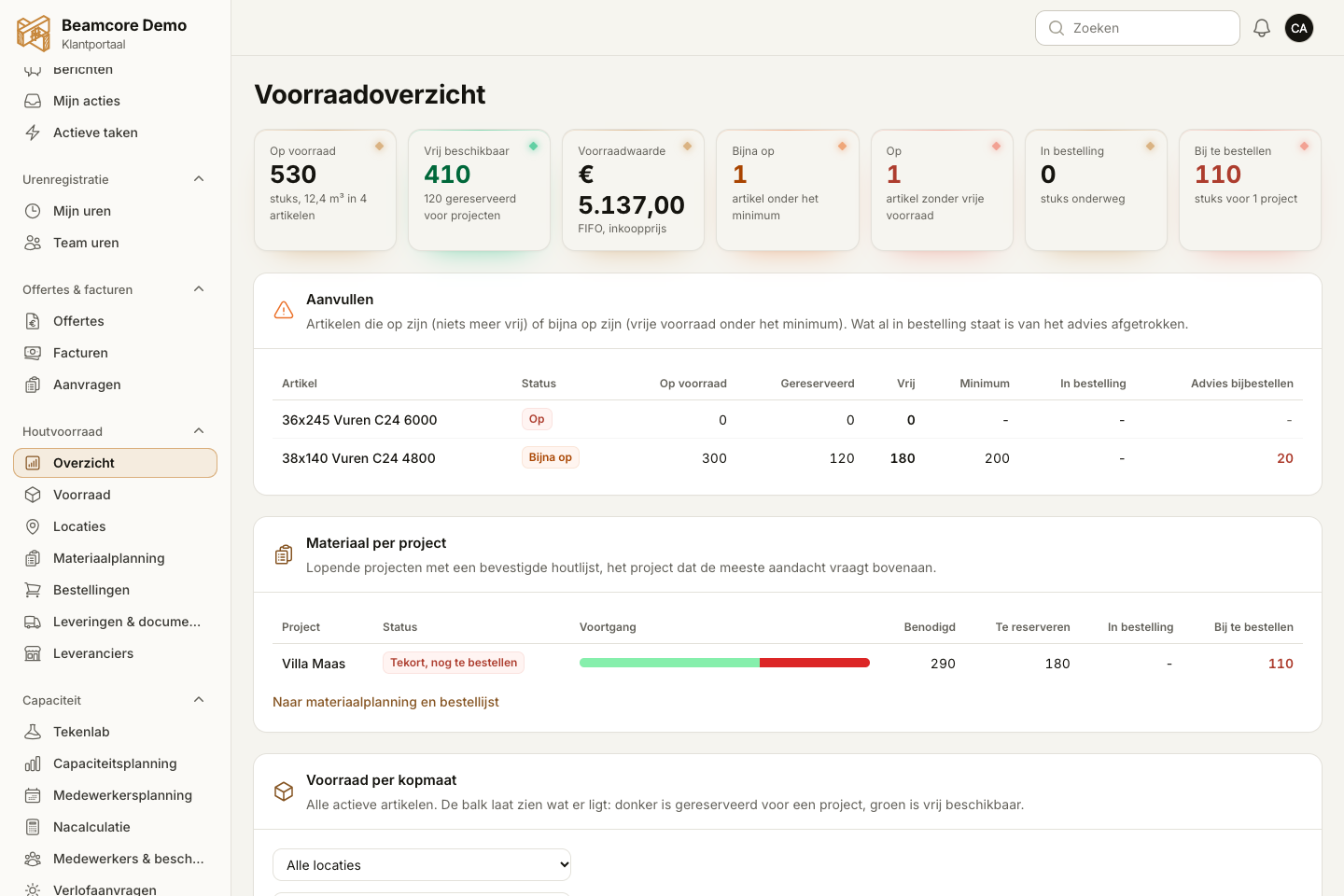
  • Uses the final timber list, or otherwise the latest provisional one
  • Your own factors and service life per company, or the default values
  • An indicative MPG contribution, not an official MPG per m2 of gross floor area; the screen and PDF say so too
  • Part of the Timber stock add-on (139 euros per month)

MATERIAL PASSPORT

Material passport with an export for Madaster

Below the CO2 overview you find the project's material passport, for circular construction. Per element you see which materials it contains, with quantity, volume, area, weight and stored CO2.
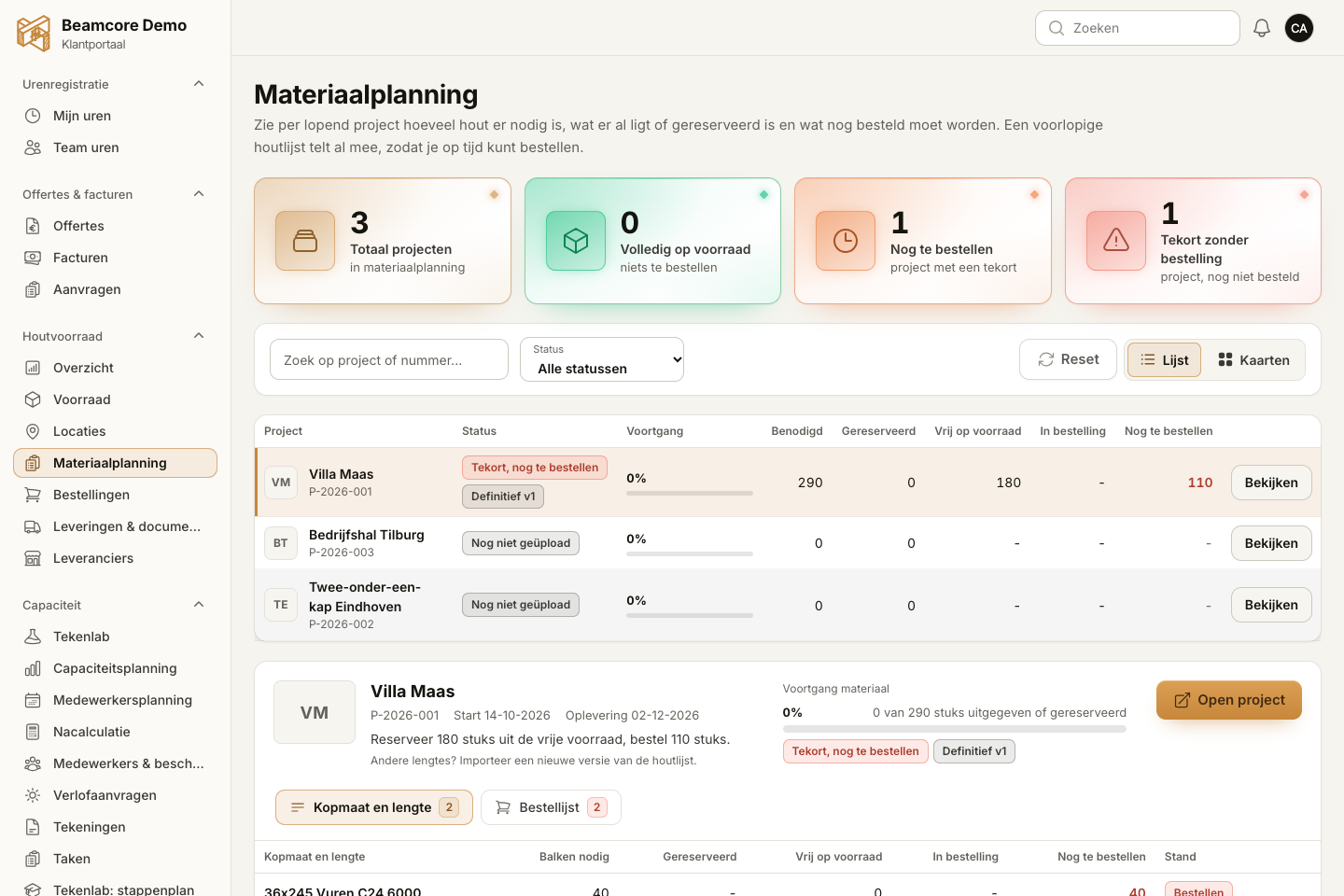
  • Based on the production IFC model, or otherwise on the timber list
  • Supplier and batch from the linked material certificates, only when that is certain
  • Export as an Excel or CSV file for Madaster, with the IFC GUID per element
  • Also as properties to put back into the IFC model

BUILDING PHYSICS

Building physics check: Rc, fire and sound per wall, floor and roof

For each wall, floor and roof in the IFC model, Beamcore compares the Rc value, fire resistance and sound insulation of the linked building system with the requirements of the project. Per element you see green, orange or red, with the reason.

  • Default requirements for new residential buildings, for example Rc 4.7 for the facade and 52 dB for separating walls between dwellings
  • Requirements can be adjusted per project
  • A missing value is unknown, never approved
  • PDF report per project; the check does not replace building physics advice or a review by the building authority

BUILDING SYSTEMS

Building system library with your standard build-ups

Record your standard wall, floor and roof build-ups once, with the layers, the thickness and, per m2, the price, the CO2 and the hours for production and assembly. These build-ups are also the basis for the building physics check.
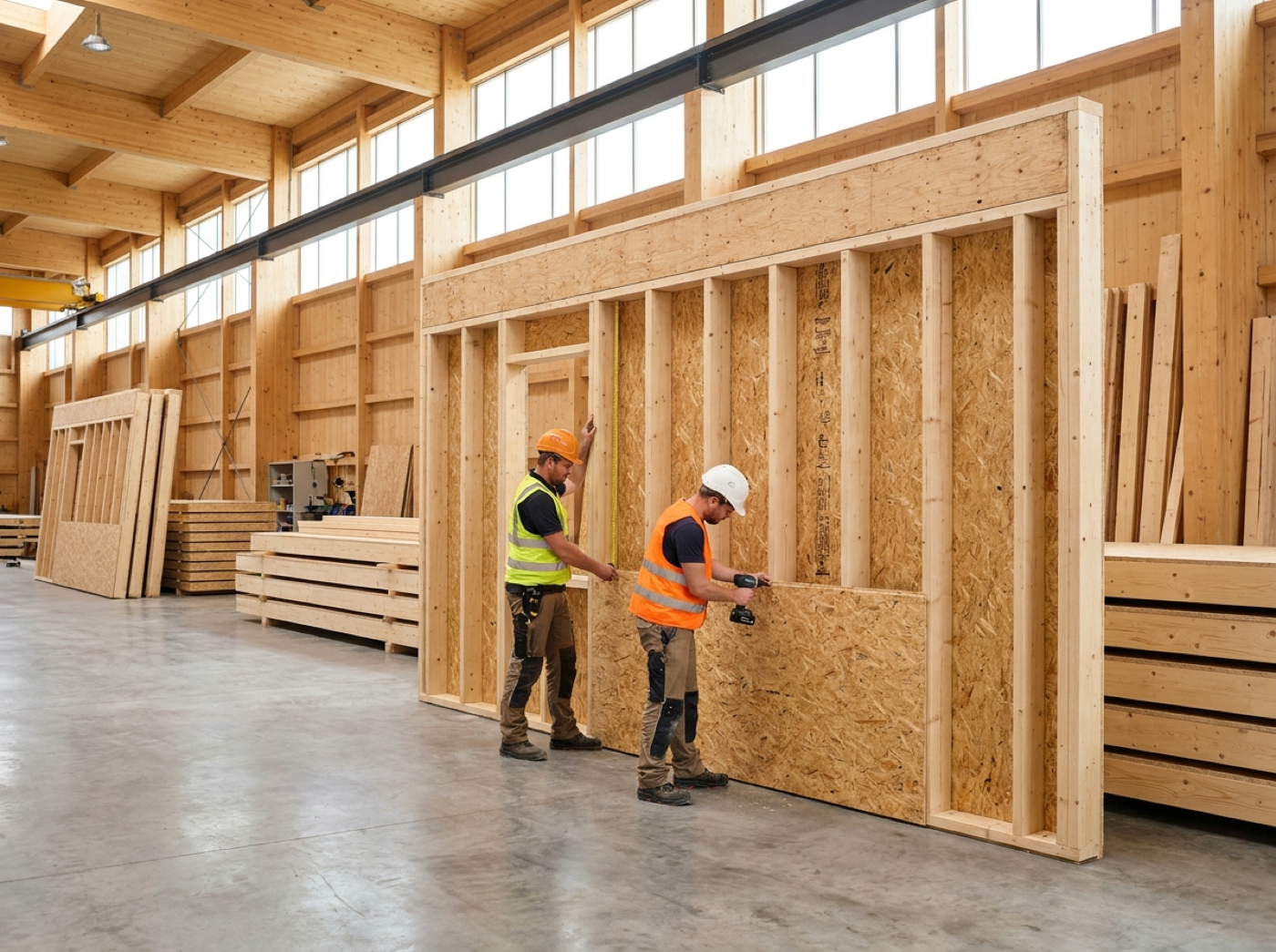
  • Per layer the material, thickness and share
  • A CO2 suggestion based on your company's factors
  • Example build-ups to start with, such as a 184 mm timber frame exterior wall
  • Can be linked to a wall build-up from the Tekenlab (drawing lab)

MODEL CHECK

Model check of the IFC production model

After a new production model has been read in, Beamcore checks the model before you release elements for production. The check uses fixed rules; AI can then summarise the findings in plain language.
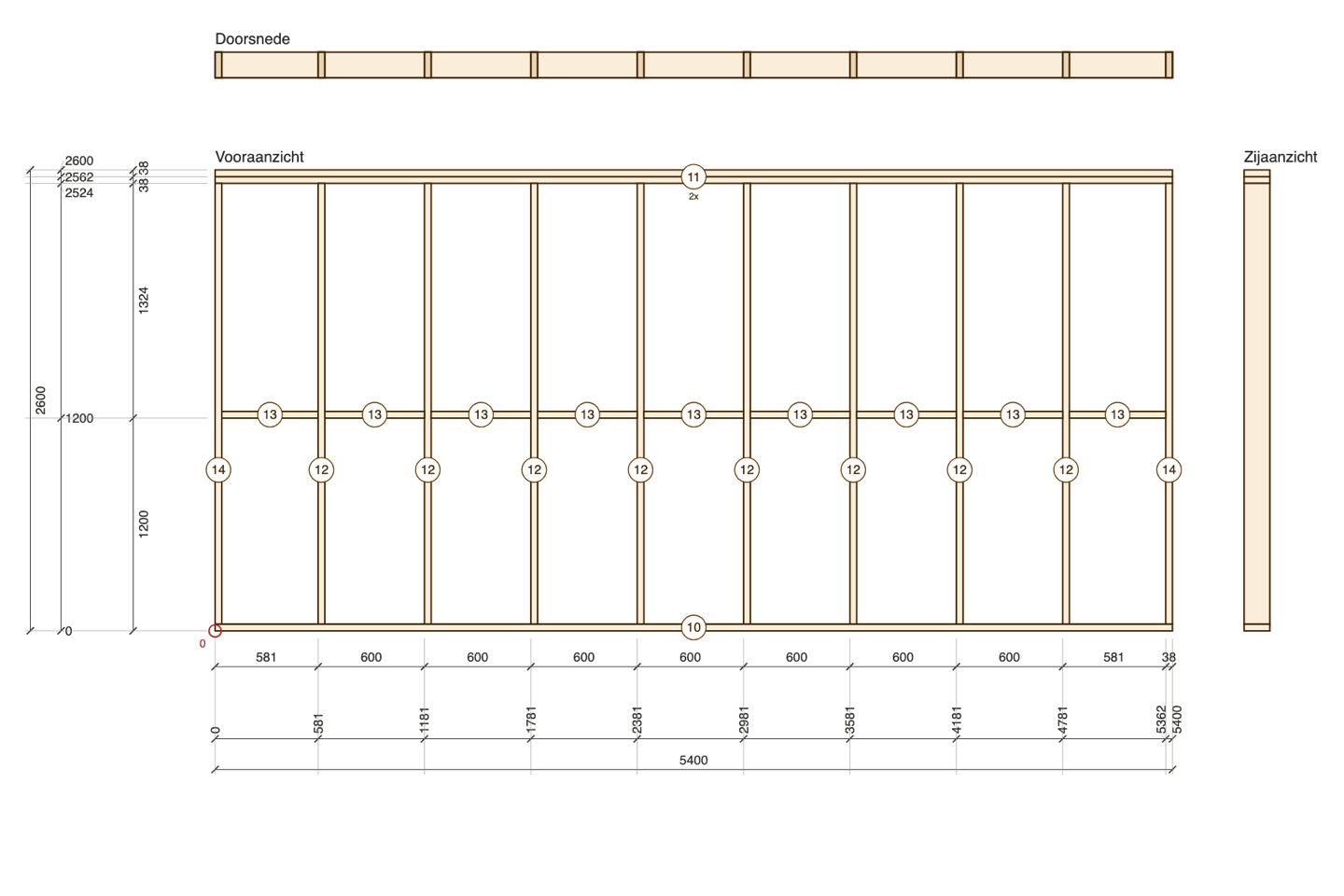
  • Elements without parts and parts with a size of 0
  • Sheets and beams without material
  • Parts of two elements that overlap
  • With Timber stock: cross-sections for which there is no timber in your articles
  • When you release an element, you see its findings once more

AI PHOTO CHECK

AI photo check for insulation, membrane, tape and fixings

For a quality photo of an open element, the inspector lets AI check whether insulation, vapour control membrane, tape on the seams or fixings are missing or damaged. The result is a suggestion that an employee reviews. Nothing is ever rejected automatically.
  • On the factory tablet and in the quality dossier of an element
  • Per defect what is missing, where on the photo and how serious
  • With one button you turn it into a Wkb deviation yourself
  • Part of the Wkb and Quality assurance add-on (79 euros per month)

AUTHORITY DOSSIER

Dossier for the building authority in one click

Per project you see a checklist with red or green for each part: assurance plan, risks, inspections, photos, deviations, material certificates, as-built drawings and completion statement. With one button you download everything as a ZIP with a table of contents.
  • The table of contents also lists what is still missing
  • A prepared completion statement with handover date and warranty
  • Beamcore compiles the dossier; the contractor or quality assurer reviews it and submits it
  • Part of the Wkb and Quality assurance add-on

AUDIT BINDER

KOMO or ISO audit binder with evidence from Beamcore

For a KOMO audit or ISO 9001 you create an audit binder with a fixed list of requirements. For each requirement, Beamcore collects the evidence that already exists: inspections, deviations, certificates, machine maintenance, supplier documents and work instructions.
  • Coverage as a percentage and the open items at the top
  • Per requirement an owner, a review date and your own documents
  • A ZIP for the auditor with an overview and evidence per requirement
  • Beamcore does not certify; the page and the ZIP say so too

TRAINING AND VCA

Training and VCA with reminders

For each employee you record training and certificates, such as VCA, forklift, aerial work platform and first aid (BHV), with the date obtained, expiry date and proof. The overview shows what expires soon and what has already expired.
  • Reminder by notification, email and push 60, 30 and 7 days before expiry and on the expiry date
  • To the employee and to the managers
  • Valid certificates count as evidence in the audit binder

WHY IT WORKS

Evidence from your own project data

01

No double entry

Timber list, IFC model, inspections and certificates are already in Beamcore and together form the evidence.

02

Honest about unknowns

If a value is missing, it says unknown or red. Beamcore never fills in a favourable value itself.

03

Ready for inspection

A PDF for the tender, a ZIP for the building authority or the auditor, with a table of contents.

04

People decide

AI makes suggestions, the inspector decides. Beamcore supports quality assurance but does not replace the quality assurer.

Frequently asked questions

No. It is an indicative MPG contribution from the project's timber and sheet list, not an official MPG per m2 of gross floor area. The screen and the PDF say so too.
No. Beamcore supports quality assurance and compiles the dossier, but it is not Wkb-certified and does not replace the independent quality assurer. The contractor or quality assurer reviews the dossier and submits it to the building authority.
You download an Excel or CSV file with one row per material per element and the IFC GUID. The file has not yet been checked against an official Madaster template; a direct connection will follow later.
The CO2 overview and the material passport are part of the Timber stock add-on (139 euros per month). The AI photo check and the authority dossier are part of Wkb and Quality assurance (79 euros per month). The building physics check, the building system library and the audit binder are available in every plan.
No. The AI makes a suggestion with what is missing and where on the photo. The inspector reviews it and creates a deviation if needed.

Prove sustainability and quality without searching?

Book a demo and see how Beamcore turns your project data into a CO2 overview, dossier and audit binder.