
BUILDING SITE AND CLIENT

From the factory to after handover: the building site and your client in Beamcore

Once the elements leave the factory, the work on the building site begins. The truck has to arrive on time, the crane has to be ready, the fitters want to know what is planned today and your client wants someone to reach after handover. In Beamcore you follow all of it from the same project, also on your phone and without signal.

TRACK AND TRACE

The building site sees where the transport is

The driver shares his position during the trip, from the moment loading is confirmed until delivery. The building site and the client get a secret tracking link per transport with the status, the latest position on a map and the expected arrival time. Track and trace is part of the add-on Transport and loading (149 euros per month).
  • The arrival time is always an estimate: the straight-line distance divided by the average speed you set yourself
  • The tracking page only shows the postcode and town of the delivery address, no street
  • The page refreshes every minute, no login needed
  • You can renew or revoke the link

CRANE AND UNLOADING WINDOW

Unloading date, crane and permit per transport

Record the unloading window per transport: unloading date and time slot, the crane (none, own or hired, with crane company and contact person) and the road closure with permit. The building site confirms through a secret link, without logging in. The unloading window is part of the add-on Transport and loading.

  • The building site agrees, or reports with an explanation that it does not suit them
  • Warnings when the transport date differs from the unloading date or falls outside the permit
  • Upload the permit as a PDF or photo
  • If the window changes after a reply, the building site has to confirm again

LOADING AND DELIVERY

Loading and unloading per element in the app

The driver or the loading crew scans every element when loading. On the building site you report per element that it has been unloaded. At delivery the recipient signs in the app and you take photos. Beamcore turns that into a proof of delivery as a PDF. This is part of the add-on Transport and loading.

  • Scan the label or the element number, an element from another transport gives a warning
  • See per element what has been loaded and unloaded, and what is still missing
  • Deliver with name, signature, photos and a remark if something is missing
  • The proof of delivery lists loaded and unloaded per element, with the signature and the photos

ASSEMBLY ON SITE

Fitters tick off every element

In the app, fitters see today's and this week's assembly planning, and the build sequence per project with the elements numbered in the order they go in. Per element they tick off that it has been fitted, with a remark and photos. This is part of the add-on Assembly (59 euros per month per licence).
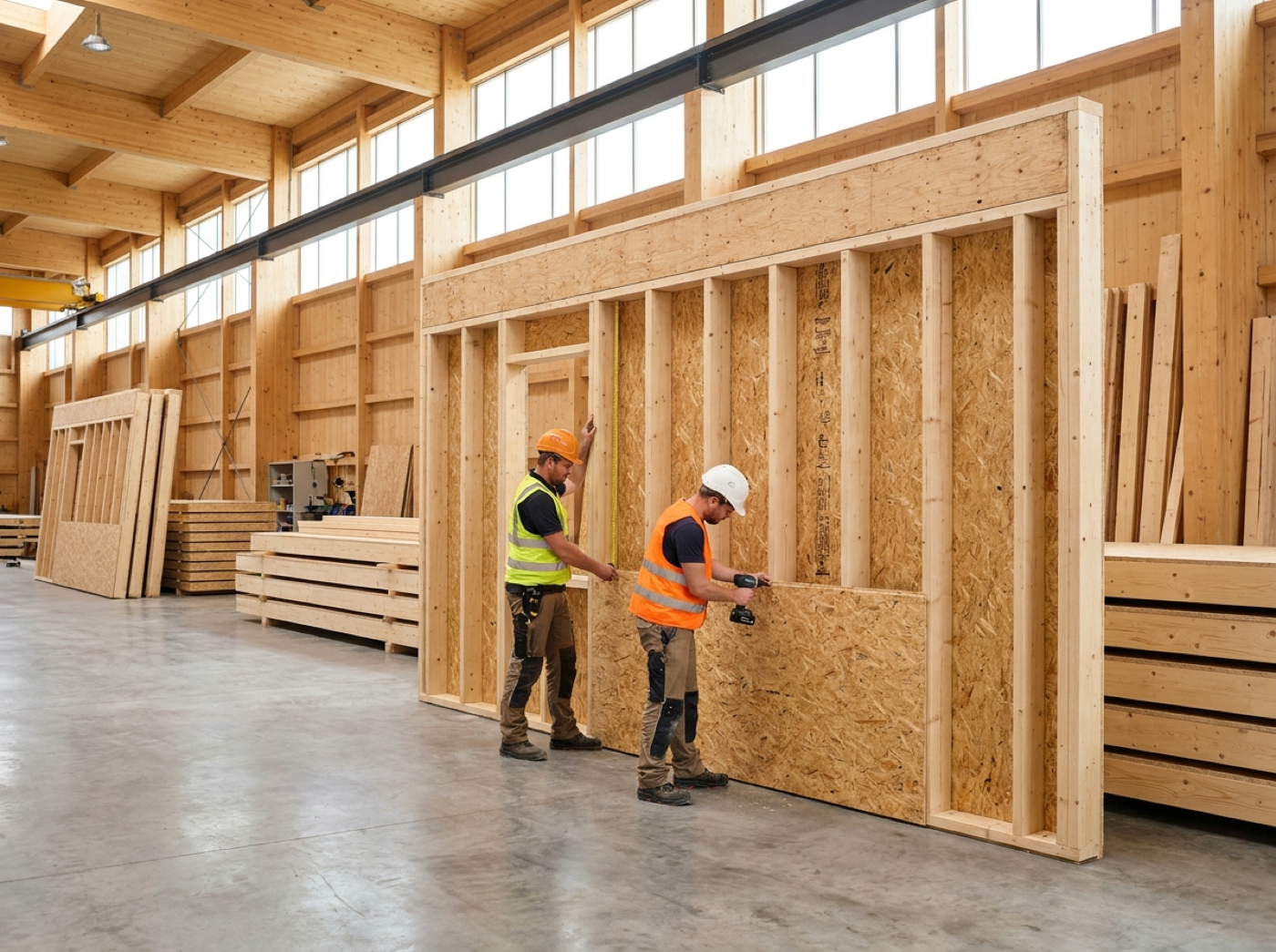
  • Planning per day and per week, with the steps that have been released
  • Tick off elements with a remark and photos
  • An external assembly company only sees its own steps
  • The office sees per step how many elements have been fitted

TAG PER ELEMENT AND AR

Scan an element and see right away where it stands

Every element gets a fixed code as a QR code on a label, which you can also put as a link on an NFC sticker. Scanning opens, after logging in, a page with the status of the element and the quick actions you are allowed to do there. In the app, AR shows the element and its place in the building as a 3D line drawing over the camera image. This is part of the add-on Production (99 euros per month per production line).

  • Labels as a PDF: A6 per element or 100 x 62 mm labels
  • Status of production, loading and assembly of the element
  • Large buttons for reporting finished, loaded and fitted, only when you are allowed to
  • In AR you place the line drawing over the image yourself, the position is indicative and does not replace the dimensions on the drawing

SAFETY

LMRA and incident reports per project

Before work, employees fill in an LMRA (last minute risk analysis) per project per day and report incidents, near misses and unsafe situations, also from the app. The office sees everything per project and handles the reports. Safety is included in every plan, without an add-on.
  • Your own questionnaire per company, a "no" requires an explanation
  • A "no" in the LMRA or a new report goes straight to the administrators
  • Reports with photos, severity and status, closing only with a measure
  • Overview per project: LMRAs, "not safe" and open reports

AFTERCARE AND SERVICE

After handover your client is still welcome

After handover your client can submit service requests in the portal, or the office enters them. Beamcore keeps track of the warranty period per project and sends the client a short satisfaction question after handover. Aftercare is included in every plan, without an add-on.
  • Service requests with photos, status, employee and planned date
  • Warranty period per project, 12 months by default, with a reminder before it ends
  • Satisfaction question with a score from 0 to 10 and a remark, without logging in
  • Also in the app: view and handle requests

BUYERS AND CONFIGURATOR

Buyers and clients choose for themselves

In housing projects every buyer gets their own link per plot number. There they choose from your list of extra and reduced work and confirm their choice. With the home configurator a client chooses a home type and options on a public page and immediately sees an indicative price. Both are included in every plan, without an add-on.
  • Options with a closing date: after that a choice is fixed
  • A buyer only sees their own plot number, prices including VAT
  • With the add-on Quotes and Invoicing (59 euros per month) a draft invoice for extra work per plot number
  • A request from the configurator becomes an opportunity in your sales pipeline, with the add-on Production also with an indicative delivery week

WITHOUT SIGNAL

No signal? The work is sent later

On the building site the signal is not always good. What you tick off in the app while you have no connection is kept by the app and sent later. This applies to ticking off saw lists, ticking off assembly and loading and unloading.
  • Every action counts at most once, even if the app sends it twice
  • Beamcore uses the time at which you did it on your phone
  • If an action is refused, it can be done again later

WHY IT WORKS

The building site and your client in the same project

01

Know what is coming

Tracking link and unloading window make sure the site is ready when the transport arrives.

02

Works on your phone

Loading, unloading, assembly and safety go through the app, also without signal.

03

Everything recorded

Proof of delivery, photos, LMRAs and fitted elements are stored with the project.

04

Client stays involved

Buyer portal, configurator and aftercare keep in touch after the sale and the handover.

Frequently asked questions

It is always an estimate. Beamcore uses the straight-line distance from the latest position to the delivery address and the average speed you set yourself. Traffic and the route by road do not count. That is also shown on every screen.
No. Both work through a secret link without logging in. You can always renew or revoke a link. The page only shows the postcode and town of the delivery address.
Yes, for ticking off saw lists, ticking off assembly and loading and unloading. The app keeps what you do and sends it as soon as there is a connection again. Every action counts at most once.
Safety, aftercare, the buyer portal and the home configurator are included in every plan. Track and trace, the unloading window and loading and delivery belong to Transport and loading, ticking off assembly to Assembly and the tag per element and AR to Production.
The position is indicative. You place the line drawing over the camera image yourself, the camera does not follow the movements of the phone yet. Always set out with the dimensions on the drawing.

The building site and your client well organised?

Book a demo and see how Beamcore brings transport, assembly, safety and aftercare together.