
SMART FACTORY

A factory that measures, reports and learns, linked to your production planning

Machines, tables and people decide how many m² you make each week. Beamcore keeps track of maintenance, processes reports from your saw and wall line, shows where time is lost and makes sure everyone at the table knows how the work is done. It all connects to <a href="/en/features/production">production</a> and <a href="/en/features/production-planning">production planning</a>.

MACHINES AND MAINTENANCE

Preventive maintenance on running hours or days

Record your machines and tools under Production, Machines and maintenance. For each machine you create maintenance plans: every so many running hours or every so many days. When maintenance is due, Beamcore creates a maintenance task every morning and managers get a notification. This is included in every plan, no add-on needed.
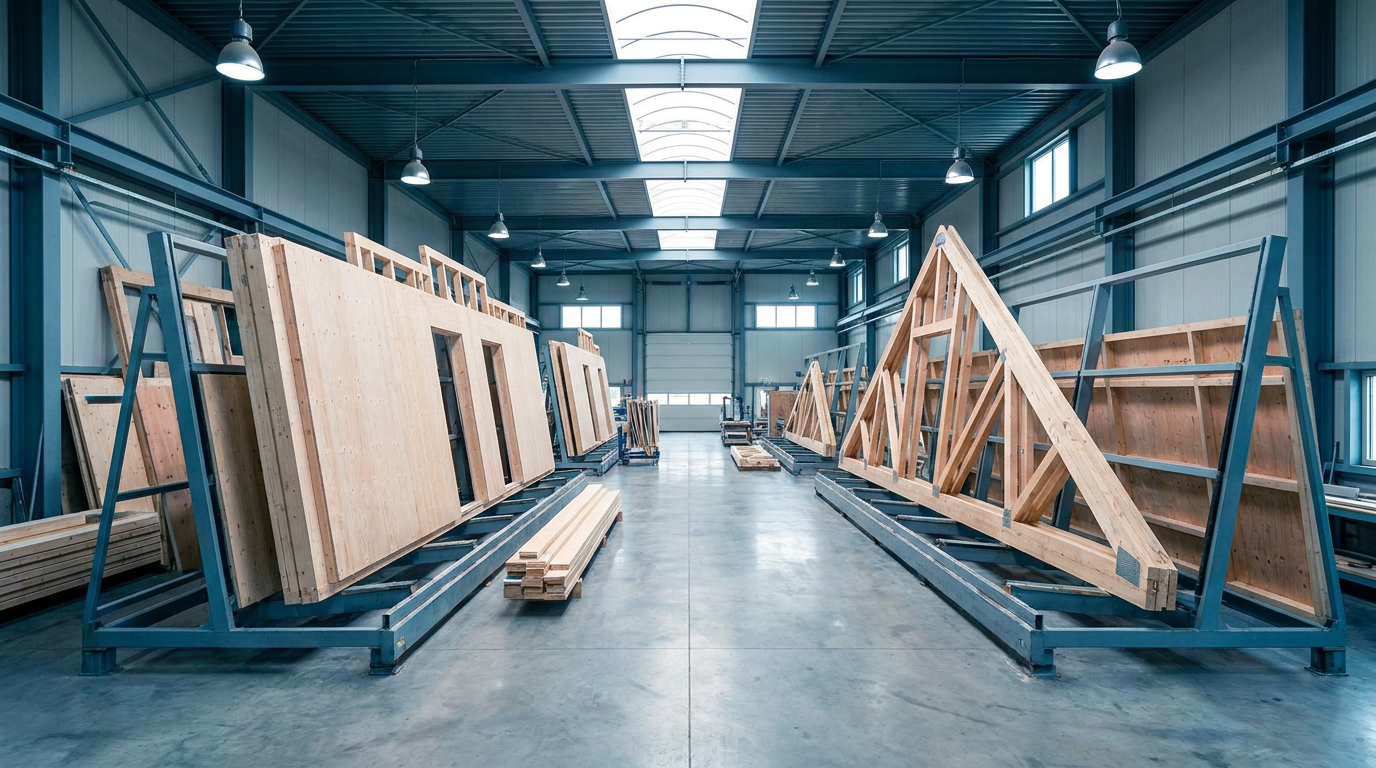
  • Per machine the type, the table, the running hours, the next maintenance and the open tasks
  • Enter running hours by hand, or count them from the active time of a linked production table, without breaks
  • Tick off a task with a note and a photo, using the camera on the tablet
  • A task can only be skipped with a reason

MACHINE LINK

Saw and wall lines report what is done

A saw line or wall line reports back per part or element: sawn, nailed, finished or breakdown. Nobody has to tick things off anymore. You set up the link per machine under Machine link; your machine supplier sets up the machine side.
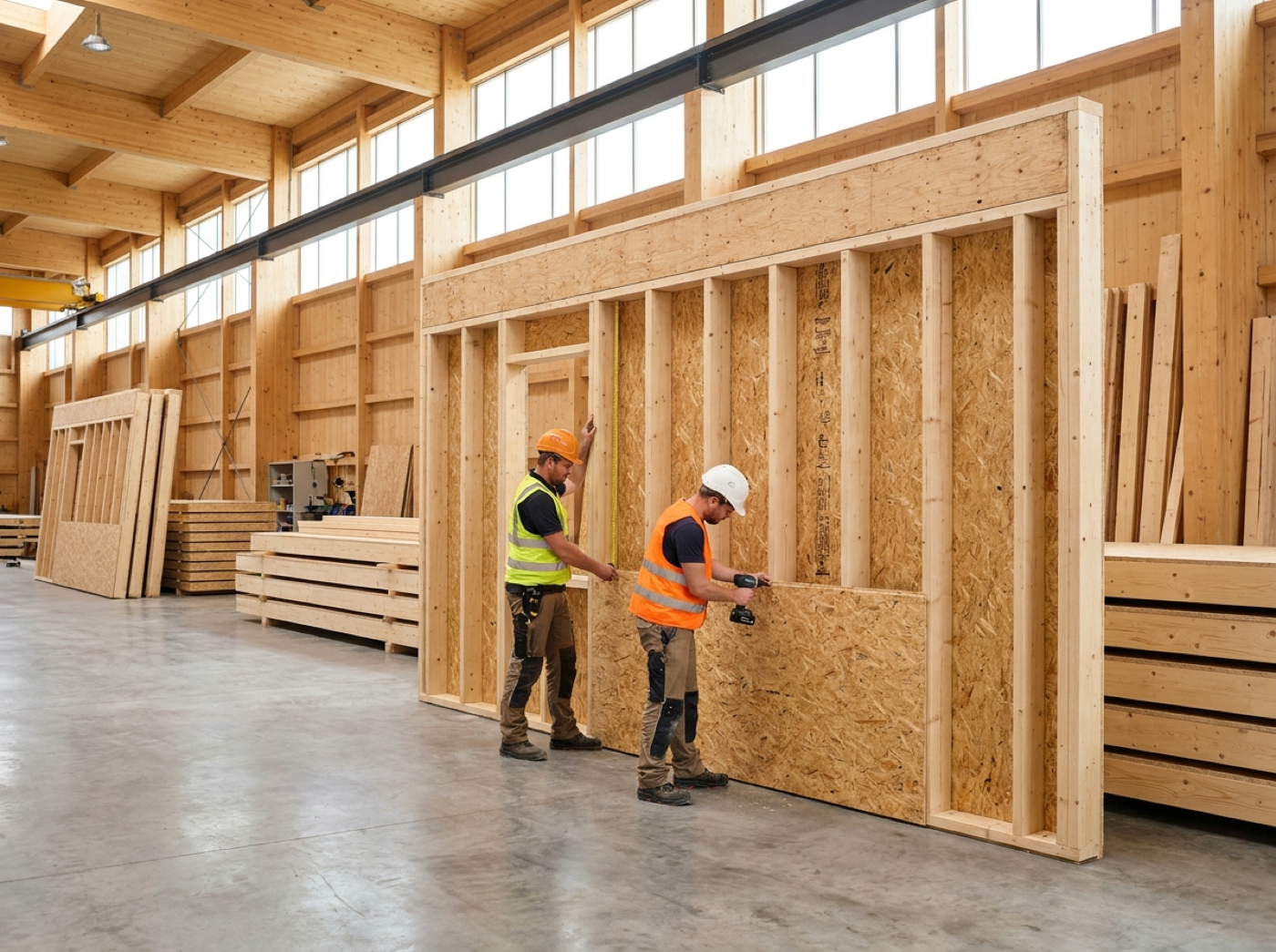
  • Sawn ticks off the beams on the saw list
  • Nailed starts the element in the production planning, finished marks it as done
  • A breakdown blocks the element, with the report as the reason
  • Open quality points are never confirmed by a machine
  • If a direct link is not possible, import a machine log as CSV or XML
  • Every report is kept per machine, with its outcome

OEE

OEE per table and machine, with downtime and its reason

The OEE page shows per week, per production table and per machine how much time was available, how much was lost to downtime and why. From that follow availability, performance, quality and OEE. This is included in every plan, no add-on needed.

  • Report downtime with one button on the factory tablet, at the table or on an open element
  • Ongoing downtime shows as a red button, one tap ends it
  • Reasons such as breakdown, maintenance, changeover, waiting for material or drawings and no staff
  • Record downtime afterwards up to 31 days back
  • If part of the data is missing, Beamcore shows a dash instead of a guess

PERFORMANCE BOARD AND TV SCREEN

Performance per team and table on a screen in the hall

The performance board shows per week and per team or production table what was made: m² produced, m² per hour worked, elements finished, rejects and the trend over the previous four weeks. The TV view refreshes every minute. In addition, the TV screen Production today uses a secret link to show per active table what is on it now and what comes next, in large letters. Both are part of the Production add-on (99 euros per month per production line).
  • Without names by default: only figures per team and table, never per person
  • You switch on names per person only if you want to, and they never appear on the TV
  • The TV screen Production today works without logging in and refreshes every 60 seconds
  • Creating a new link switches off the old one immediately

BTLX EXPORT

Beams as BTLx to your saw and wall line

Export the beams of the current IFC revision as BTLx 2.1, the open format read by machines from Hundegger, Weinmann and Randek. You can do this for the whole project or per element, and from the saw lists. The BTLx export is part of the Production add-on (99 euros per month per production line).

  • Per beam the position number, cross-section, length, material, strength class, count, element and zone
  • Identical beams within an element are grouped with a count
  • Sheets and electrical parts stay out of the export
  • The file is checked before you download it
  • The export contains no machining operations: the machine cuts the beams to length

SAW AND SHEET NESTING

Nesting per project with offcuts and waste

Under Stock management you find Saw and sheet nesting. Per project, Beamcore uses the final timber and sheet list to work out what you need and which part can come from offcuts. Nesting is part of the Timber stock add-on (139 euros per month).
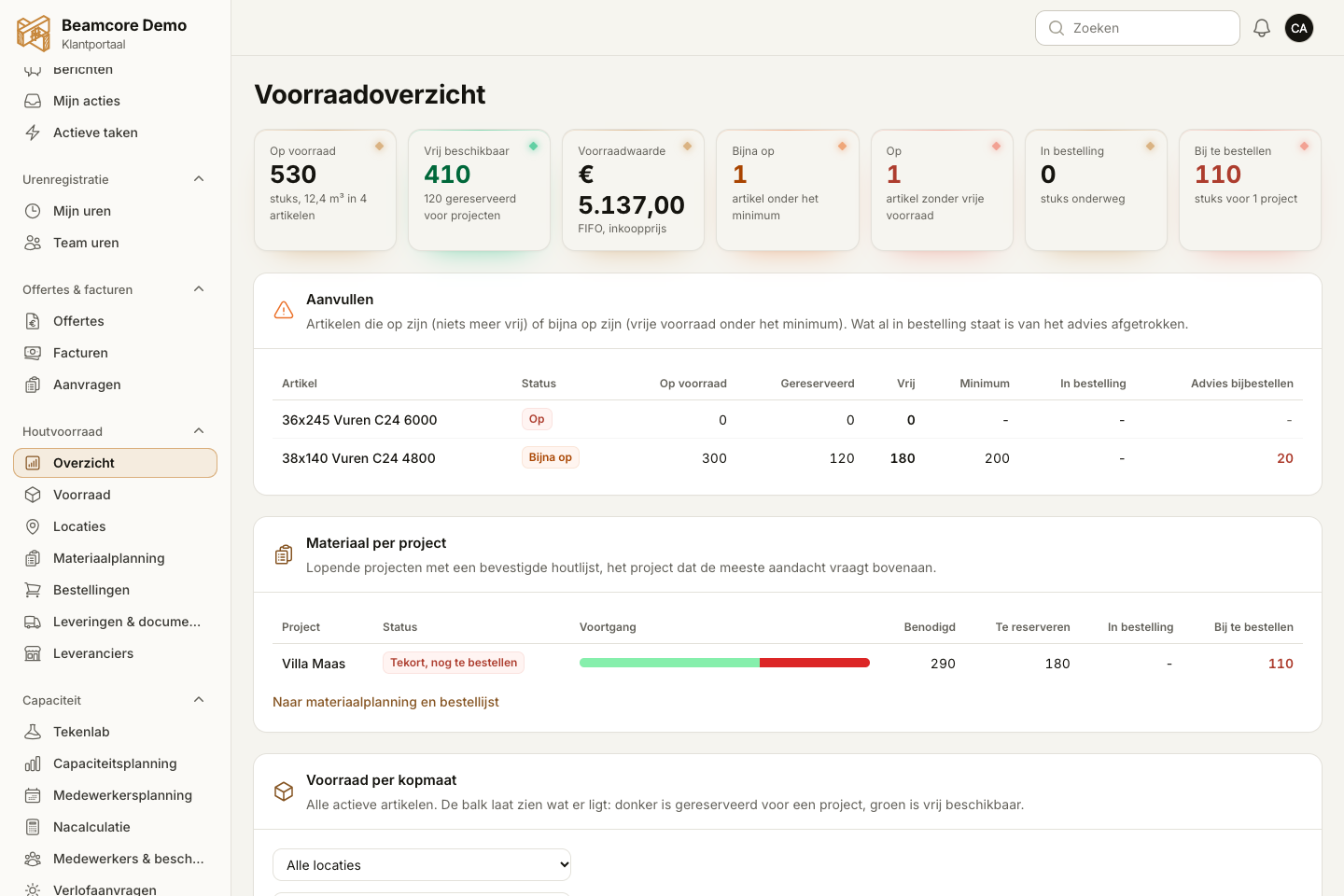
  • Beams per cross-section: number of pieces, how many come from an offcut, how many new bars are needed and the waste
  • You see in advance what remains as a new offcut
  • Sheets per type and thickness: pieces, new sheets, waste and a suggestion of which remnants in stock fit
  • Reserve offcuts with one button

WORK INSTRUCTIONS

Work instructions per workstation, with photo and video

Under Production, Work instructions you create step-by-step instructions with text, a photo, a video or a video link. Link them to production tables or planning activities. On the factory tablet an employee only sees the instructions for the table they are working at. Managing instructions is included in every plan, the tablet is part of the Production add-on.

  • Every instruction has versions: after a change everyone is back to not yet read
  • The employee presses Read, the manager sees who has read which version
  • A counter on the tablet shows how many instructions are still unread
  • Switch instructions on or off without deleting them

SKILLS AND ONBOARDING

Skills matrix and onboarding routes for new employees

Under Capacity you record each employee's level per skill: none, in training, independent or may train others. For each skill you set which tables and activities need it. New employees follow an onboarding route with steps and a mentor. Both are included from the Growth plan.
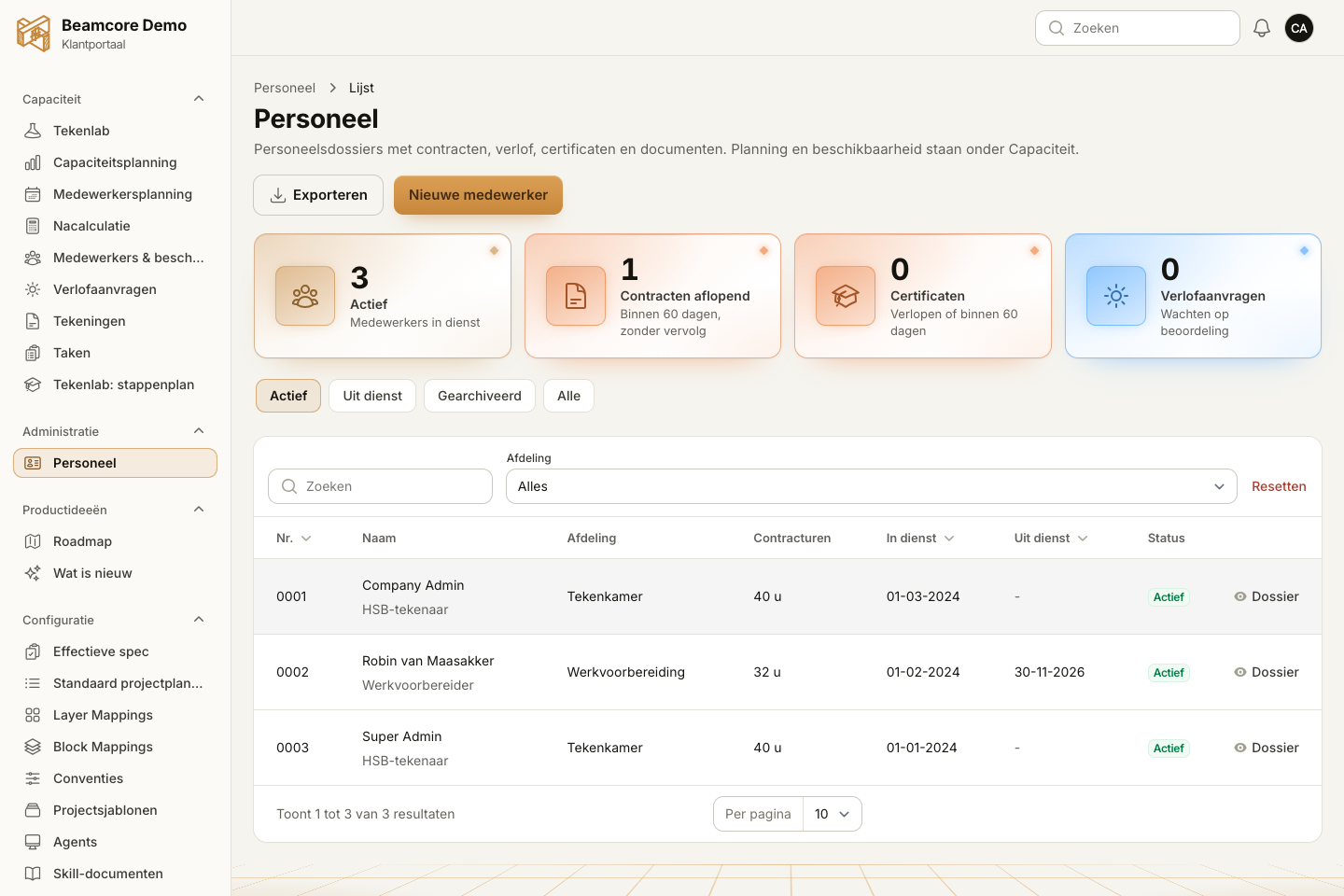
  • Link a certificate as proof to a skill
  • Staff planning and production planning warn about someone without the skill, in training or with an expired certificate, without blocking
  • Onboarding routes with steps as text, work instruction, skill or document
  • Link a route to a role, so everyone with that role gets it
  • The mentor signs off steps, and a signed-off skill is then set to independent

PRODUCTION TIMES

Time norms per m² that learn from measured times

On the Production times page you set norms in man-minutes per m² for walls, floors and roofs. For walls, time is added per sheathing zone, per window or door opening and per electrical box. For each production table you enter how many people work at it. That gives every element a planned time in the production planning.
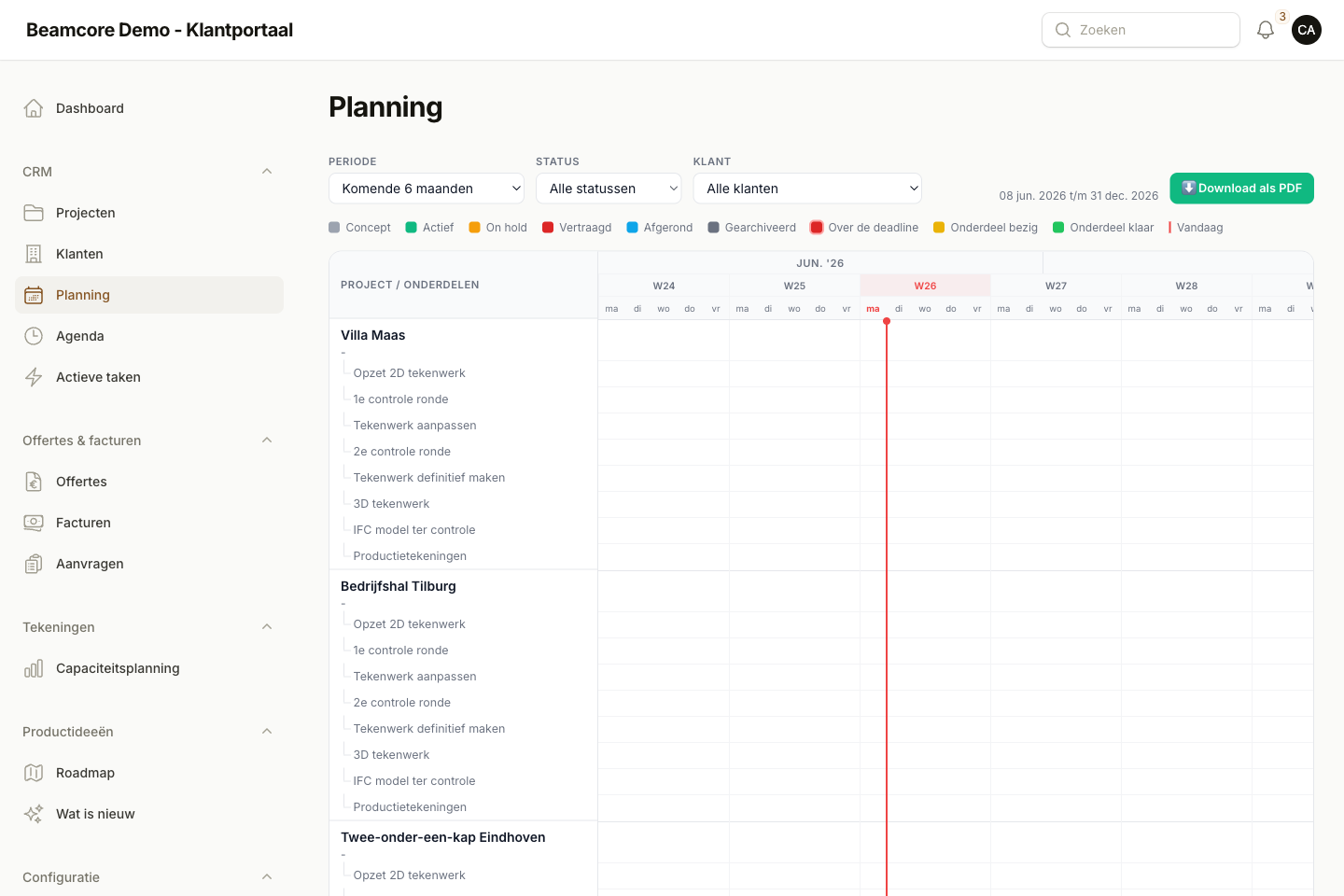
  • Time per element is the norm divided by the people at the table, rounded to a quarter of an hour
  • From three measured elements, Beamcore learns per type and per table with a learning factor
  • You see the set and the measured times side by side
  • The times count in the warning for an overfull day, the planning overview, the Gantt chart and the production proposal

WHY IT WORKS

Less downtime, less searching, more m² per week

01

Maintenance on time

Maintenance tasks appear automatically based on running hours or days, with a notification to the manager.

02

Measure what happens

Downtime with a reason, OEE per table and performance per team show where time is lost.

03

Knowledge at the table

Work instructions, skills and onboarding routes make sure everyone knows how the work is done.

04

A planning that adds up

Time norms per m² and people at the table give every element a realistic time.

Frequently asked questions

Machines and maintenance, the machine link, OEE and managing work instructions are included in every plan. The performance board, the TV screen, the BTLx export and work instructions on the factory tablet are part of Production. Nesting is part of Timber stock. The skills matrix and onboarding routes are included from the Growth plan.
Your saw or wall line sends reports to Beamcore: sawn, nailed, finished or breakdown. Your machine supplier sets up the machine side. If your machine cannot do that, you import a machine log as CSV or XML.
Not by default. The board only shows figures per team and per table. You switch on names per person only if you want to, and they never appear on the TV.
No. The export contains the cross-section, length and element data per beam, without machining operations. The machine cuts the beams to length.
Every change creates a new version. Everyone is then back to not yet read, and you see per employee who has read which version.

Get more out of your factory?

Book a demo and see how Beamcore links your machines, tables and people to your production planning.