
COLLABORATION AND PARTNERS

Work with partners, suppliers and flexible workers from one platform

A timber frame company never works alone. You share capacity with other companies, wait for suppliers, bring in agency workers and subcontractors and sometimes work from several sites. In Beamcore you arrange all of that in one place, with exactly the access each person needs.

BEAMCORE NETWORK

Share free production capacity with other companies

Companies connected to the Beamcore network offer each other free production capacity per week and request it. Beamcore suggests an offer per week from your own planning: the capacity of your tables minus what is already planned. You decide what you offer. The network is included in every plan, without an add-on.
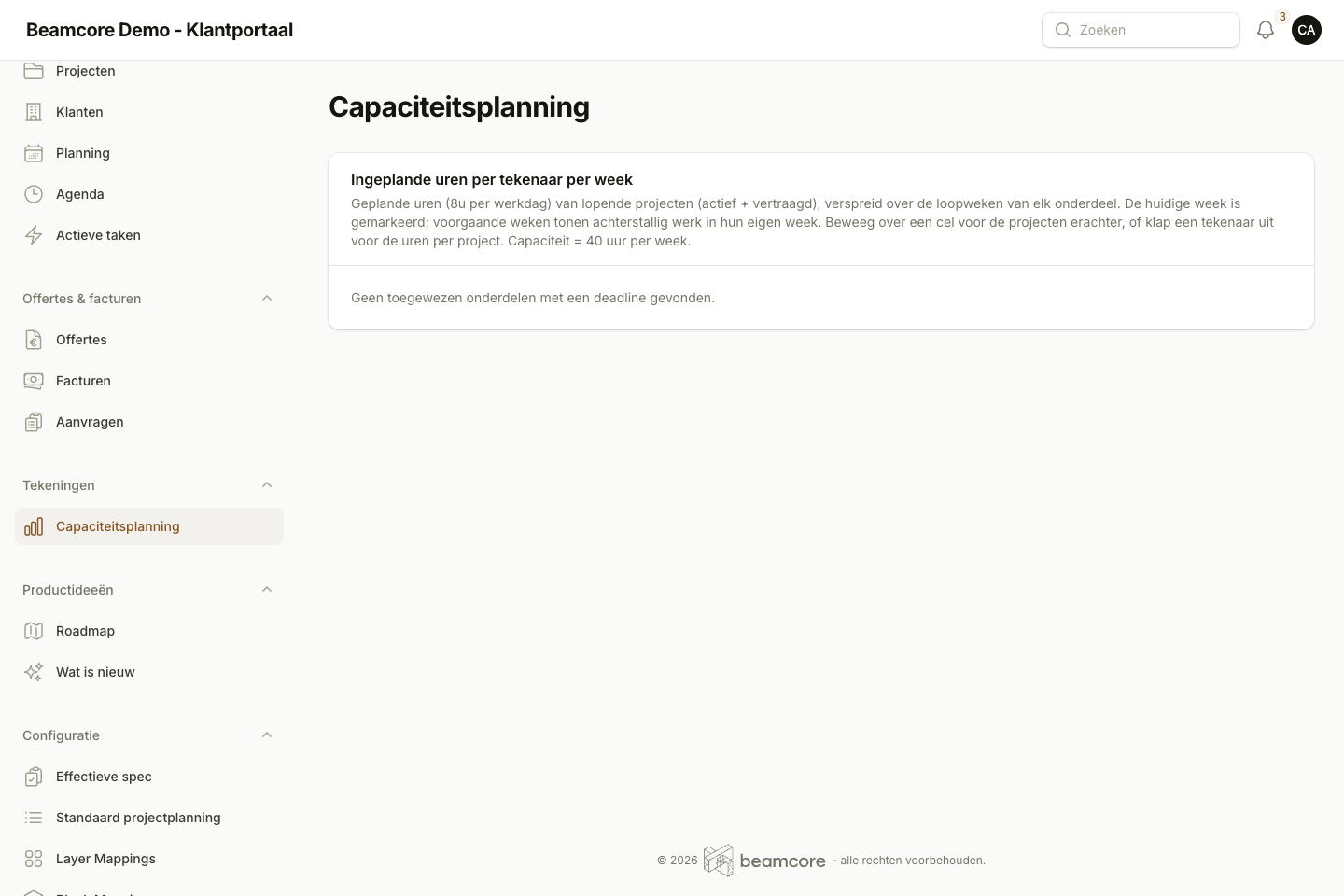
  • Offer per week in m² or in hours, with the type of elements and the region
  • Requests with a description of the project, m² and the number of weeks
  • Offers are anonymous: only after acceptance do both companies see each other's name, town and contact person
  • A notification by email, in the app and as a push message for a new request or a decision
  • Joining is off by default and you switch it on yourself under Capacity

SUPPLIER PORTAL

Suppliers confirm their own deliveries

Your supplier gets a secret link, without an account. There they only see their own purchase orders with your company and their own prices. For each order they report when they will deliver. The office is notified of every update. The supplier portal is part of the Timber stock add-on (139 euros per month).
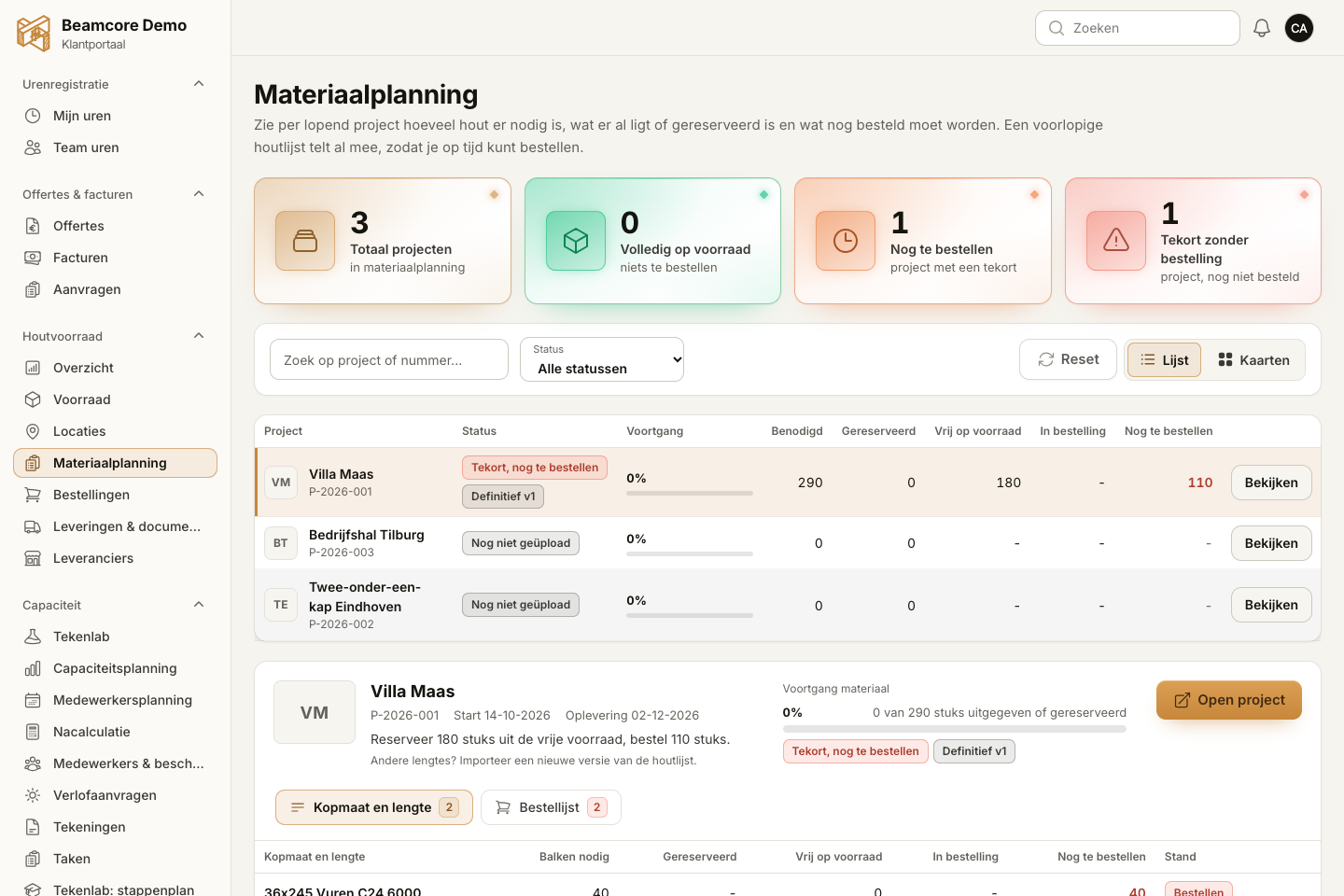
  • Confirm a delivery with a date, or report a partial delivery or a delay with a reason
  • A new date updates the expected delivery date of the order straight away
  • Upload a packing slip or certificate as PDF, jpg or png
  • The office checks a packing slip first, stock only changes after confirmation
  • You can renew or revoke the link at any time

INTEGRATIONS

All integrations in one place

Under Company you find the Integrations page: an overview with a tile per integration, with an explanation, its status and a button to set it up. You see at a glance what already works and what has not been set up yet.

  • Zapier and Make with a webhook template that already lists the events
  • Your own webhook, with an example message per event
  • Exact Online, AFAS and SnelStart via the Accounting integration add-on (29 euros per month)
  • Peppol and hsbCAD with their status, so you see whether they are active
  • Cadwork and Madaster are marked as coming soon: you can register your interest

SITES

Several sites under one company

If you work from more than one location, you record the sites under Company, with name and address. Link production tables, halls and employees to a site and choose at the top of the portal which site you want to see. A company without sites notices nothing.

  • Production planning, Capacity and utilisation and the stock overview follow the chosen site
  • An employee can be set up to see only their own site
  • One company and one administration, no separate accounts per site

AGENCY WORKERS AND SUBCONTRACTORS

Flexible workers with exactly the access they need

Record who works for you through an agency or as a subcontractor, until when and at what hourly rate. They get the limited flexible worker role: they see their own tasks, record hours, work in the factory view on the tablet and fill in the last minute risk analysis (LMRA). They do not see the project list, customer details or finances. This is included in every plan, without an add-on.
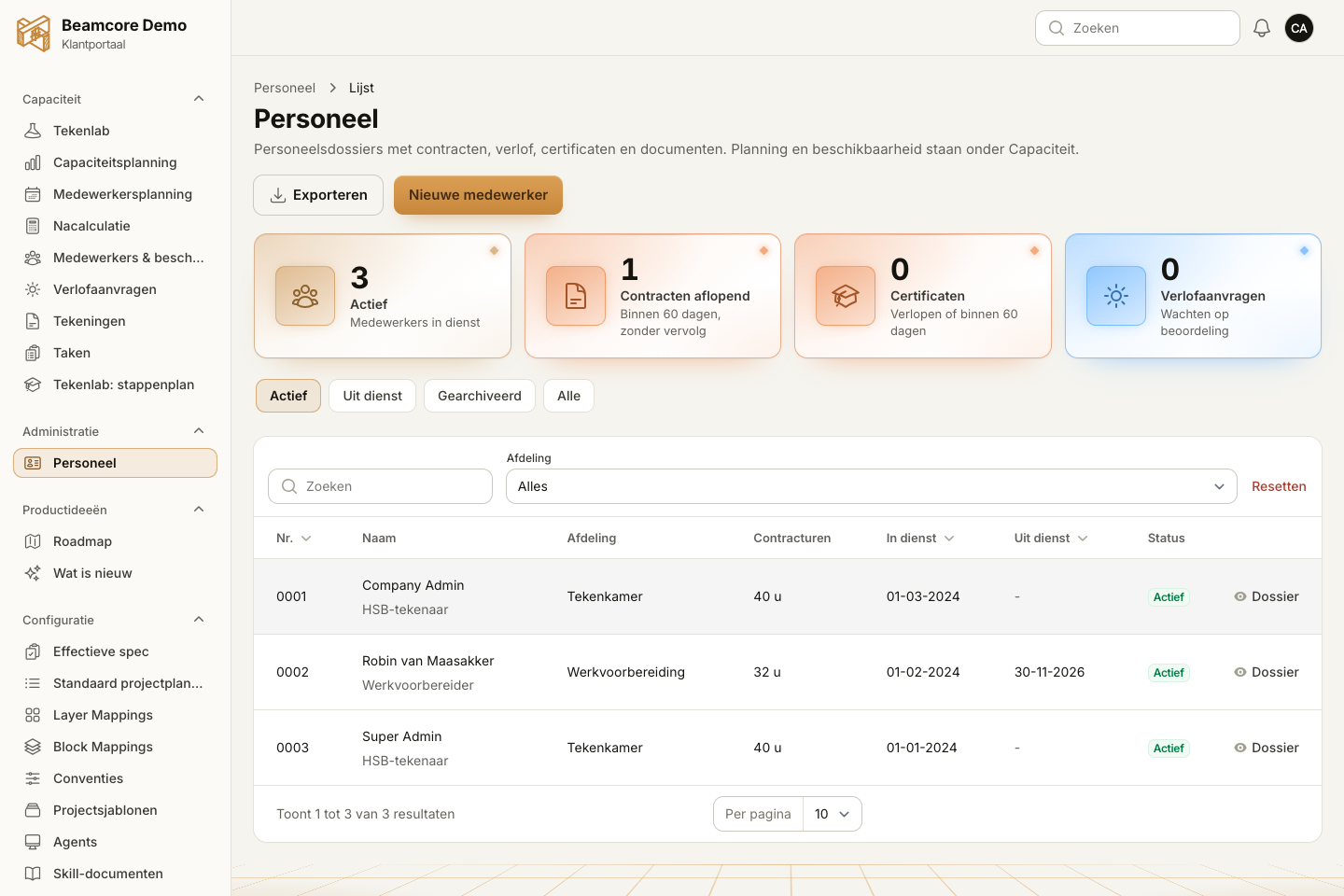
  • Per agency or subcontractor the people deployed, with their period of deployment
  • Access ends automatically after the end date
  • Hours overview per agency per week or month, with an export to Excel to check the agency's invoice

CALENDAR LINK

Your planning in Outlook, Google or Apple

Every user gets a personal calendar link to subscribe to in Outlook, Google Calendar or Apple Calendar. You choose what goes in. The calendar is read-only: you make changes in Beamcore, so the planning stays the single source.
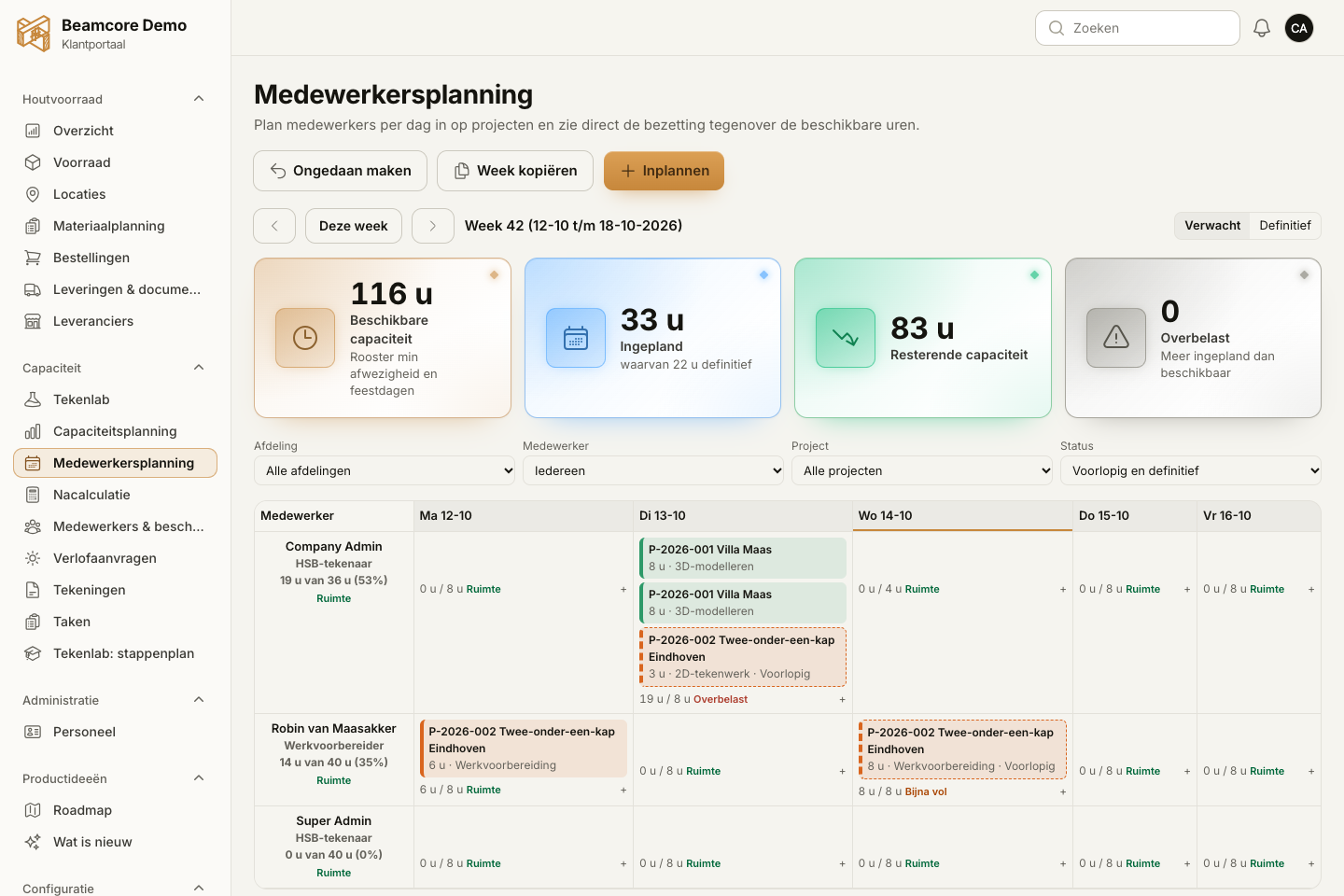
  • The parts of the project planning you are allowed to see
  • Assembly steps, with the Assembly add-on (59 euros per month per licence)
  • Leave, with the Administration add-on (69 euros per month)
  • Creating a new link switches off the old link immediately

PROJECT SURVEY

Record a project at the customer's site

Under Requests you find Project survey, for a visit to the customer. You take the drawings along to show on the tablet and record on the spot what you hear and see. Afterwards you move everything to a project with one button, or turn it into a new project. Project survey also works in the app.

  • View DWG, PDF and IFC drawings in the Beamcore viewers, with zoom and measuring
  • Notes, photos with the camera and a sketch with finger, pen or mouse
  • Write on a photo or PDF drawing with pen, arrow, frame and text, the original stays unchanged
  • "To project" puts drawings, photos, sketches and notes in the Project survey folder of the project
  • "New project" opens the project form with name, customer and notes already filled in

VOICE NOTES

Speak instead of type

On site or in the factory your hands are full. In the app you record a note for a project, or choose a recording. The AI turns it into a draft: a project message or a Wkb deviation. An employee checks the draft and only then saves it.

  • Dictate via the keyboard or choose a recording
  • You can edit the draft before you save it
  • A Wkb deviation can be linked to an element from the IFC model, with the Wkb and Quality assurance add-on (79 euros per month)
  • Only you see your own notes until you save them

OUTSOURCING PRODUCTION

Outsource production to another timber frame company

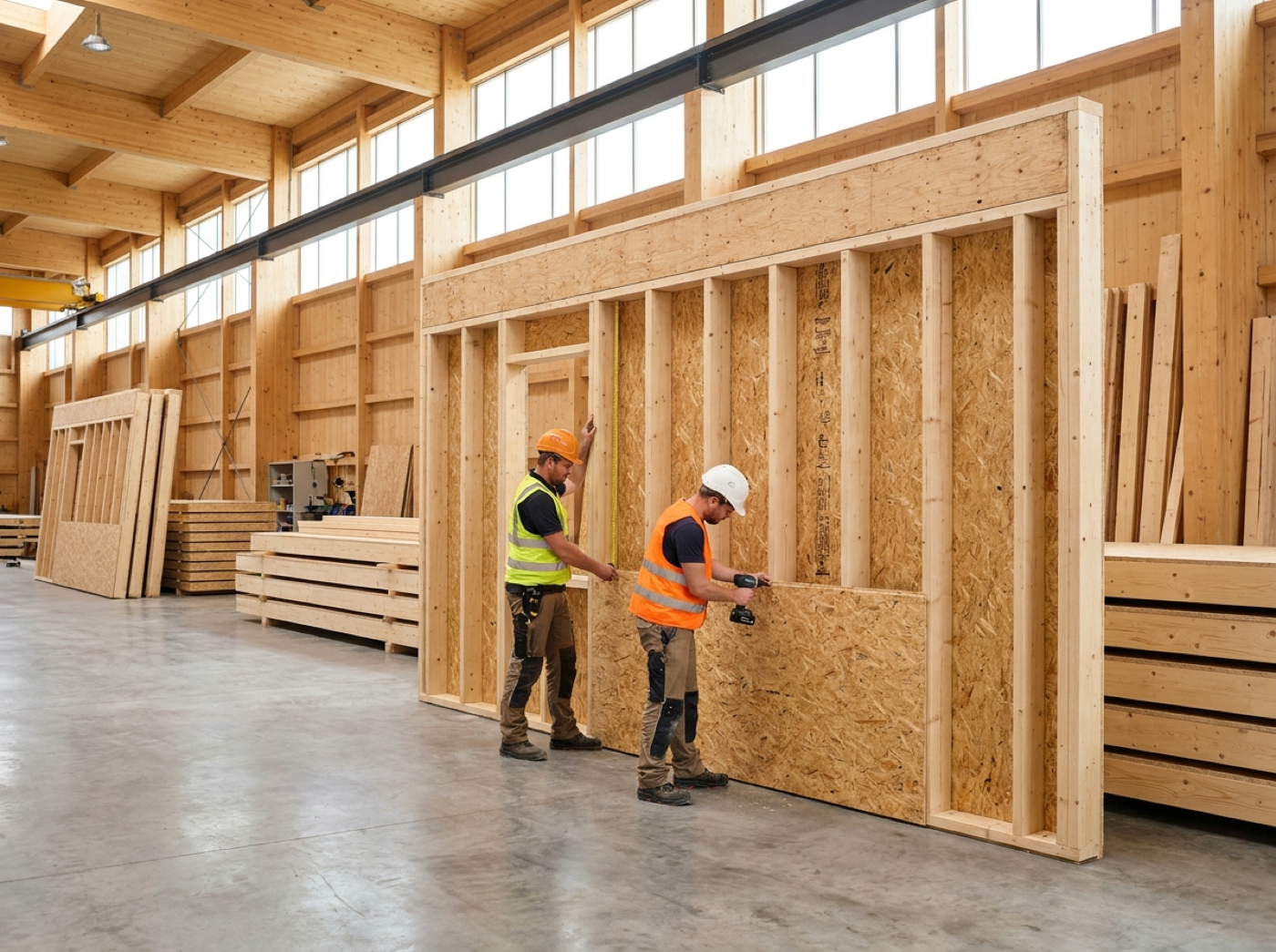
When it is busy, you outsource a whole project or some of the elements to another timber frame company with a Beamcore account. That company only sees what you share: the elements with their production drawing as PDF and the saw files you choose. Outsourcing is part of the Production add-on (99 euros per month per production line).
  • The partner is found by the Chamber of Commerce (KVK) number or the email address of a Beamcore account
  • A new drawing revision is passed on automatically, the partner always sees the current version
  • You can update or withdraw the outsourcing

WHY IT WORKS

Collaboration without loose lists and emails

01

One place

Capacity, deliveries, flexible workers and integrations are in the same platform as your projects.

02

No account needed

A supplier works via a secret link that you can revoke at any time.

03

Tailored access

Flexible workers, sites and partners only see what is meant for them.

04

On the move too

Project survey and voice notes work in the app, on tablet and phone.

Frequently asked questions

Only your offer: the week, the quantity, the type of elements and the region. They only see your name and contact person after you have accepted a request. After a rejection you stay anonymous.
No. You create a secret link and send it to your supplier yourself. With it they only see their own orders and prices with your company. The supplier portal is part of the Timber stock add-on.
Yes. After the end date of the deployment, access to your company ends automatically. If you later enter a new period, the employee gets the flexible worker role back.
The Beamcore network, the integrations overview, sites, agency workers and subcontractors, the calendar link and project survey are included in every plan. The supplier portal is part of Timber stock, outsourcing production of Production and a Wkb deviation via a voice note of Wkb and Quality assurance.
No. The AI makes a draft of your note. An employee checks that draft and only then saves it as a project message or Wkb deviation.

Work with partners without loose lists?

Book a demo and see how Beamcore brings your network, suppliers and flexible workers together.